Dear Scott, thank you for your reply and update. Lars has described the general situation well, which I fully agree with. In my situation, I can only use KNIME for demonstrations but not for productive solutions as long as all widgets do not trigger events. In fact, I cannot offer potential customers solutions where a clean, up-to-date display is not guaranteed, as I would be responsible for possible consequences. A very small example: A component performs correctly a calculation using default values and afterwards a user changes the content of a string widget which is used for the calculation and he makes a printout of what the KNIME component displays. This can potentially be wrong and critical, and as programmer of the solution negligent to prevent this situation. Let me know if you have a workaround! Currently, I have to redirect customers to other platforms and advise them not to use KNIME for productive situations when using components. And personally, I’m an enthusiastic user of KNIME since the beginning.
You have already implemented the ‘Re-Execute’ function in various widget nodes. What’s the problem in doing the same in other nodes? Or better: Why didn’t you implement this from the beginning? What are the technical reasons or strategic considerations that would not allow this simple update, at least for a user?
It would also be very useful if you could include the information about when a refresh button was pressed in a output variable. This would make it very easy to define different situations with CASE nodes if you have multiple refresh button widgets in the workflow in a component.
Thanks in advance
Stefano
Hey Stefano,
The reason we added the refresh only to some widgets is, that for these widgets the user interaction is clearly defined. For example you change a value in a dropdown it is clear when the refresh needs to happen. This becomes much harder for the other widgets. When do you trigger a refresh for text input for example. You probably don’t want to trigger after each character. Very likely this needs to be user definable and therefore, requires more work and experimentation.
To be honest, it was mostly because priorities shifted and lack of resources. It is still high on the list of things we want to implement. So if this thread receives more upvotes, it will also help us to prioritise this higher.
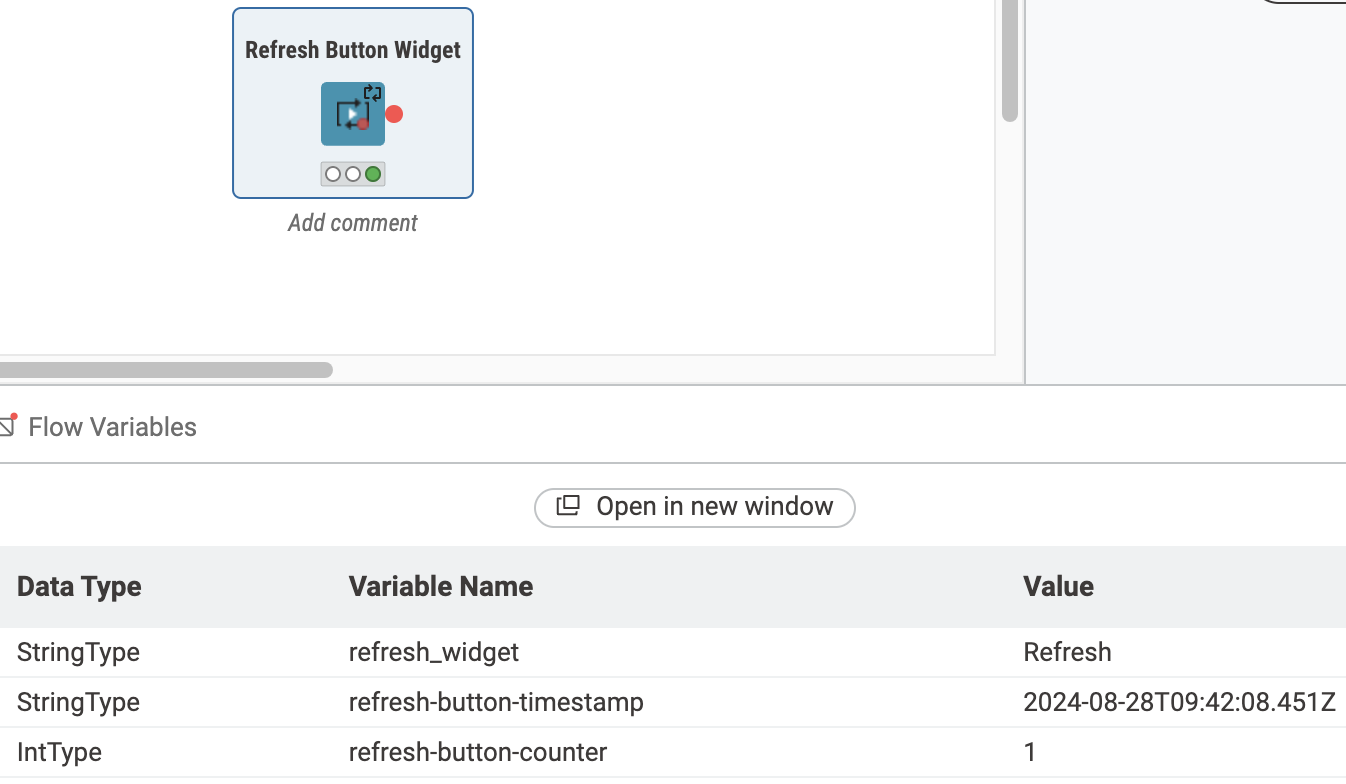
For the refresh button I have some good news. We added the requested functionality with 5.3.0. The refresh button now exposes 2 flow variables:
- How often it has been clicked since the last reset
- When was the last time it was clicked
Greetings,
Daniel
Hi Daniel,
thanks for the update. I just voted and wanted to provide an example usecase I see:
I currently work on a Data App where after some pre-processing some data with missing values is presented to the user.
With an integer widget that refreshes once the number changes (maybe triggered by clicking the arrows):
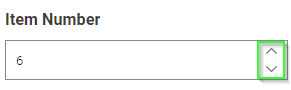
I want to show the next row of data to the user incl. some additional input fields that the user can populate to “fix” the missing data (via different pathways). Once input is completed, the user can trigger to save the input data and move on to the next item via changing the integer widget…
At least that is the idea without this I currently explore to use e.g. table editor to show everything in bulk and rather than having neat input fields to add columns for everything… makes it quiet cluncky 
+1 for me on the re-execution feature request