Rename flow variables for Reporting

Hi,

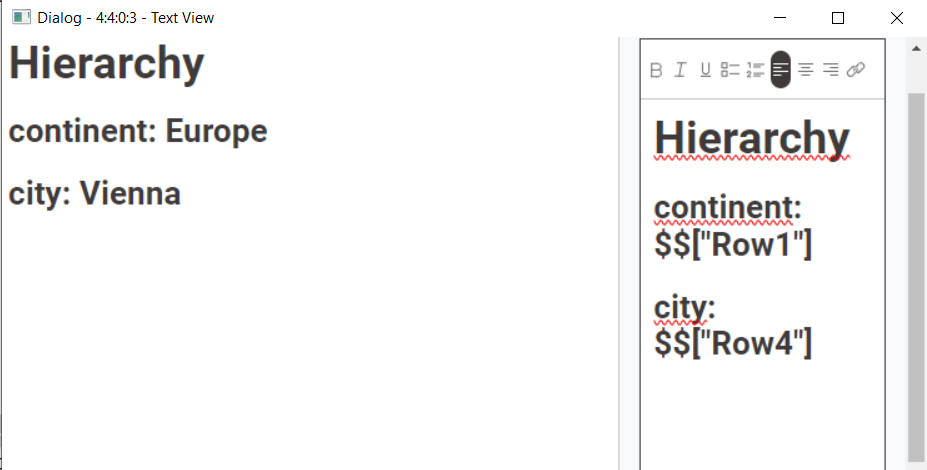
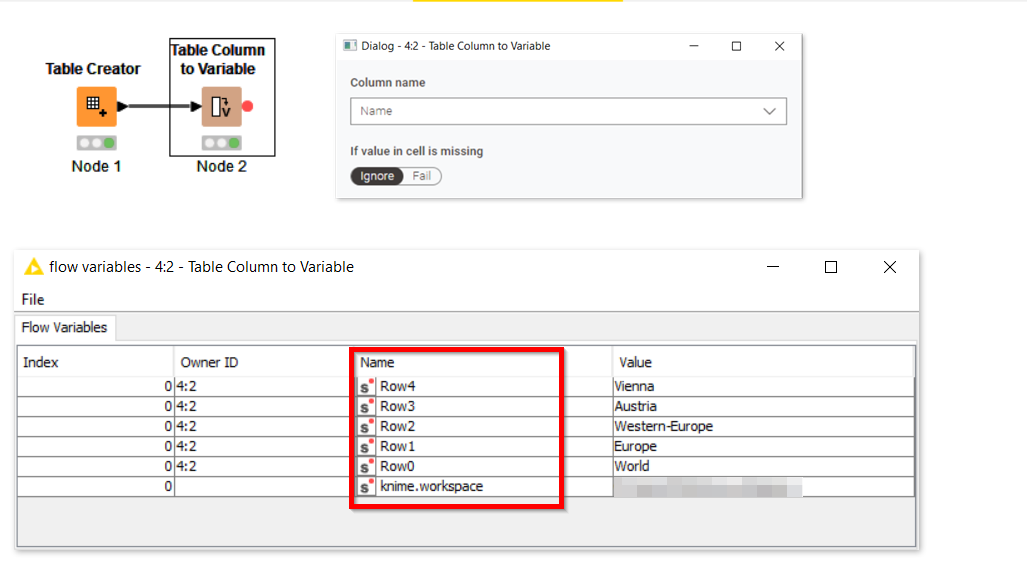
as already asked here, I’d like to rename flow variables. As the text view node for Reporting is able to read flow variables, it is possibility to inject text into reports. However with the current naming of flow variables, that’s a tough job.

In order to make it easier, to know that Row0 means “continent” and Row4 = “city”, it would be great to be able to rename them.
So either be able to choose a “naming column” in the table column to variable node or a flow variable rename node would be highly appreciated.

Thanks!

Hi @Awiener

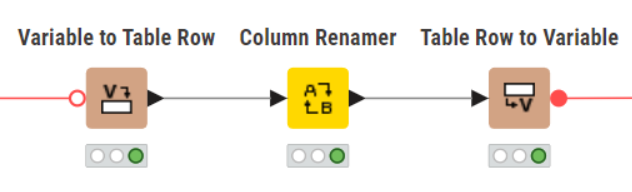
Good suggestion, to have a flow variable renamer. In the meantime see if this workaround helps you out.

gr. Hans

2 Likes

thanks @HansS

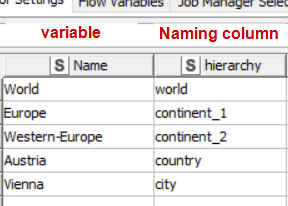
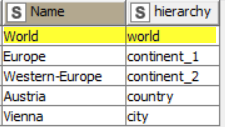
that works. However I’d like to automatically inherit the name from current columns, without the need to manually put in each column name.

So when I think about it, a “naming column” in the Table Column to Variable node would be the easiest and most usable option.

1 Like

Hi @Awiener , instead of using the “Table Column to Variable” node, use the “Table Row to Variable” node, and then you can choose all of the columns you wish to use to create flow variables, and the variables get named automatically from the column names.

Does that help, or am I missing something in your requirement?
3 Likes

thanks @takbb

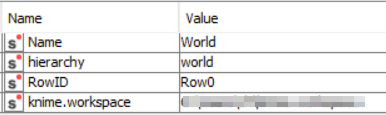
I’ve tried that, however this node only uses the first row only for the output.
In my use case, I’d need all of the other rows as a variable as well. :wink:

output variables:

Of course I could do that now iteratively for every rowID-1 and then merge the results, but I think there should be a better and easier way?

Thanks again for your help!