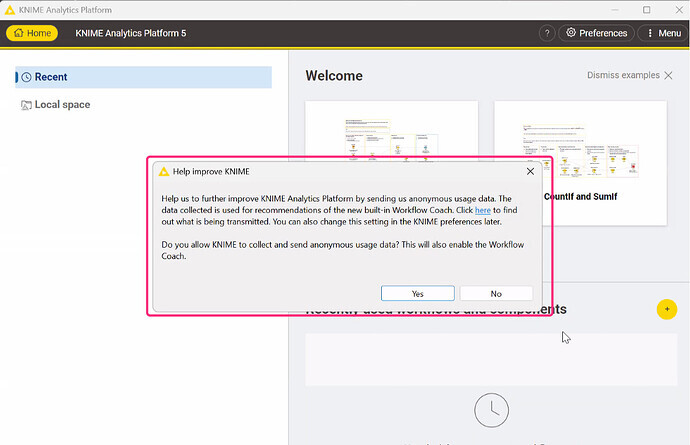
We are currently preparing an internal distribution of KNIME Analytics Platform via a Self-Service Client. Due to strict internal security policies regarding data privacy and statistics collection, our Security Team requires us to fully disable the Workflow Coach and all external-reaching “Assistant” features.
We have already successfully disabled the K-AI Assistant, KNIME Business Hub connectivity, and Update Sites via the knime.ini and custom profiles. However, we need assistance with the following two items to ensure compliance:
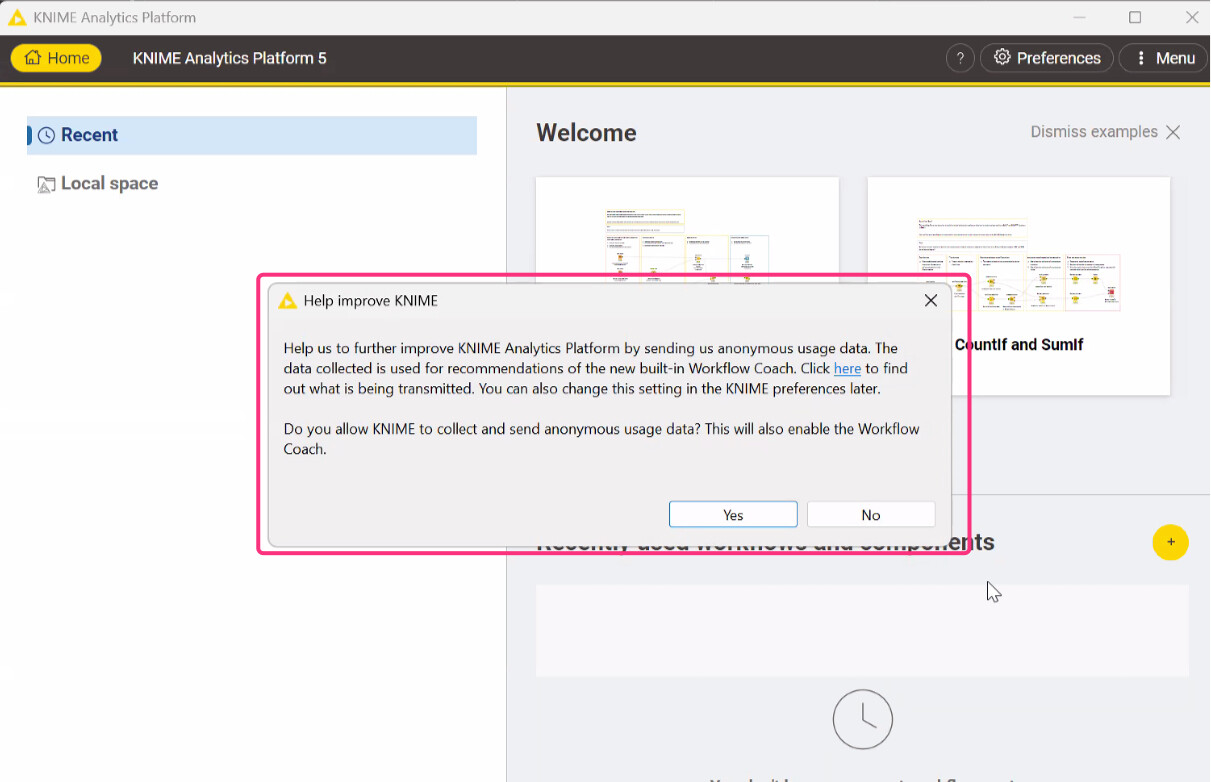
First-Launch Popup: How can we programmatically suppress the “Workflow Coach” consent popup that appears when a user starts KNIME for the first time? We need a way to set the default to “No” or skip the prompt entirely via configuration files.
2.
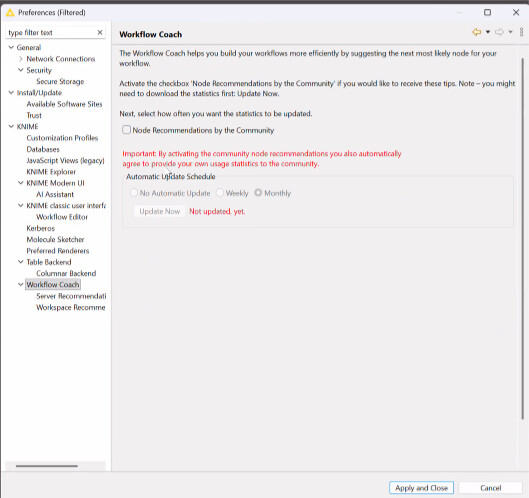
Hard-Disabling Preferences: Is there a specific entry for knime.ini flag that not only disables the Workflow Coach but also greys out or removes the option in the Preferences menu so users cannot re-enable it?
Any guidance on the specific configuration keys or profile settings would be greatly appreciated!