Hi guys!
I saw many questions about row filter and the option “collection element”, How does it works?
Well, keep in mind that you need a column to be filter and some criteria to make this search.
So, if you have a table with a column to check/filter by some words as example, you need to create an expression to validate it.
row filter with collection element.knwf (28.0 KB)
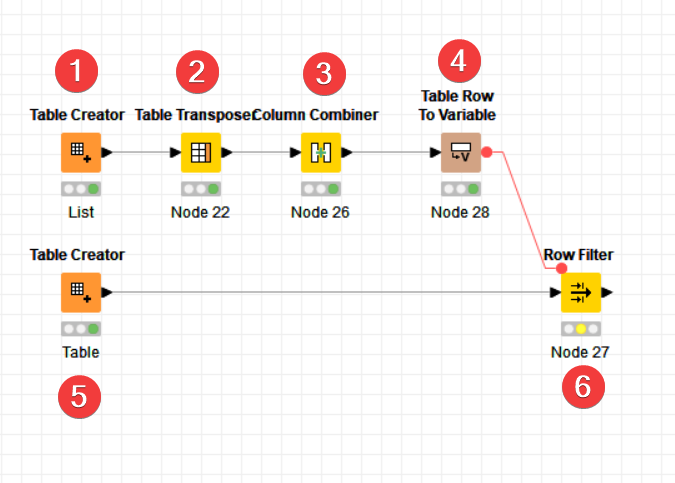
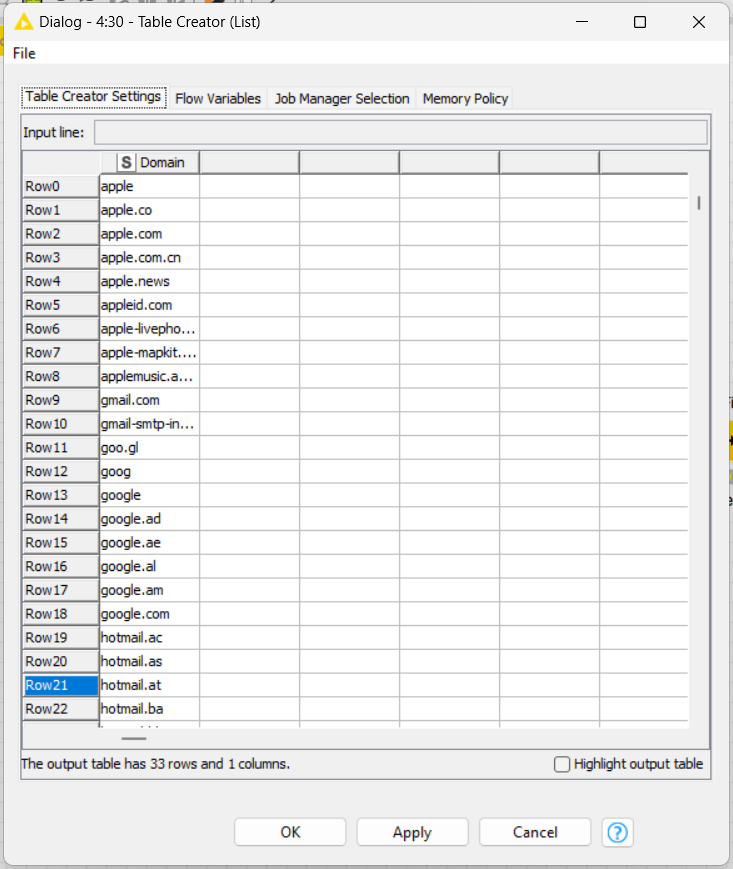
I’ll set a dummy table with some domains names and another table with a list of domains that I want to filter as “include” from row filter node.

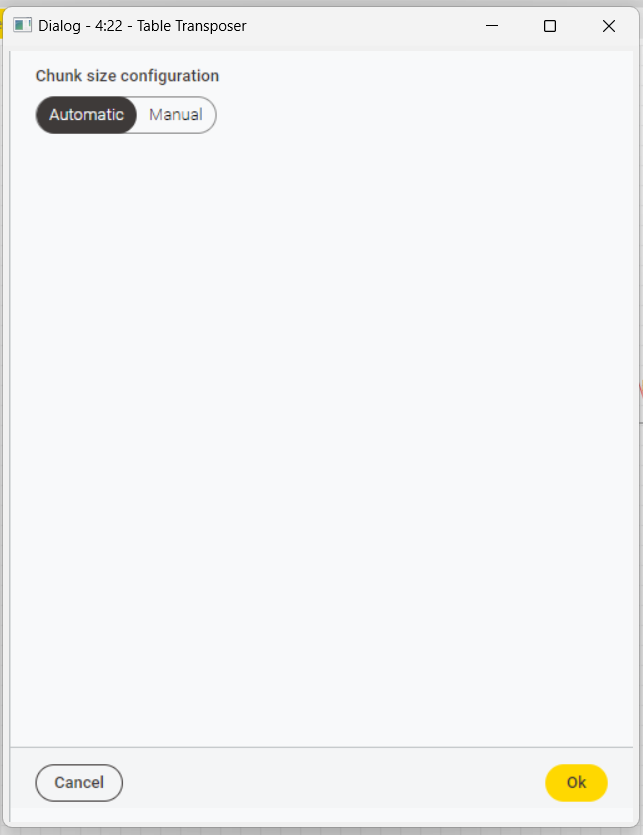
The first branch I’ll create a list of domains from a table. I pickup thye column and make a simple pivot from vertical to horizontal cells.
After that, I combine all columns with a separator “|”, which represent “OR” by regular expression. I set to remove all columns and let only the result.
I set this result as a flow variable, to use as pattern expression into row filter.
Now, I can select ftom a dummy table with other domains, a selection using a colletion element from a flow variable to cheche the column named as Domain.
Prints step-by-step:
nro 1
nro 2
nro 3

nro 4
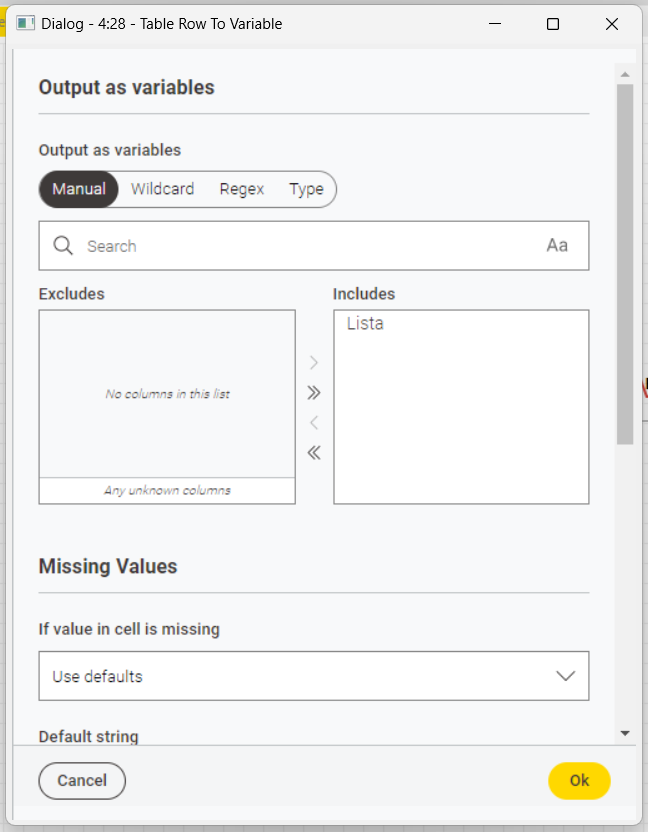
nro 5
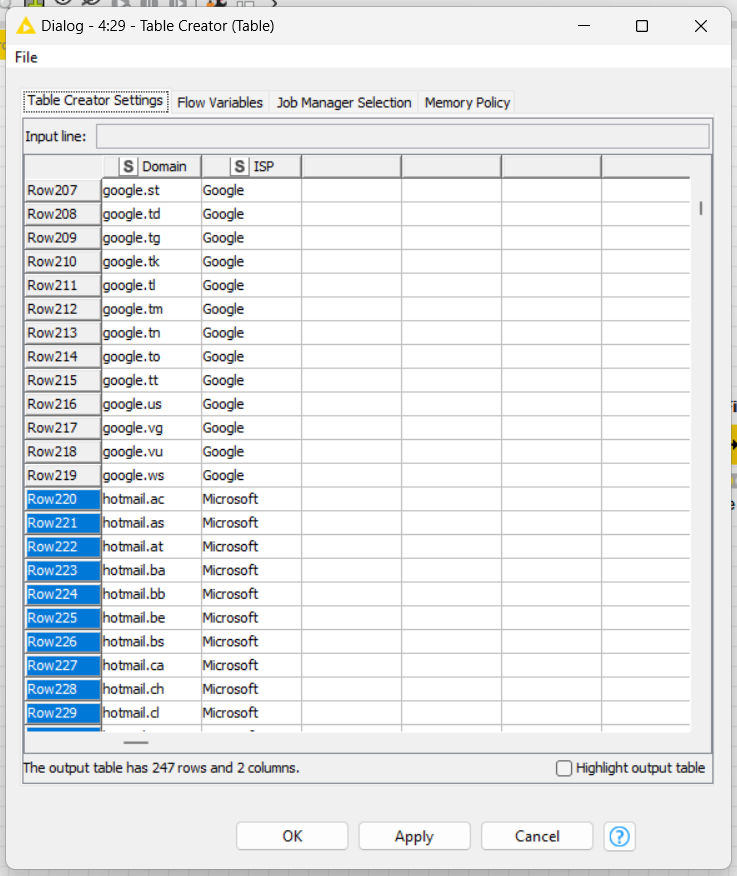
nro 6
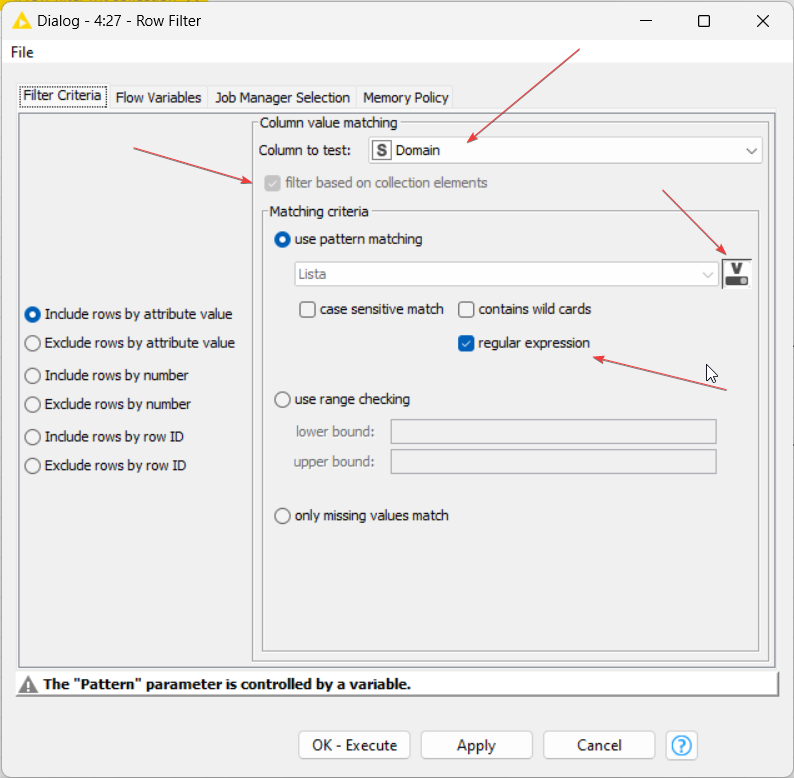
As you can see above, I checked the “filter based on collection elements”, to search into “Domain” column using the flow variable that I set as “Lista”.
Now you can choose which option you need: include, exclude…
Thats It… a little trick here to understand it very well.
Tks all… BR, Denis Iongbloed
