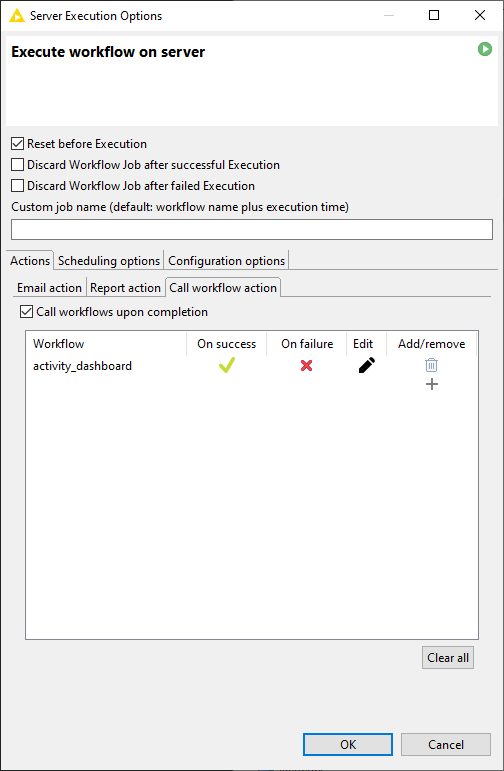
I recall being able to on KNIME Desktop (Classic UI) being able to schedule workflows in such a way that trigger another another workflow on hub when complete.
Is this functionality gone? In fact, scheduling seems to have all but disappeared from Desktop. I understand the scheduling functionality primarily lives in the web portal UI now, but that does not have appear to have any option to trigger a workflow B when workflow A completes.
This is the dialogue that appears to no longer be available: