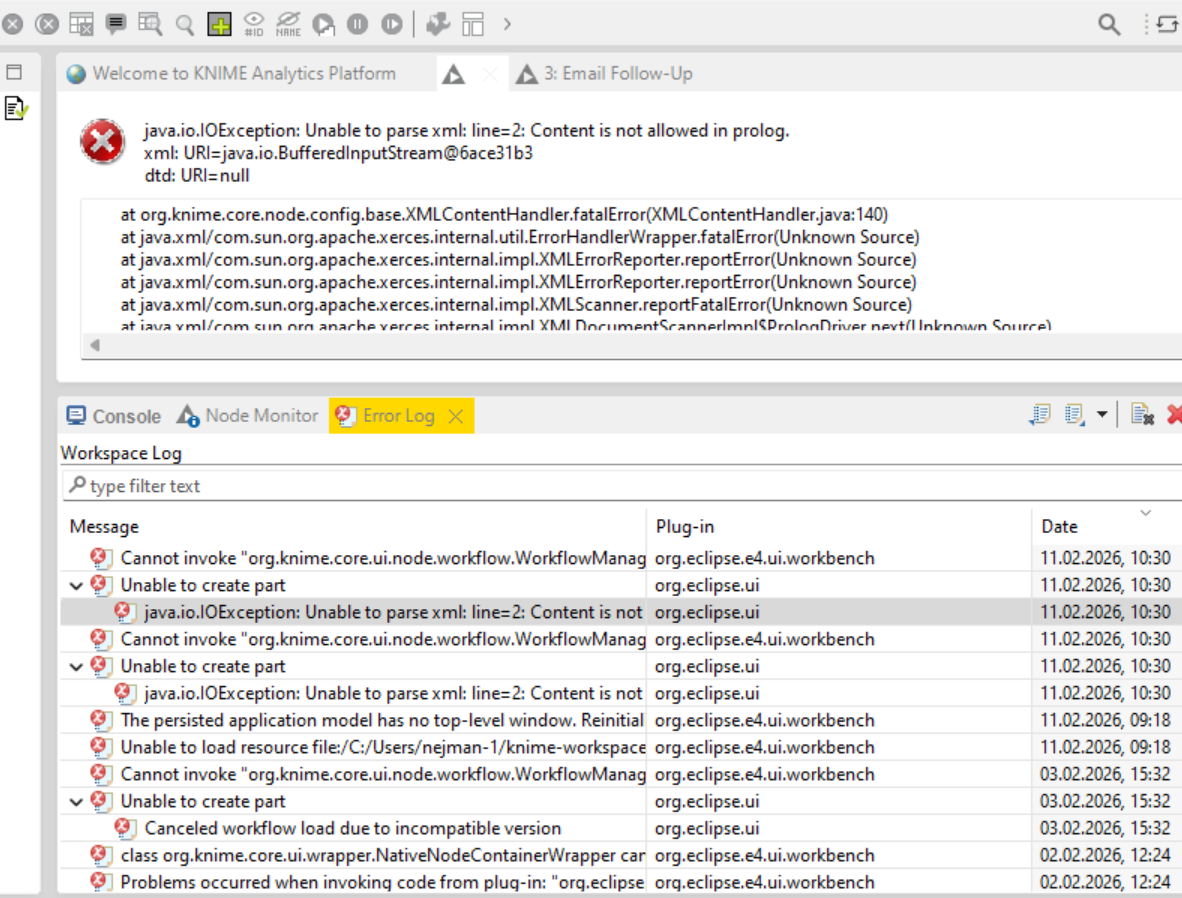
As in the topic, yesterday I closed Knime one workflow with one workflow open, and i chose not to save it as I didn’t make any changes (added and then removed one groupBy node to test something) and today the same workflow was corrupted with very simmilar message to this one: (photo of the previous error)
“java.io.IOException: Unable to parse xml: line=2: Content is not allowed in prolog.
xml: URI=java.io.BufferedInputStream@2e2a75c0
dtd: URI=null” (new error)
I tried everything to restore it, and nothing worked. I tried manually reseting .yml file in one component that was broken, deleting that component, I found a workflow here that was remaking settings.yml file posted by one KNIME team member around 2 years ago, and the furthest I got was restoring one node. Copying all nodes to a new blank workflow folder and trying everything that I found on the forums didn’t help, so I cut my losses and decided to rebuild everything another day.
2 hours ago, I closed a different, more important workflow (also didn’t save as it’s quite big and I didn’t want to wait) and had to run it one more time and I got the same corruption, and I don’t know how to fix it and prevent that in the future. I guess saving everything each time?
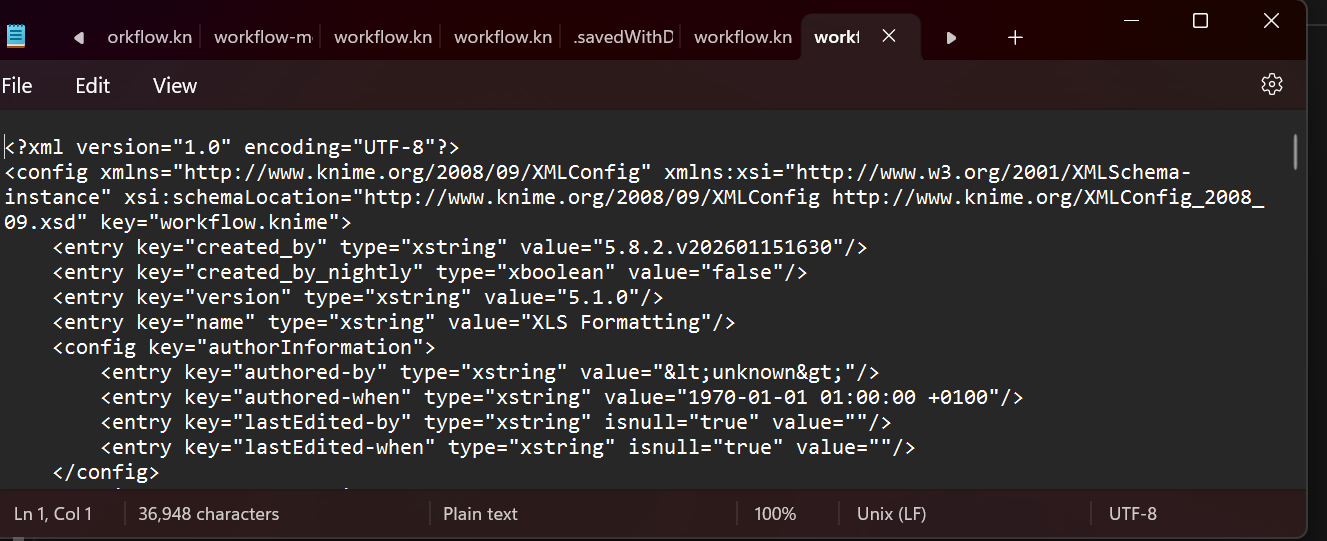
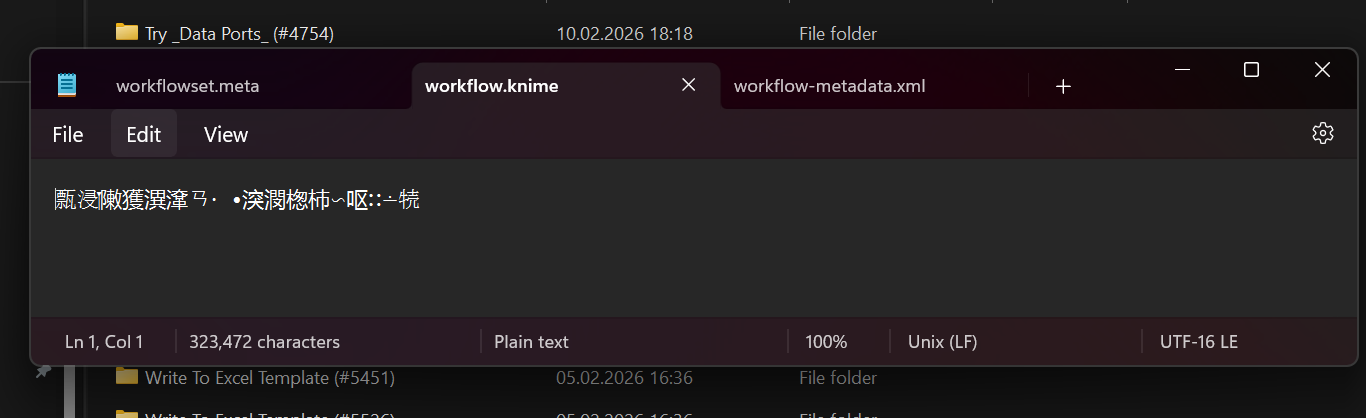
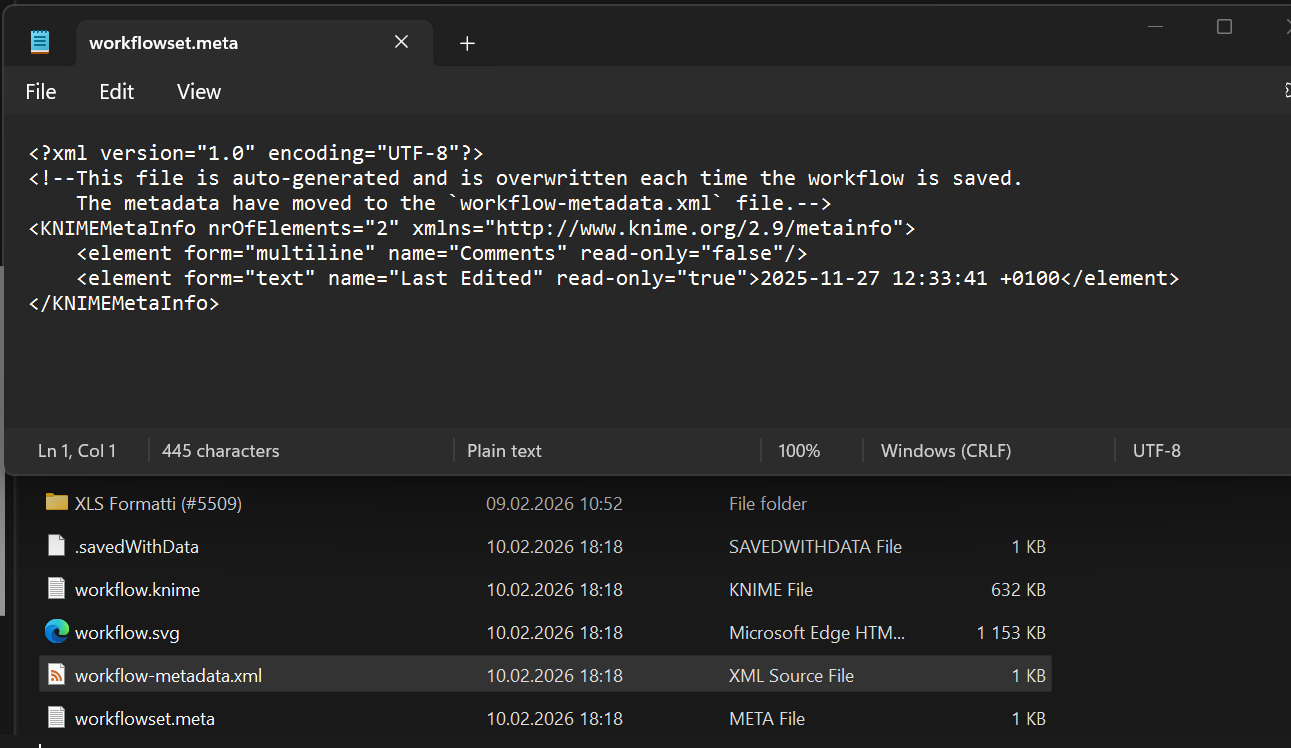
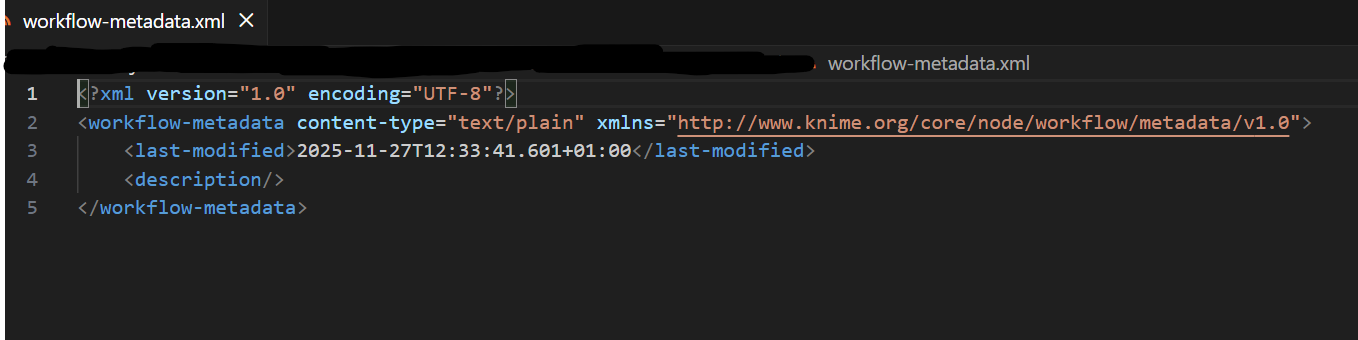
workflowset.meta and workflow-metadata.xml looks fine (screenshots below). workflow.knime looks really strange and those symbols don’t translate to anything.
All xml files in metanodes look fine and I’m out of ideas. Most of my job is building and running workflows and they are important part of my workday.
Is there any fix to it? Should I use different knime version/change files/make a copy everyday and pray it won’t brake?
would usually say “Welcome to KNIME community!” on your first post but it’s not easy when dealing with such a problem. Sry to hear about this. Losing hours and hours of work is terrible and frustrating. I personally never experienced such problems but have seen this corruption issue over the years. And usually this doesn’t have a same root cause nor solution if one is found at all. Doing backup is definitely something I always recommend. However doing it every day manually (if you are only working with KNIME Analytics Platform) is time consuming and one can easily forget. For example I do it on a monthly basis.
Maybe you can check this topic/workflow solution for workflow backup developed by @mwiegand:
sorry to hear about your data loss, we take these issues very seriously.
From the screenshot your workflow.knime seems to be opened as UTF-16 LE, while all other files are opened as expected as UTF-8. Could you re-open this file with UTF-8? Maybe it is more readable then and we can figure out what is wrong. According to the screenshots, the file is also comparatively large compared to the text that is visible. So it might just not show the whole contents, since they don’t currently decode to visible characters. Maybe opening with a Hex Editor can also help to see if the data is recoverable. It could be that just the first couple of bytes are wrong and the rest is still there.
Is there any corporate software that might modify previously written files? I see no reason why Analytics Platform would modify the workflow files if you close without saving, it just discards the changes to the in-memory representation of the workflow.
This sounds incredibly frustrating, especially since you didn’t even actively save the workflow before closing it. I haven’t experienced this specific corruption with 5.8.2 LTS yet, but I’ve seen similar issues when external software (like background indexing, strict antiviruses, or sync clients) briefly locks XML files right as the program is managing its in-memory states.
As hotzm mentioned, checking the encoding with a Hex Editor or Notepad++ to force it to UTF-8 might actually salvage some of the raw text. In the meantime, I highly recommend Mike’s backup workflow that ipazin linked above, or just creating a quick automated script on your desktop to zip your workspace folder at the end of the day. It doesn’t fix the bug, but it definitely gives you peace of mind. Hang in there!
I also tried my hand at a backup system. Where you would place a backup steering workflow in your workflow group and choose a destination path. It will then save everything into a .zip archive. our can exclude the data and executed results.
The archive can be sent to a folder that might get synced via a cloud service.
It will not do an incremental backup though. I will have to test @mwiegand’s solution …
I repaired presumably broken Workflows before. Let it by pure chance, luck or indeed skill xD If you don’t mind, would you share that workflow with me? I could try working my magic.