This forum thread is for questions related to KNIME self-paced course [L4-DE] Data Engineering: Specialization. For example, if you need help with an exercise or have feedback, please post it here!
You can access the course here . This link will direct you to the learning management system where you are required to log in.
Thanks for reaching out. The permissions are indeed restricted so that you can only read the files from the bucket provided in the exercise instructions. The credentials won’t allow you to change the files and not even browse outside of the bucket. So this error is expected. Simply provide the path precisely as described in the instructions and then it should work. Let us know if you still have problems!
It is probably a very dumb question, but I can’t access the credentials Docs file (and I don’t have access to the KBH demo account, I used my company’s for the L3 course so never needed it), where do I request that?
Thanks for reaching out and reporting the issue - it’s actually on our side.
We updated the course with the updated link to the credentials document. To see the updated version, could you please re-enroll to the course? You should see the new course version in the cataog. You will find the new link in the Hands-on Exercise - Preparation lesson.
For the L4-DE course, you don’t need access to the Business Hub instance.
Apologies for the inconvenience. Let us know if you have more questions.
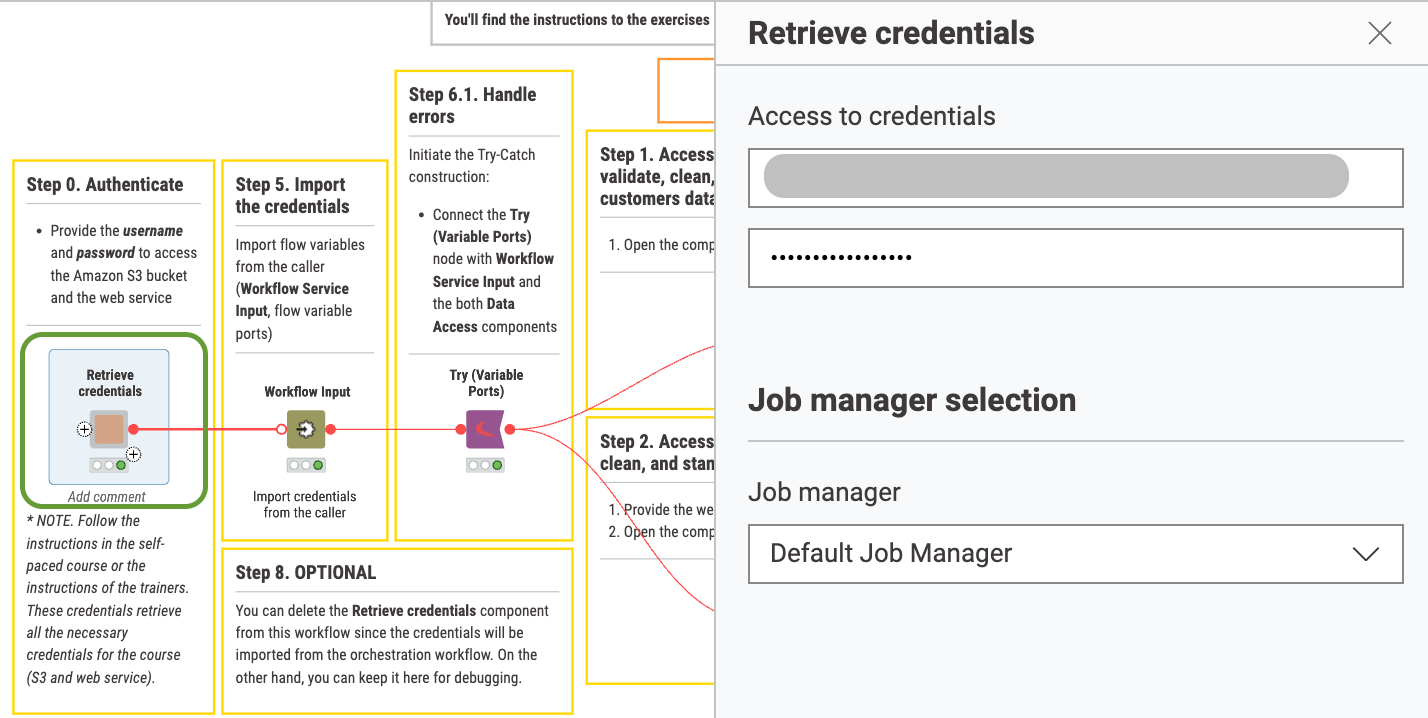
Good morning! I restarted the course using the new version, but the credentials listed are not allowing me to progress past the first Hands-On exercise. Am I supposed to use a different set of credentials for the KNIME Hub Authenticator node?
Thanks for reaching out. I just tried it out and it works for me. Could you please elaborate what exactly you tried and what exactly failed?
Sometimes the issue arises from the confusion between configuration of the component (this would be the right place to provide credentials) or of the nodes inside the component (in this exercise you don’t need to open the component).
Also please double check that you didn’t include any trailing or leading whitespaces and that no extra space was added accidentally in the middle of the password while copying it from 2 lines.
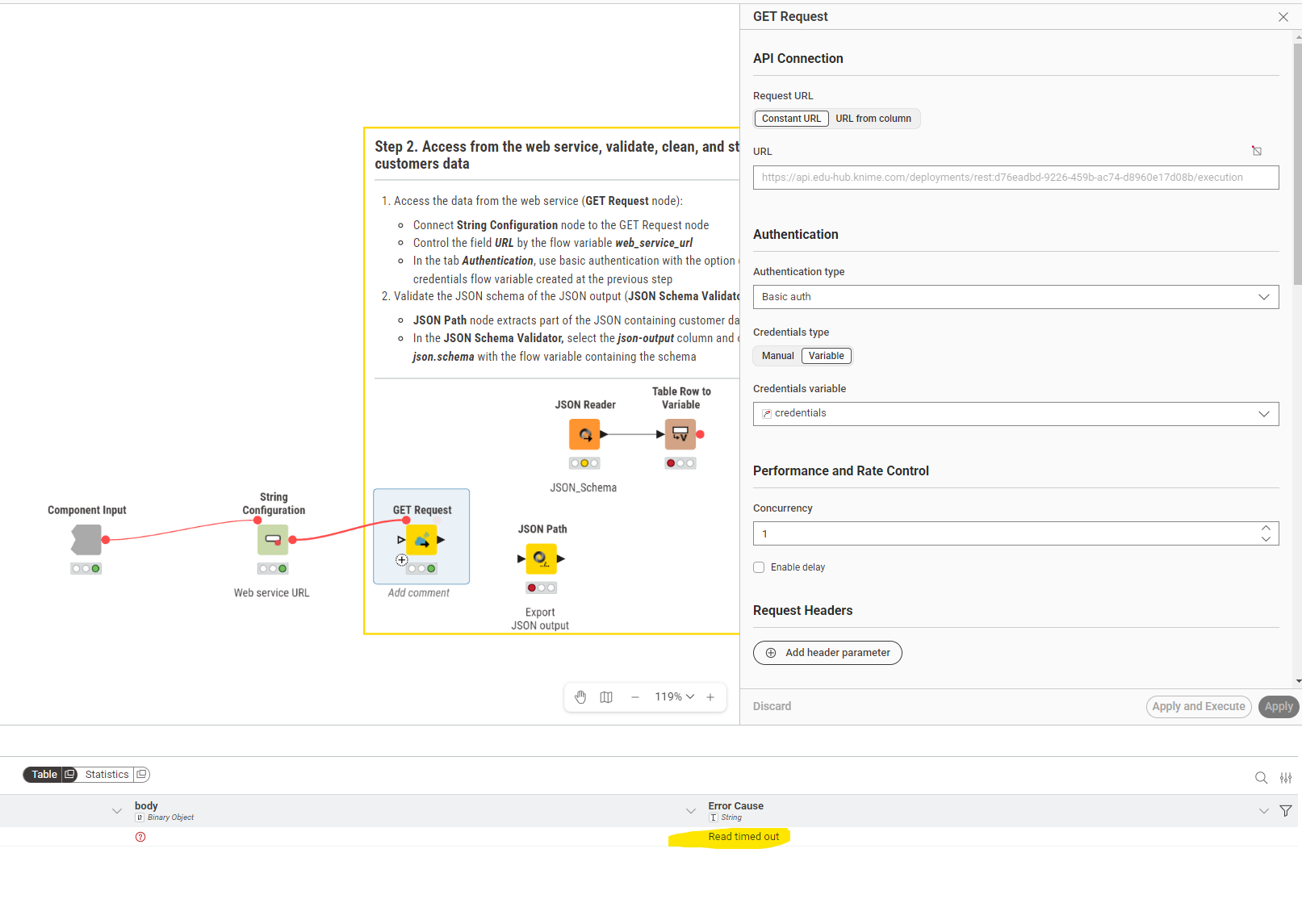
Hi all, I have a problem with the “GET Request” in Step 2. I configured the Web Service URL, connected the String Configuration, and configured the GET Request. But I get a “Read Timeout” every single time.
Issue should be fixed. Please keep in mind that it still might take a few seconds of loading time, but the GET Request node shouldn’t run into a timeout anymore
 Check out all the available courses in the KNIME Learning Center | KNIME