I have a question regarding the use of Configuration nodes in KNIME.
I would like to create a variable configuration dialog using a Configuration node.
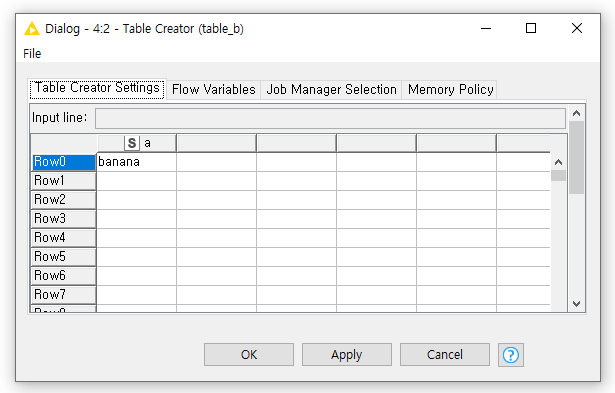
In this dialog, I want to display the value a_value, which exists in the column a, as the default value.
The important requirement is:
The user must not be able to modify this value.
The dialog should simply display a_value as a fixed, read-only default.
I have tried using the String Configuration node, but it allows users to edit the value.
Other nodes (such as dropdowns or buttons) are not preferred, as I need a simple, read-only text display.
Could you advise which node or approach is recommended to achieve this?
I would also be interested in the general use case you are trying to solve. If I understood correctly you are trying to display the selected value, but want to prevent your users from editing it?
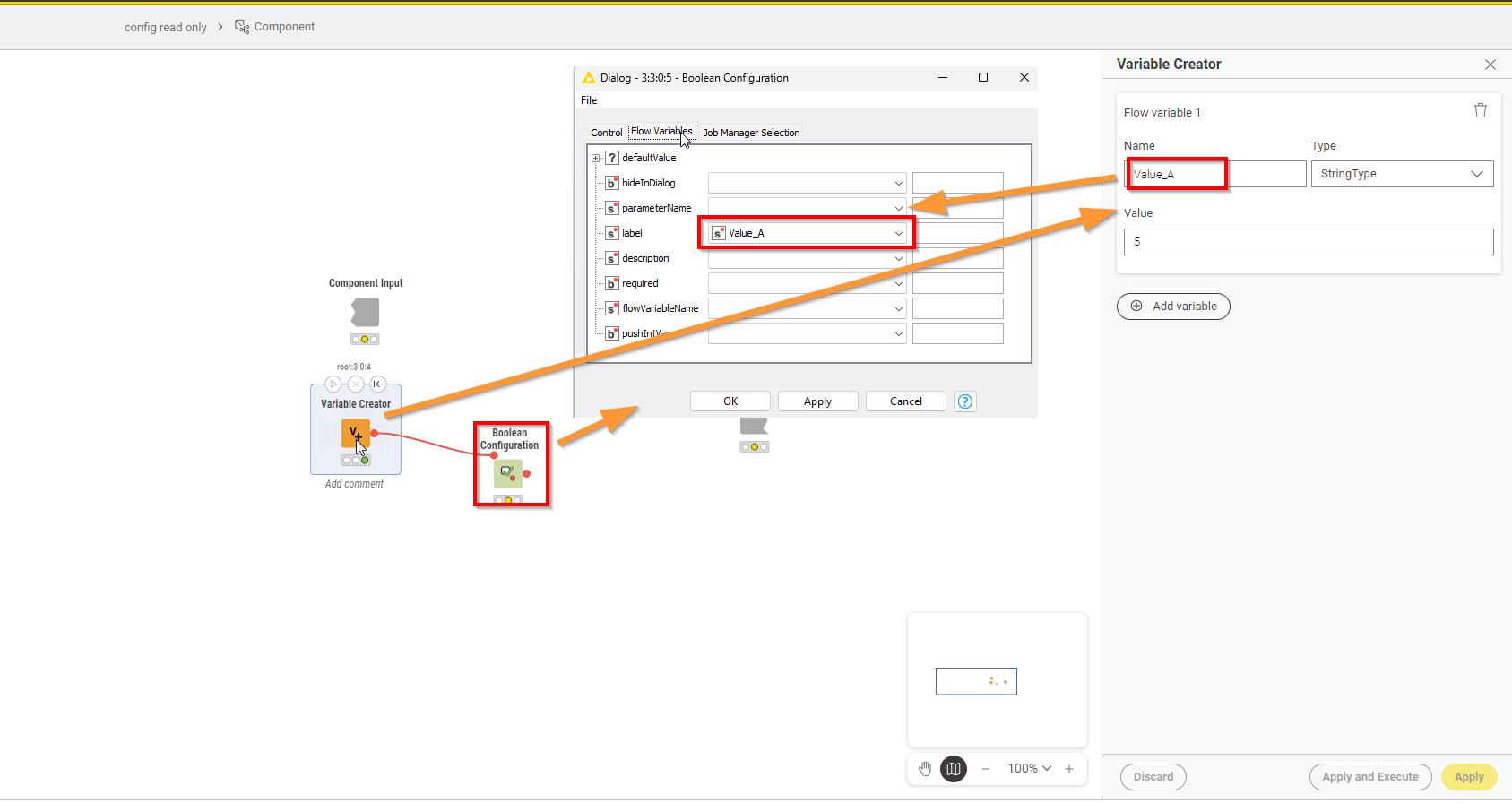
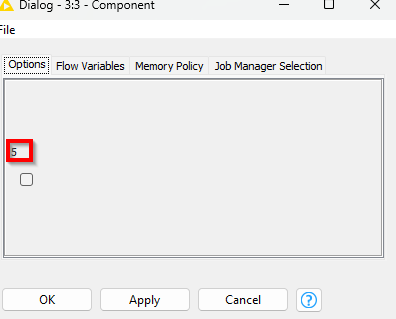
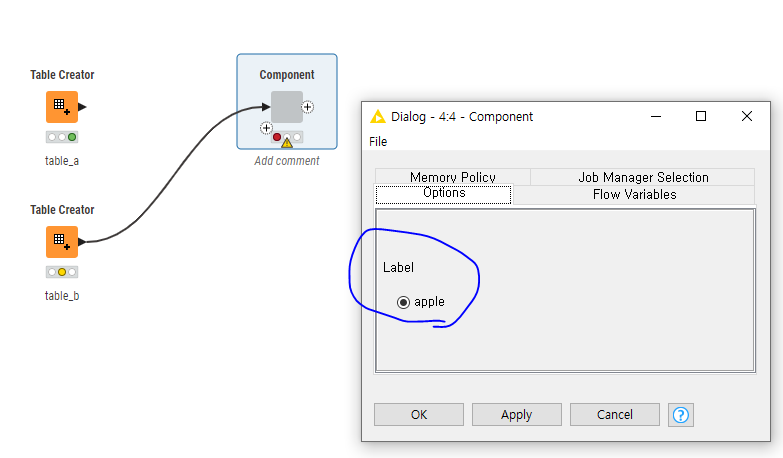
No super pretty, but this is what the config dialogue then looks like…chose boolean config as that then just has this check box left (which obviously wont do anything)
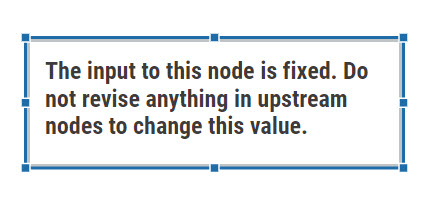
This may seem pretty lame. Add this warning to the target output node. In any well disciplined organization one should be able to assume that users will follow policies/directions. If not, you have real problems.
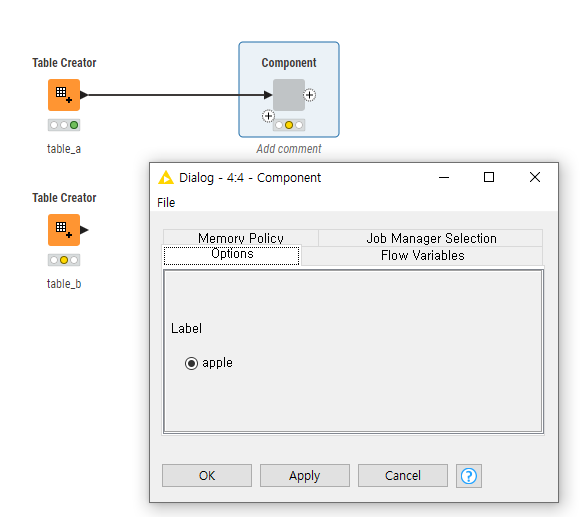
Since the values are passed via configuration variables, the table view cannot be used because the execution order between the Configuration node and the Table View node cannot be controlled.
Thank you for the explanation.
It is definitely a good approach, but the box that has no interaction stands out too much visually.
We will take this into consideration.
The most basic implementation is to allow a user to change the parameter in the dialog (with a warning description that the parameter cannot be changed) and to set the parameter back to the default value in the backend (within the component) regardless of any user input.