Happy Wednesday! A new Just KNIME It! challenge is out!
Julian works as a researcher at a media and journalism research institute in Dublin. Every morning, he scans RSS news feeds to stay informed and gather content for his research. He needs a way to automate content and image retrieval and organize it into an interactive news reader because doing so manually is very time-consuming. Can you help Julian automate the process?
Here is the challenge. Let’s use this thread to post our solutions to it, which should be uploaded to your public KNIME Hub spaces with tag JKISeason4-14 .
Need help with tags? To add tag JKISeason4-14 to your workflow, go to the description panel in KNIME Analytics Platform, click the pencil to edit it, and you will see the option for adding tags right there. Let us know if you have any problems!
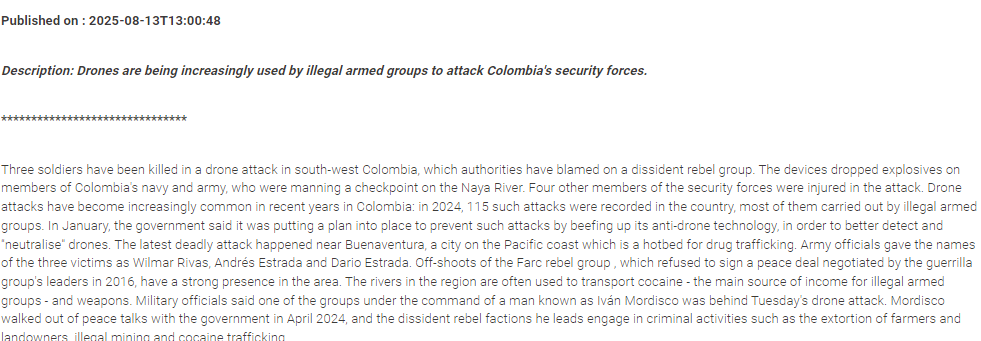
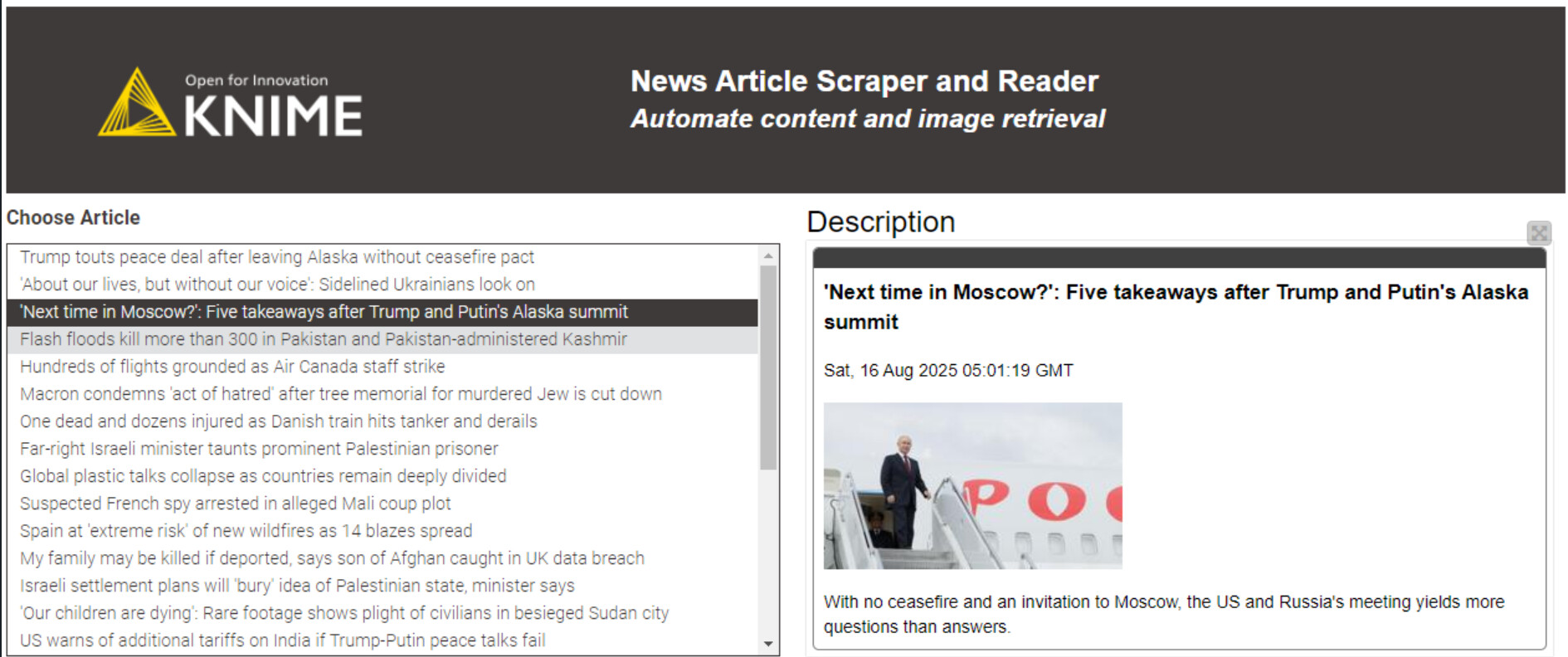
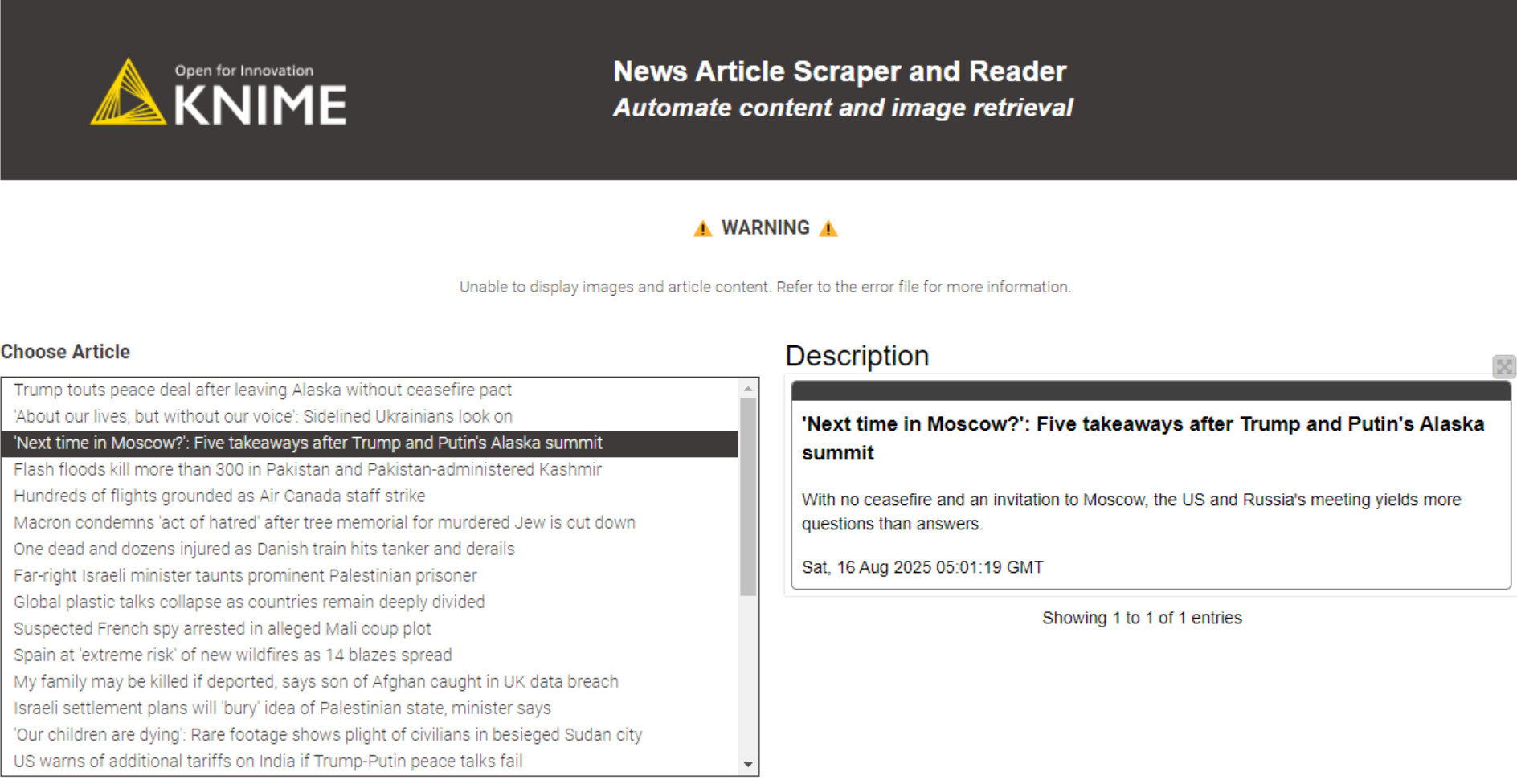
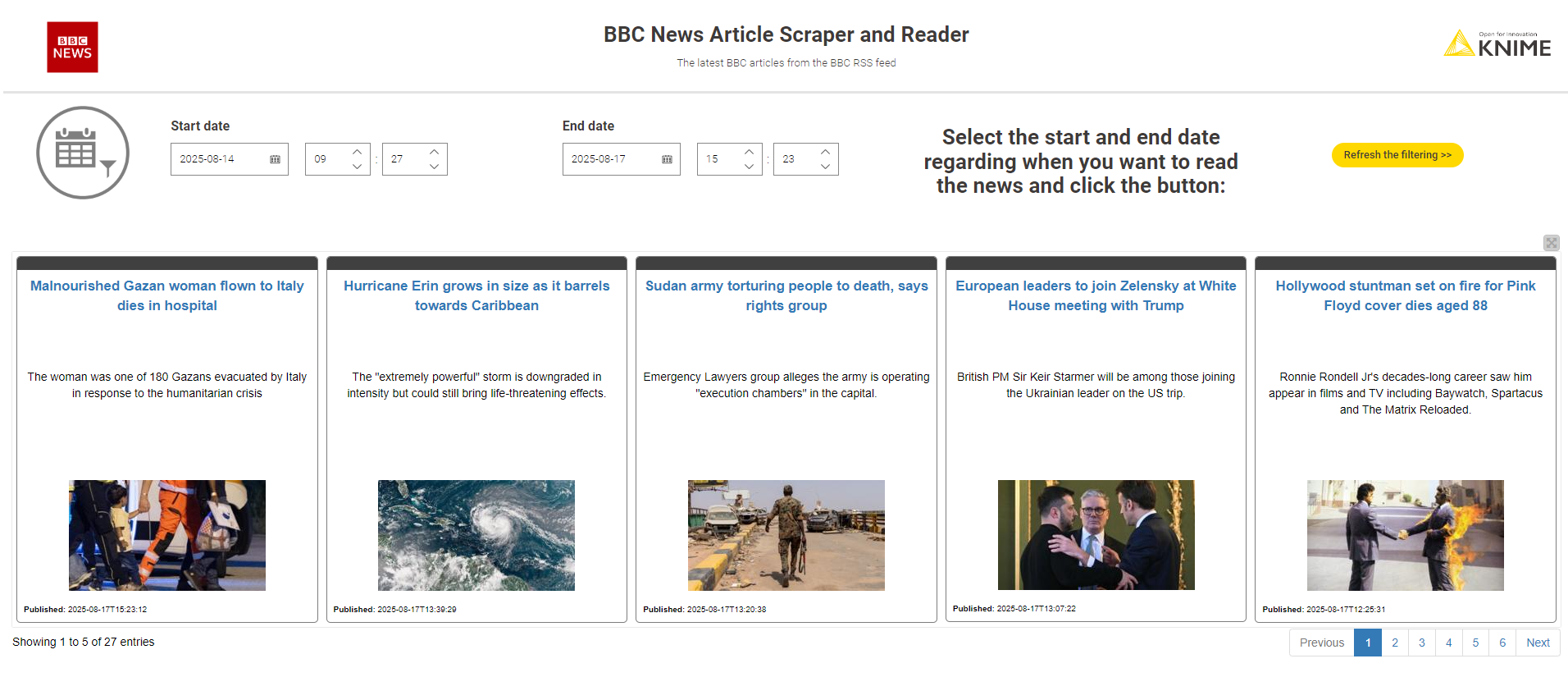
I got a dashboard showing the list of articles in a table at the bottom and the details on top right.
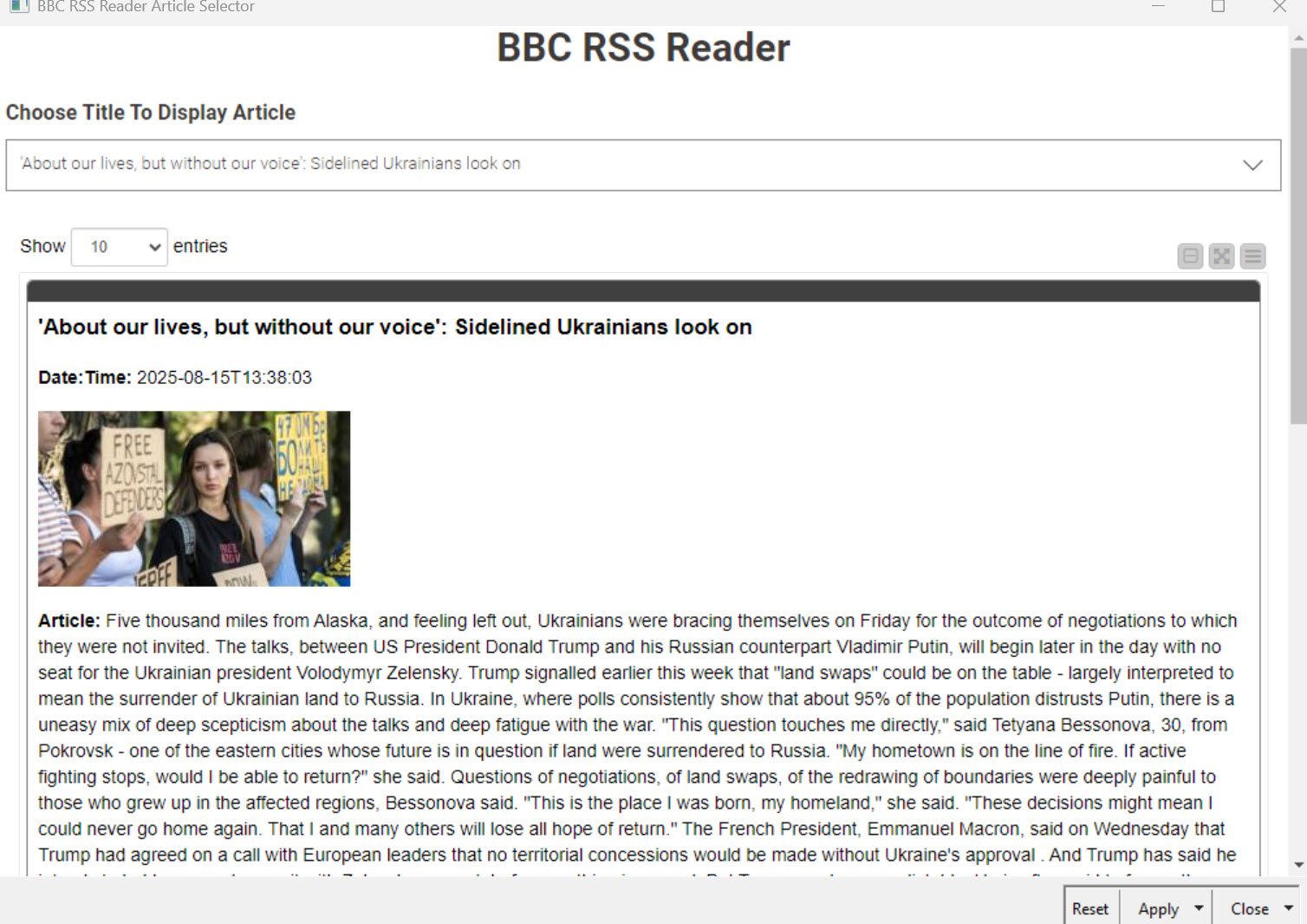
The user can select an article to have the full content.
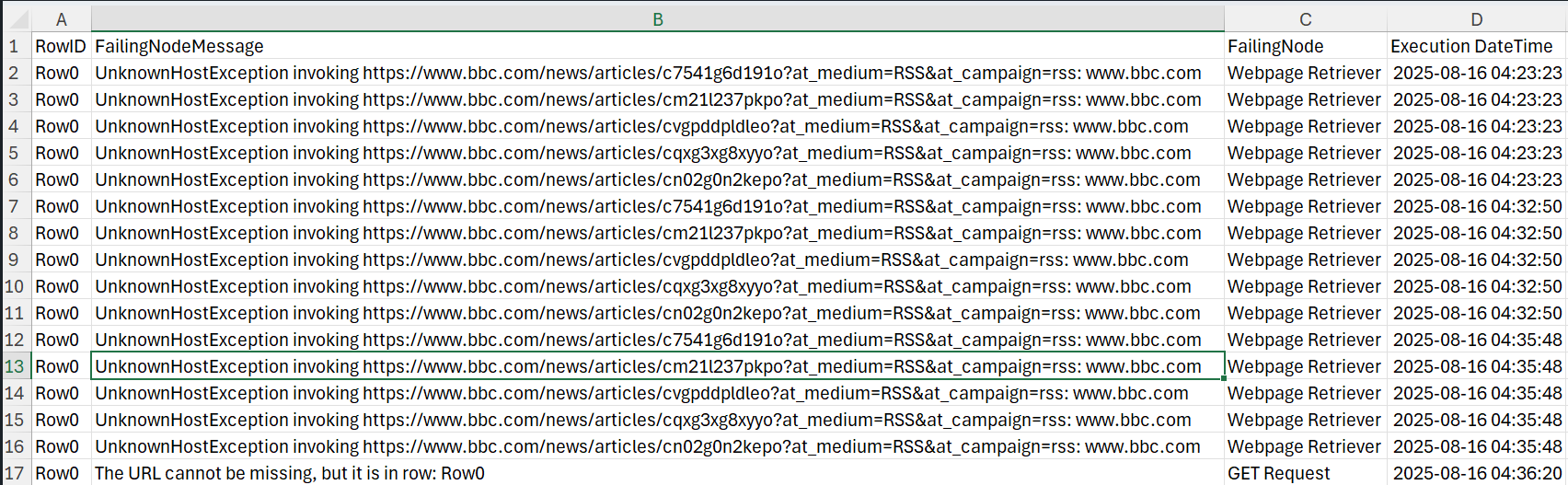
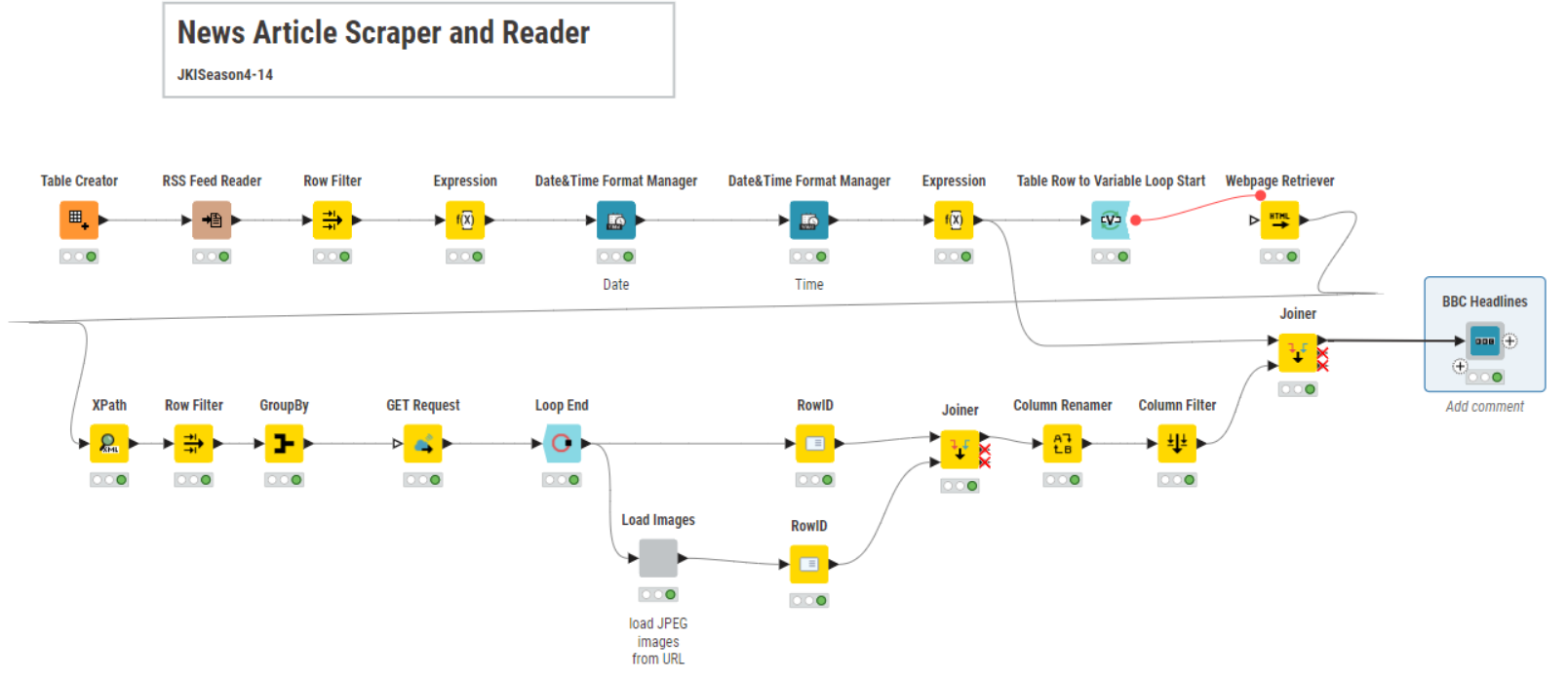
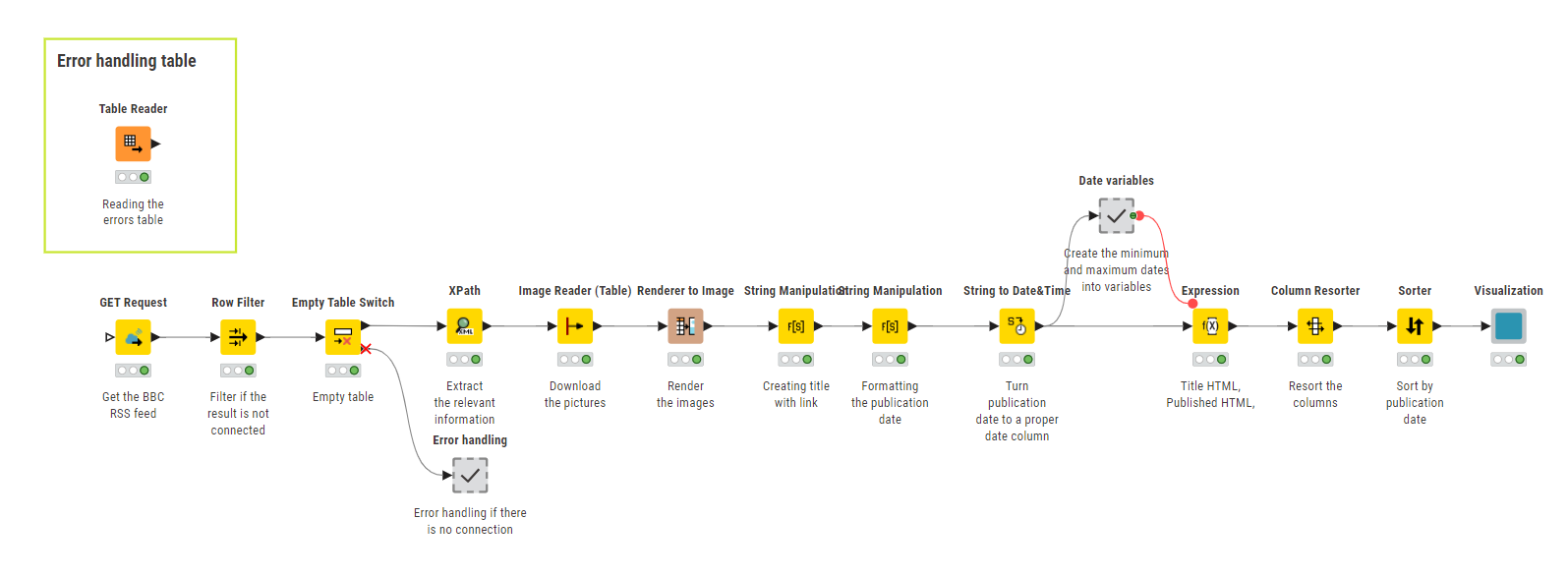
If during the web scraping there is an error, the Webpage Retriever node retries and is not failing, but adding information about the error cause. The config has been made in the node directly.
Additional information and interaction might be added, and more complex error handling!
Today I just published my solution for Just KNIME It! Week 14
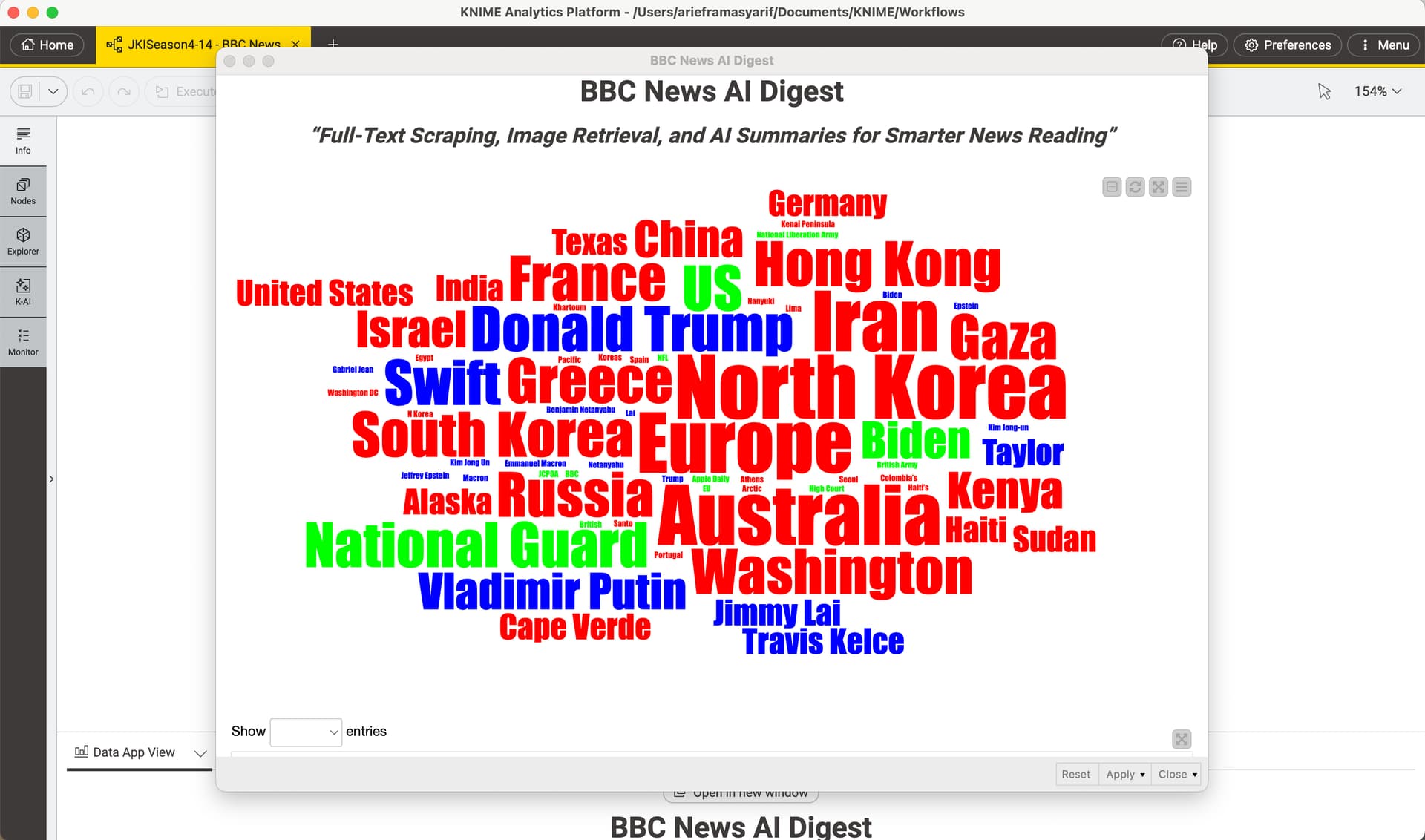
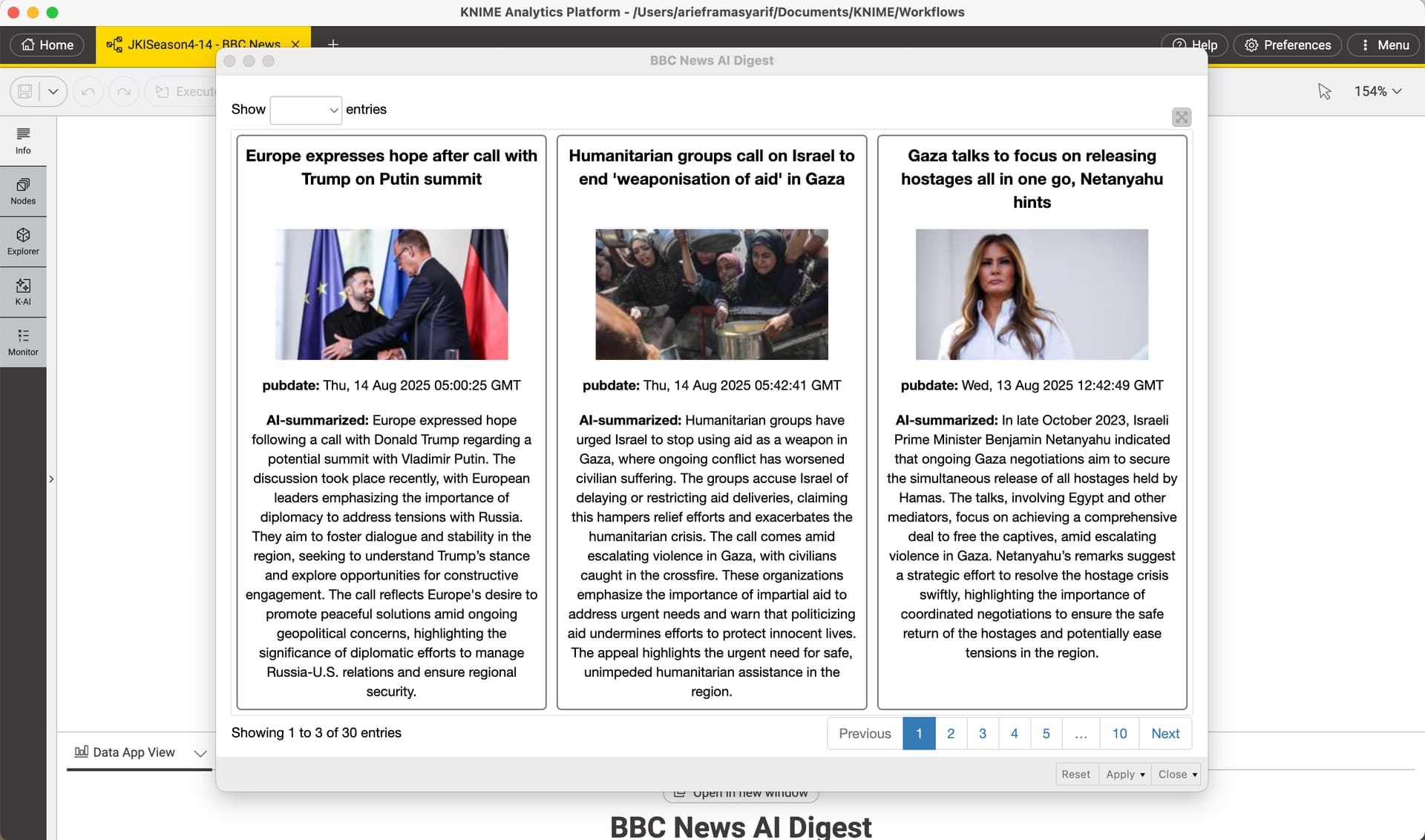
I added a bit of AI magic to summarize the news from each link, making it easier to read and understand, especially for researchers at a media and journalism research institute in Dublin.
This is my first real exercise in web scrapping and wow. The description in the challenge is easy enough to understand but executing it into logical steps in KNIME is a challenge…at least it was for me.
However, leveraging from the team here definitely helped me understand the basic logic build for web scrapping.
I have learned that using web scraping in real-world work situations would undoubtedly be quite challenging. Thank you for providing such an excellent challenge.
Here is my solution.
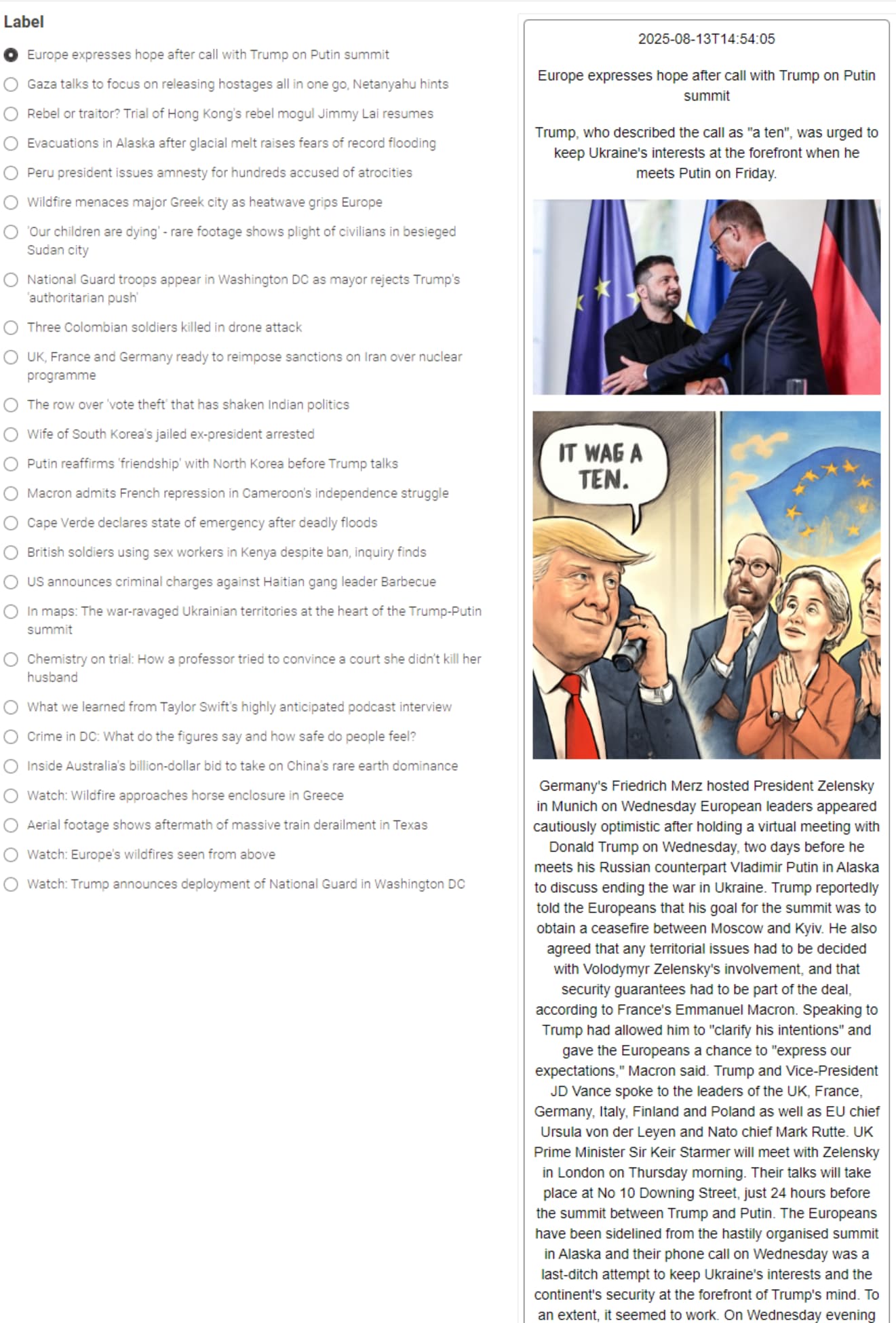
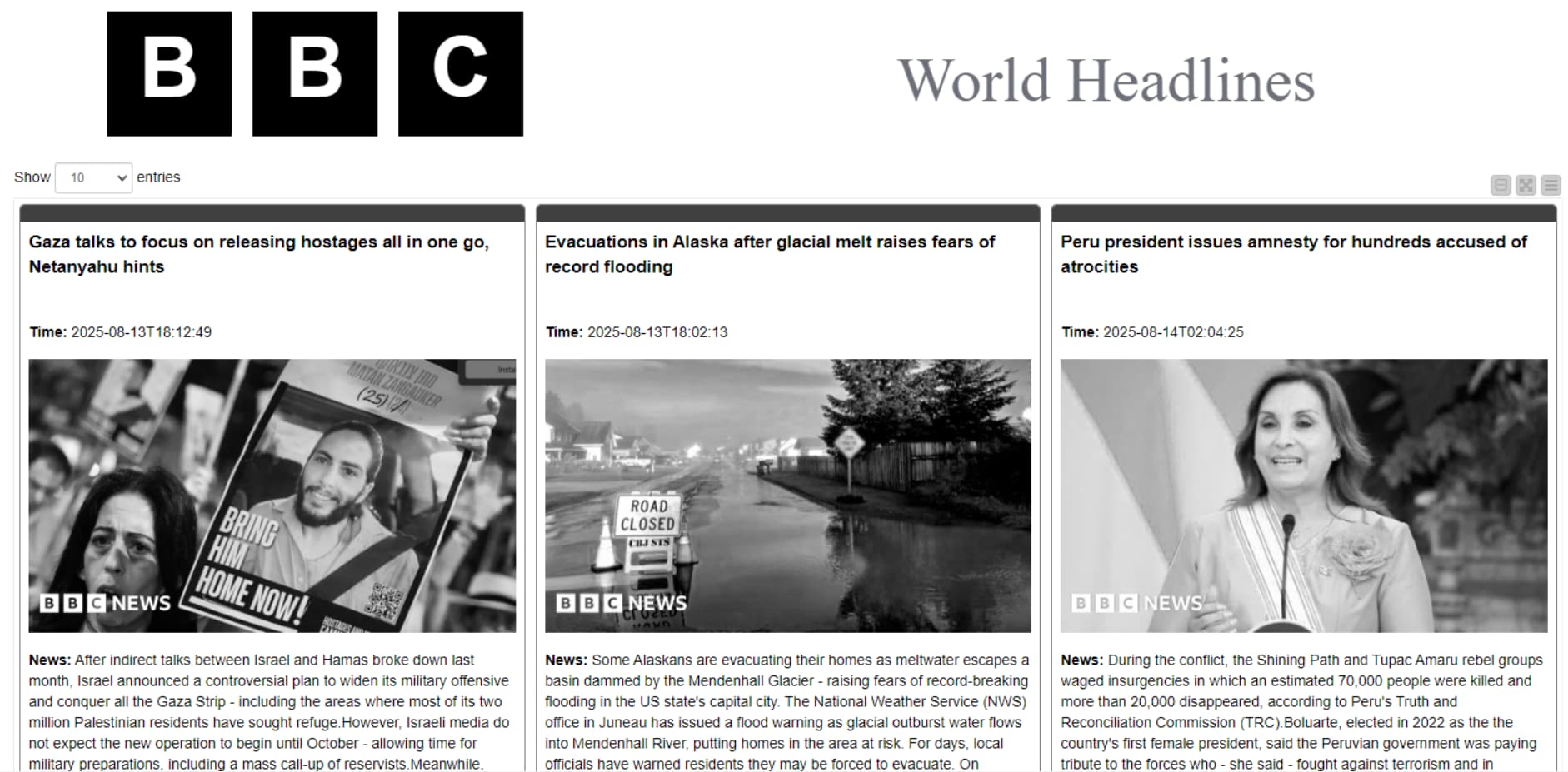
I liked the idea of arief_rama to use AI to summarize the content and decided to use AI to generate new images. Some of the prompts - generated from the descriptions - don’t pass the guidelines but…
Phew! I hope I haven’t missed any of the challenge objectives
As a small improvement, the author’s name is included in the article. If there is any issue while scraping articles, available fields such as title, description, publication date will still be displayed. A warning message will also appear.
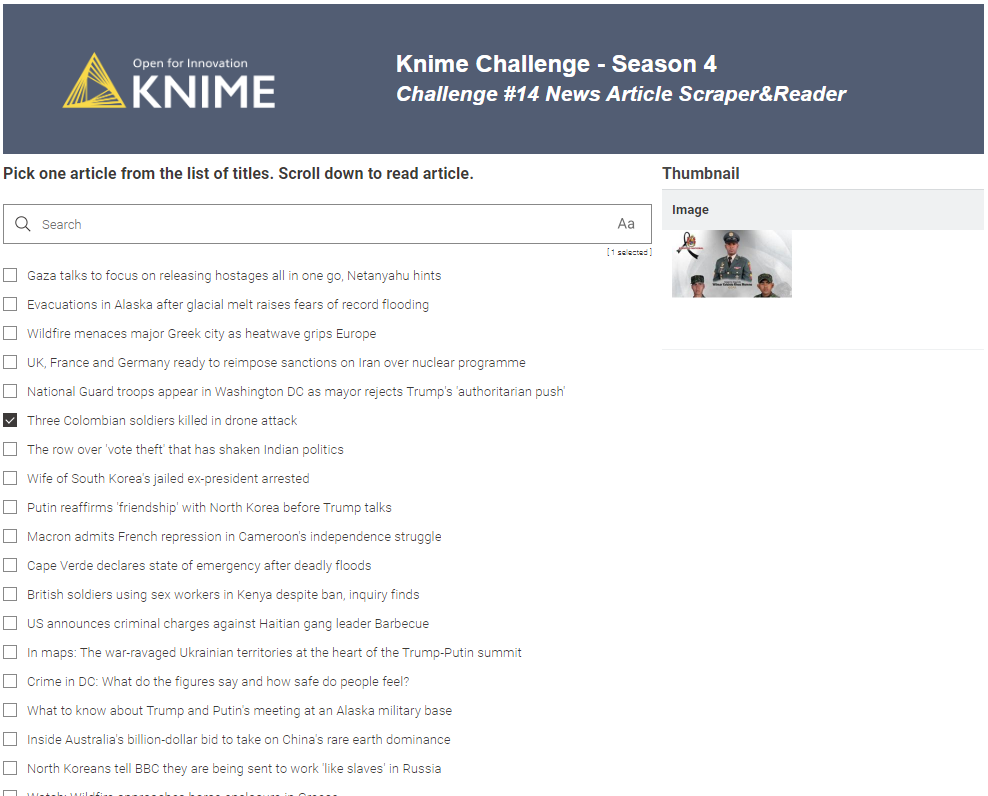
Output after successful scraping / retrieving articles
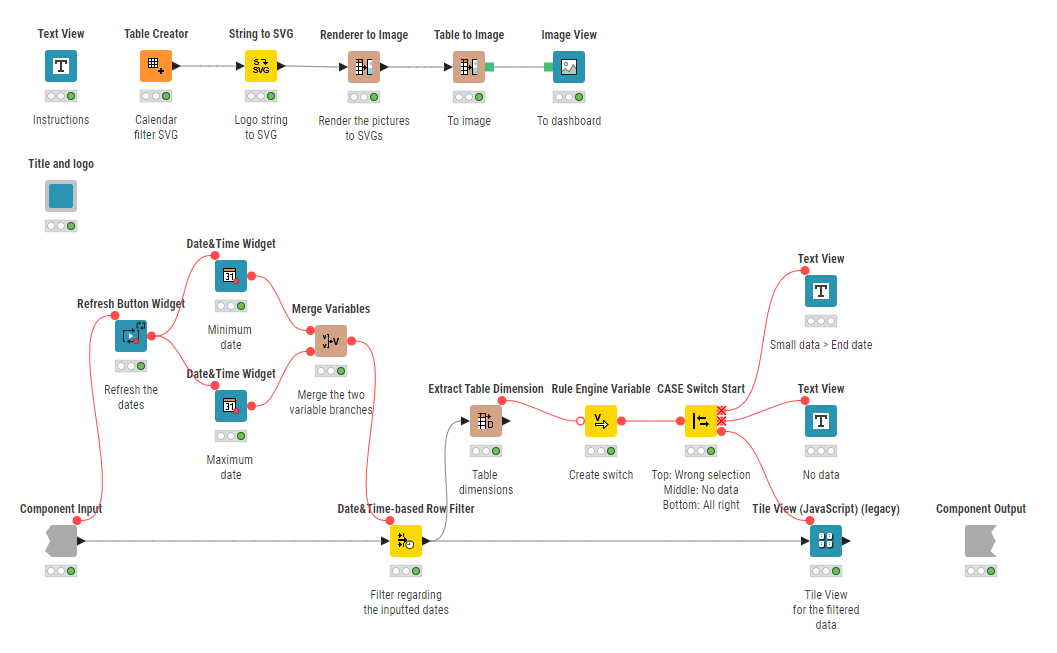
I love tiles. The best looking solutions are using tiles to show articles, and that was also the case for previous challenges. But they are tagged as ‘legacy’ so I refrained from using it so far because of that, but cannot find any other node to do the same. I wonder why it is legacy?. Any idea anyone?
@dataloca Tiles are very dynamic with option to customize the display unlike other nodes in development. Hope this also gets the makeover along with handling various image types. Table view is good but yes limitation on customization still.
The solution to last week’s Just KNIME It! challenge is out!
We were happy to see many members commenting about how much they learned from this data puzzle! This is exactly what these challenges are for: based on real-world problems, they are here to help you become a more skilled data professional!
Tomorrow we’re coming back with a problem on space exploration. A journey we hope you tag along for!
 Happy Wednesday! A new Just KNIME It! challenge is out!
 Julian works as a researcher at a media and journalism research institute in Dublin. Every morning, he scans RSS news feeds to stay informed and gather content for his research. He needs a way to automate content and image retrieval and organize it into an interactive news reader because doing so manually is very time-consuming.
  Can you help Julian automate the process?
 Need help with tags? To add tag JKISeason4-14 to your workflow, go to the description panel in KNIME Analytics Platform, click the pencil to edit it, and you will see the option for adding tags right there.
  Let us know if you have any problems!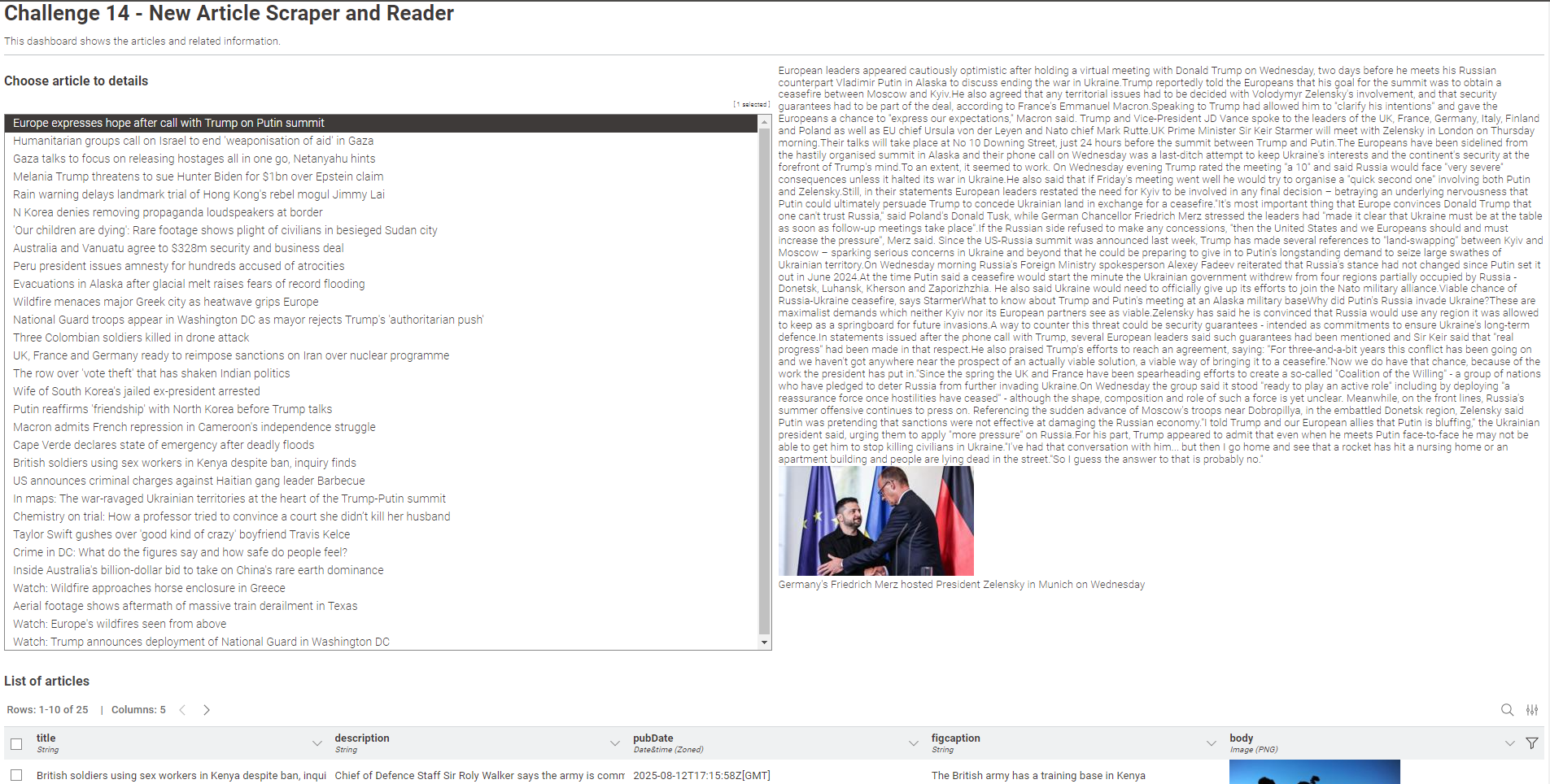



 to summarize the news from each link, making it easier to read and understand, especially for researchers at a media and journalism research institute in Dublin.






 The solution to last week’s Just KNIME It! challenge is out!
  We were happy to see many members commenting about how much they learned from this data puzzle! This is exactly what these challenges are for: based on real-world problems, they are here to help you become a more skilled data professional!
 Tomorrow we’re coming back with a problem on space exploration. A journey we hope you tag along for!