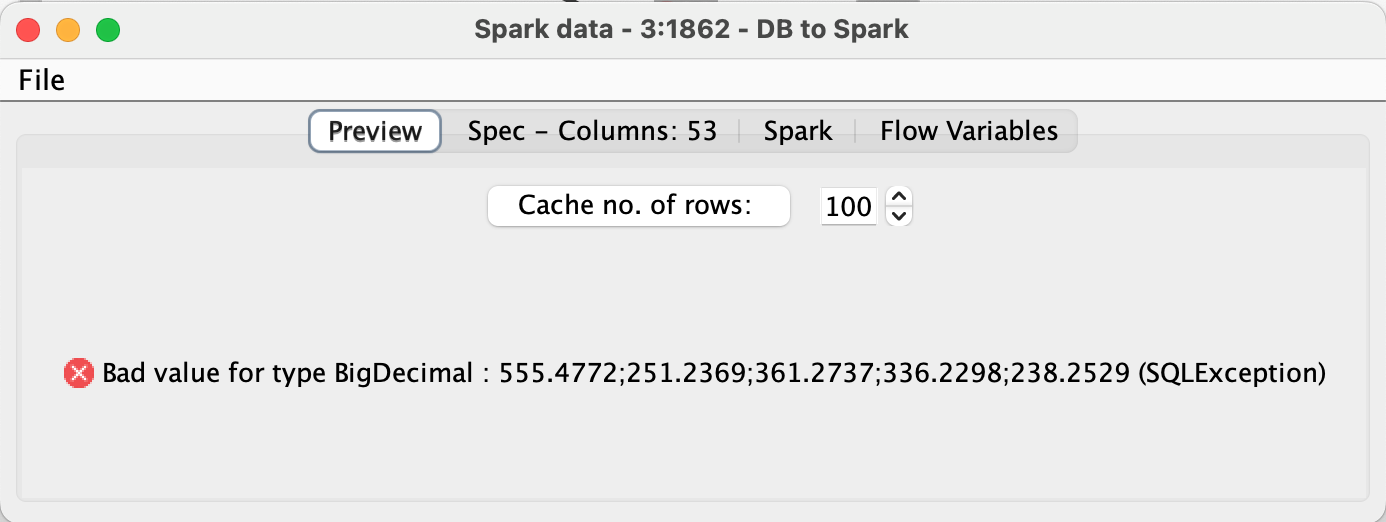
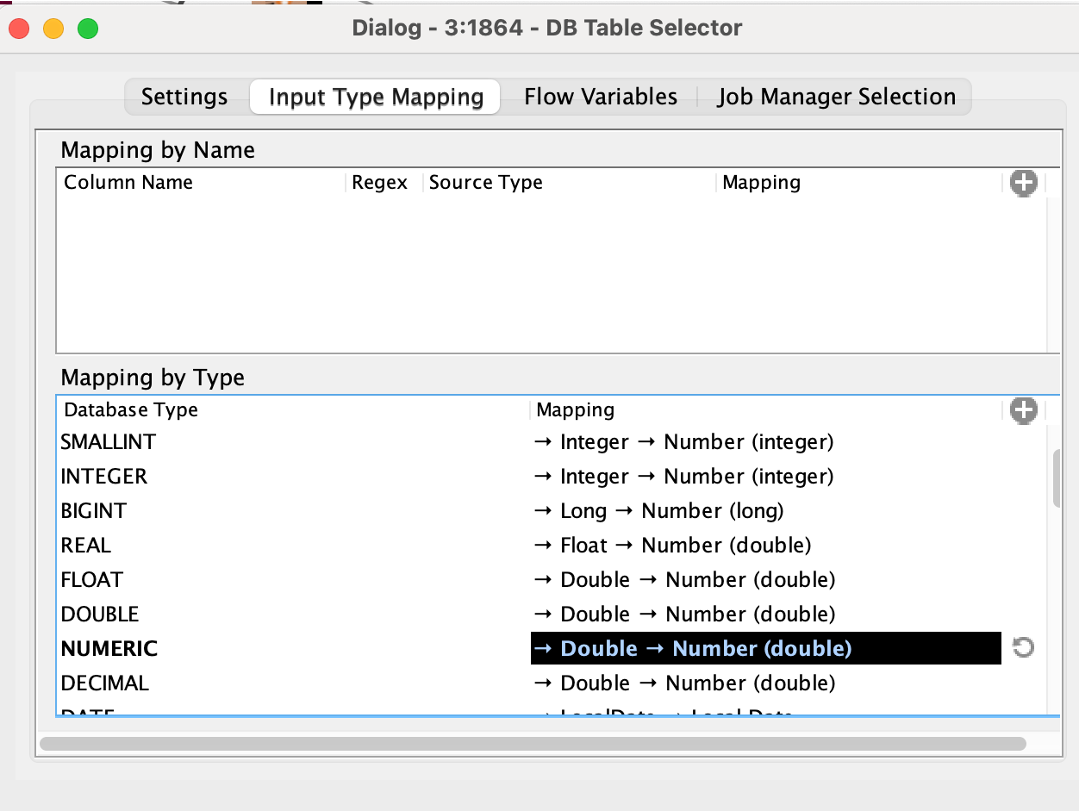
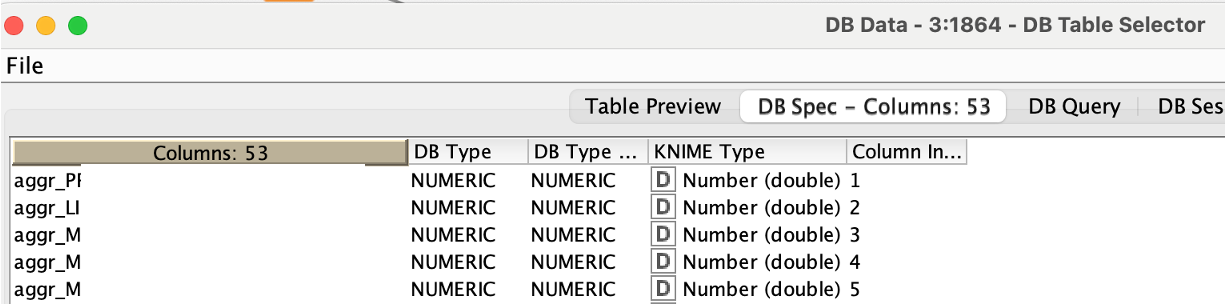
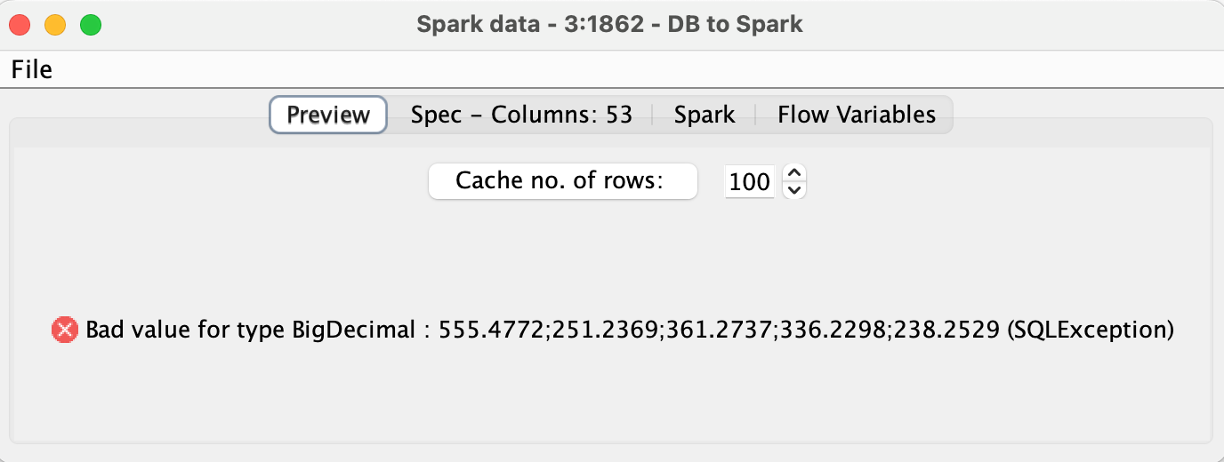
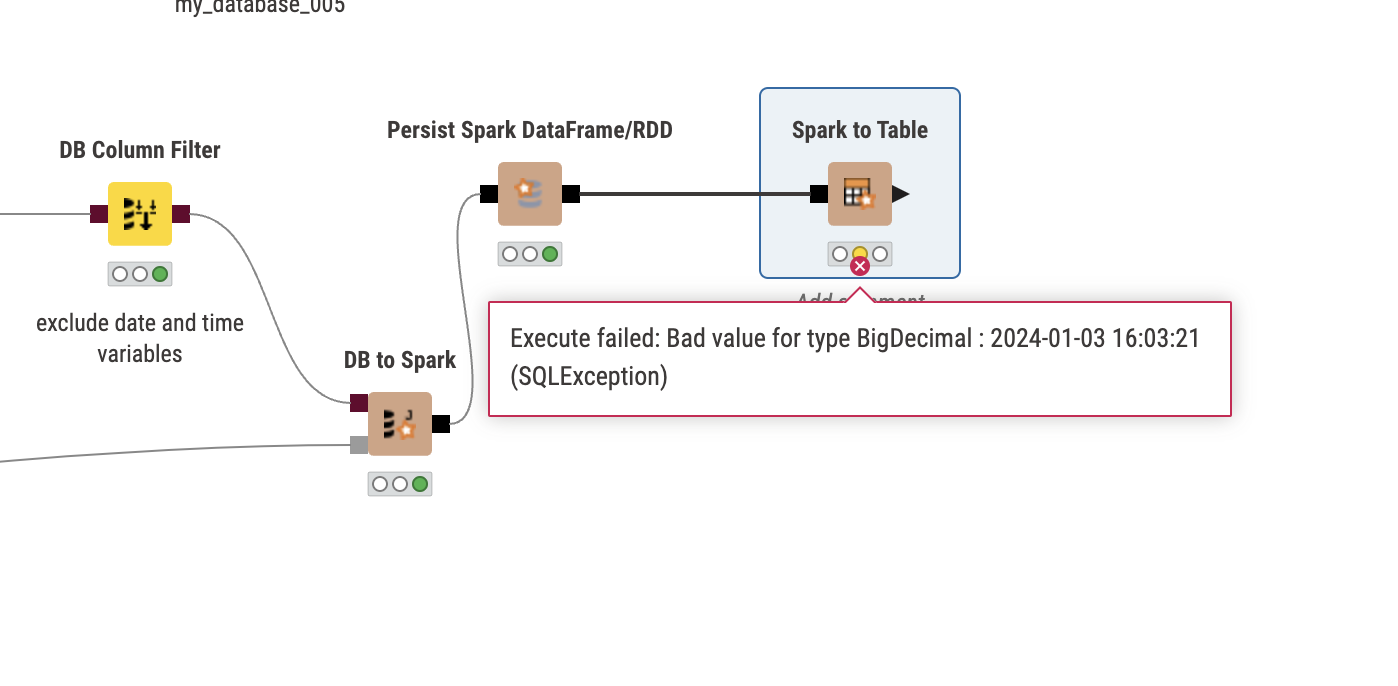
I am encountering an issue when transferring column types from SQLite to Apache Spark. I utilize the SQLite Connector to import my SQLite db file. Using the DB Table Selector Node, I execute a Custom Query to directly load my final table from the related tables in the database using an SQL statement. In this process, I also carry out an aggregation to reduce the row count, which is crucial for my task. However, when I attempt to transfer the data into Spark using the DB to Spark method, I consistently receive the error message: “Bad value for type BigDecimal.” Despite experimenting with various settings in the Input Type Mapping for Numeric Types within the DB Table Selector Node, the same error persists. Could anyone offer assistance with this problem?
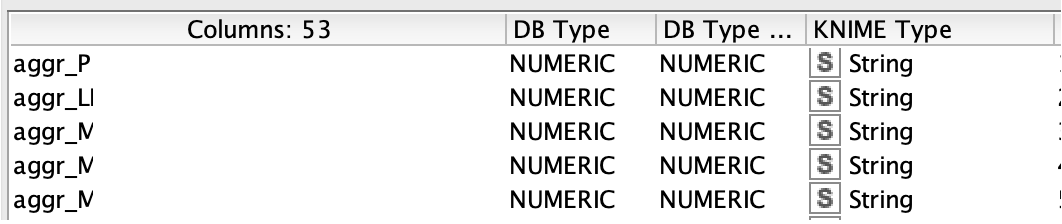
DB type according to SQL statement (via DB Table Selector)
Hi @MelanieTU , when you said that you “carry out an aggregation to reduce the row count”, do you mean you are summarising data, or that you are concatenating values together.
It really does look from that error message that you have a string containing the value
that you are trying to place in a BigDecimal column on the database, and clearly that string is not a “BigDecimal” value, but rather is lots of BigDecimal values concatenated together (delimited with “;”) in a String, which I believe is what @mlauber71 was asking about.
If it isn’t sensitive/private data, can you show us a sample of the data that you are trying to upload ?
@MelanieTU I did a few tests and indeed there is a strange problem when transferring data directly from SQLite to (local) Spark. If the string contains some special characters then there seems to be a problem, also if the string is being manipulated by a SQL/View Code (like adding a character).
Transfer via download to KNIME and if you exclude special cases like TIMESTAMPS (which is another matter in SQLite) then it does work.
@ScottF it seems there might be a problem with the implementation or the Spark version/driver. I don’t know if this would also happen in a ‘real’ spark environment. For the Local Big Data environment this is just annoying but I do not think it will hinder real production.
@MelanieTU if you must, the workaround would be to download the data to KNIME and then load it into Spark (or Hive).
Hi @takbb & @mlauber71,
thank you both for your help! @mlauber71, yes, that’s how it works. It’s a bit disappointing that it’s not working as expected. I hope this won’t be a problem when I move to “real” production. Unfortunately I am not able to test this at the moment. I hope for a solution to this problem soon.
Do you think I should open a case in Knime?
@MelanieTU can you tell us more what you want to do with the data in Spark? You realize that Spark has some very specific features (lazy evaluation) and will not be there permanently and if you come from SQLite the question will be how large this data is. My recommendation would be to load the data to KNIME, use a Cache node and then go to Spark.
You might want to consider transferring large amounts of data in chunks as ORC or Parquet files to a big data system, establish the data as Hive (or Impala) table and then move it to Spark from there.
@mlauber71
I work with large biochemical data, typically between 100 and 1000 Gb or more depending on the number of samples. This data is delivered in SQLite format. I am in the process of setting up an ETL workflow (extract, transform, load) and plan to use Spark for the data transformation tasks (filtering, normalizations, alignments, …). This is my first attempt with such a process with big data tools. As my experience is not too great so far, I would be very happy to receive recommendations or advice.
@MelanieTU that is a lot of data indeed. The performance will very much depend on your Big Data cluster since this is where the operations will happen. I would suggest to maybe split the data into several parquet files and upload them to your system and then build a table from there, maybe using an appropriate partitioning. I am not sure some sort of streaming will work, though you could try to do it in chunks and append data to an existing Hive/Impala table.
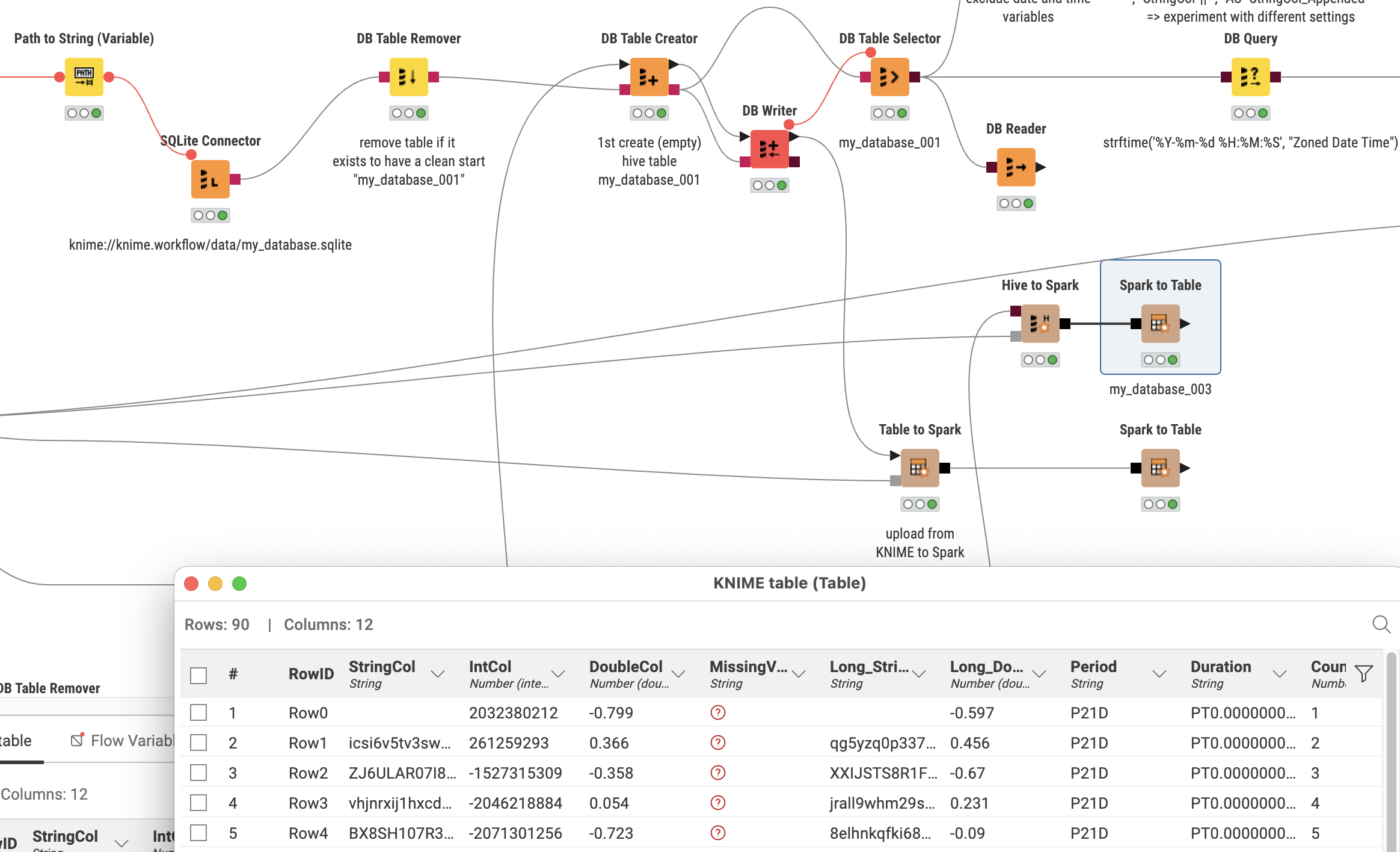
To get an idea how all this works I have this sample workflow: