Hi,
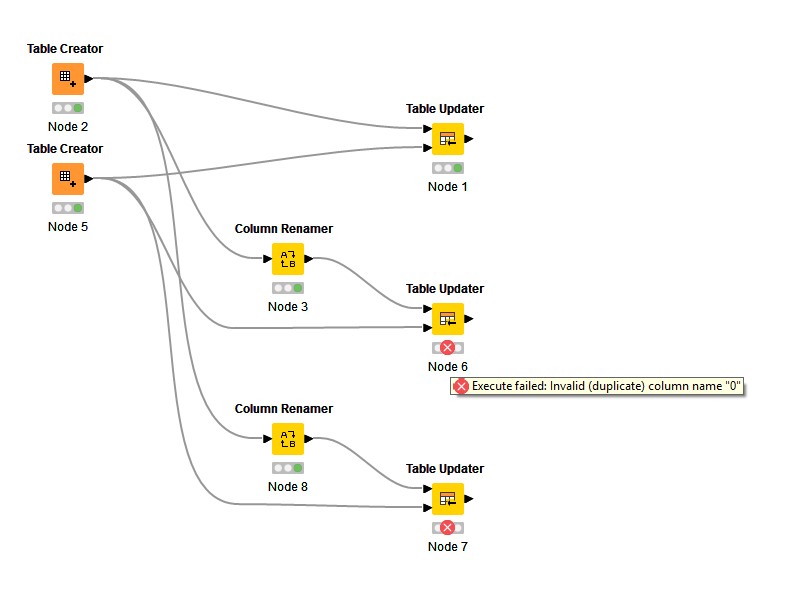
When working with the Table updater node, I got following error :
Execute failed : Invalid (duplicate) column name “0”
After checking and modifying column names, I understood that this nodes does not accept column names like “0”, “1”, “2” etc. in the first input table.
Would it be possible to correct it ?
Thank you !
this seems unlikely.
Knime uses a database like approach not allowing 2 columns with the same name - independent of datatypes.
The table updater node works fine with (string) columns named just 0 and similar.
better provide a example or some screenshots to clarify
2 Likes
Hi,
I thought the same… until I tested it. Attached is a workflow showing that a column marked as “0” even if not impacted by the table updater, does not allow the node to execute.
Regards
Temp 4.knwf (70.4 KB)
@franklin funny it seems the names 0-4 are not working, 5 and so on does work …
After a few tries, I think that it is linked to the amount if input columns