I am having trouble using a Call Workflow Service node.
I have a workflow (Workflow A) which is outputting to a Workflow Service Output node. When I run Workflow A it completes with no errors, but when I try to call it from a separate workflow (Workflow B) it constantly fails.
Initially I get the error below:
Execute failed: Failure, workflow was not executed, current state is IDLE. Empty Table Switch 4:43: Node created an empty data table.
My original flow does use the Empty Table Switch node, but it is behaving exactly as it should, i.e. outputting an empty table when the input table is empty.
For testing purposes I removed this switch from Workflow A and re-ran workflow B. I now get the error below:
Execute failed: Failure, workflow was not executed, current state is IDLE. ROOT : IDLE (start) ROOT (end)
It’s worth noting that in both cases the Workflow Service Output is before the empty table switch in Workflow A.
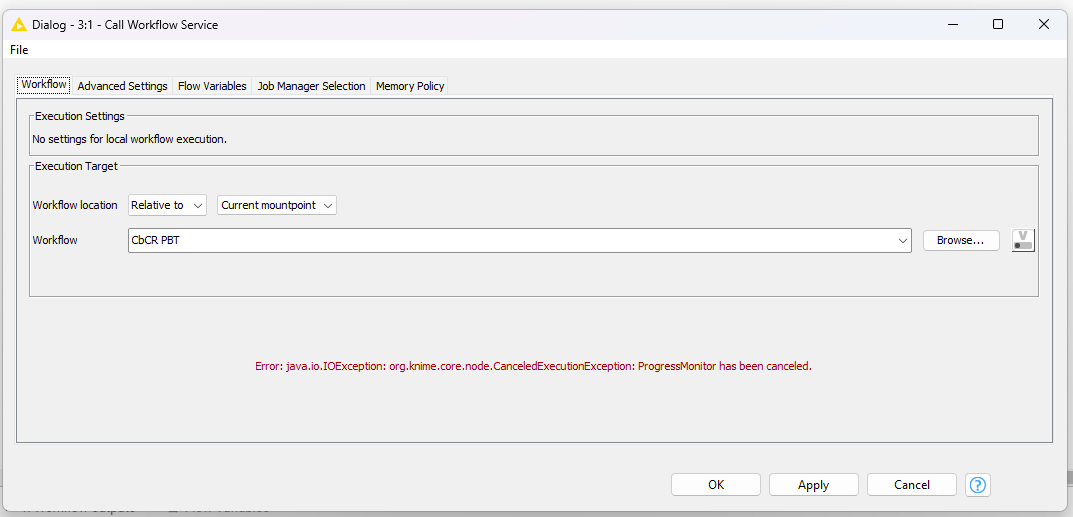
Once I have the error in Workflow B if I try to reconfigure the Call Workflow node I get this error:
I’m new to Knime so I have no idea where to start with these errors. My use case requires calling different workflows so if this doesn’t work then Knime becomes useless.
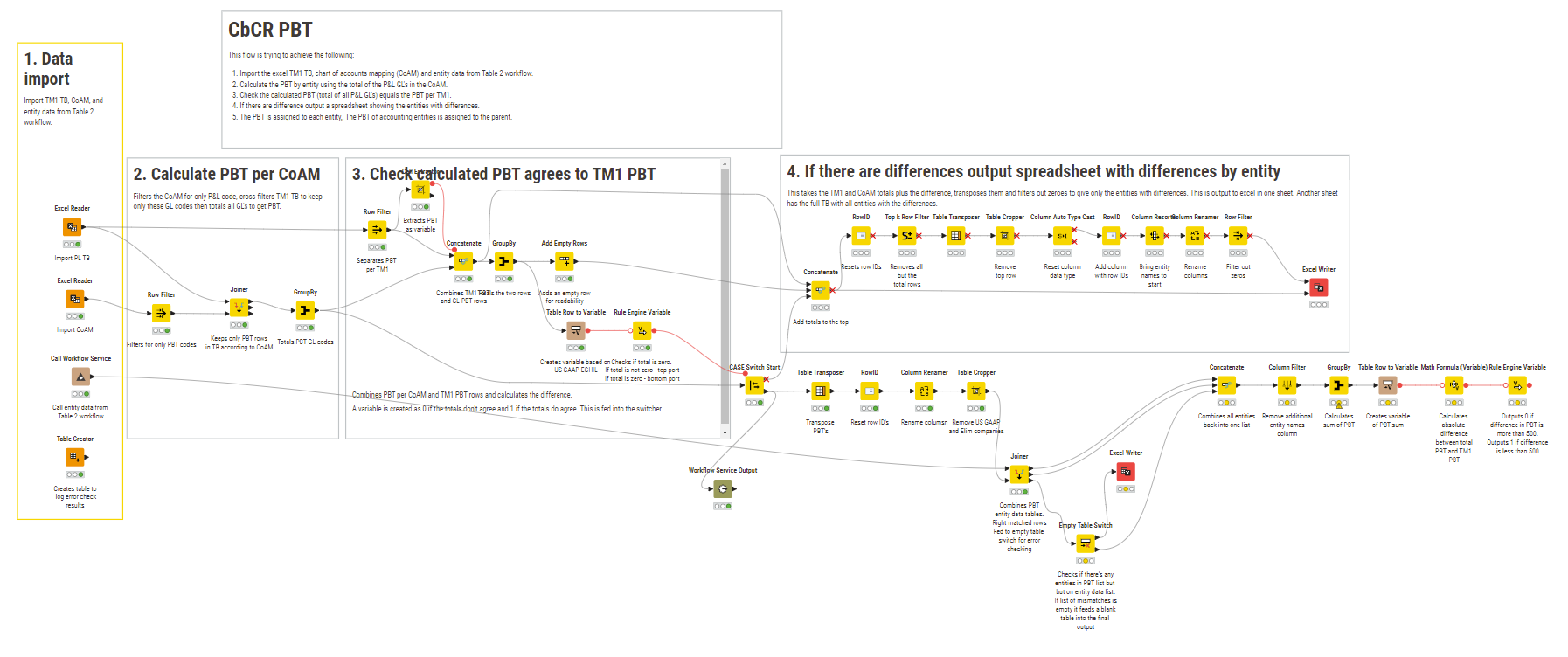
Workflow A is shown below. Note that I haven’t finished building the workflow so the right hand side is incomplete (but executes perfectly.
Edit:
I figured it out. It was an issue caused by some additional flows not shown above. Taking them out fixes the issue. Nothing to do with the empty table switch though.
My Callee Workflow deployed as Service on KBH executes successfully upon inspection - all green - just one warning of Empty Table Switch Node (this scenario is being handled).
The Caller Workflow errors out in Call Workflow Service node referencing the above-mentioned Empty Table Switch Node and it’s warning message (not error!!) that it generated an empty table.
Do these type of set ups really require that empty tables NEVER happen? Even if handled?
I tried to reproduce the issue with a simple setup:
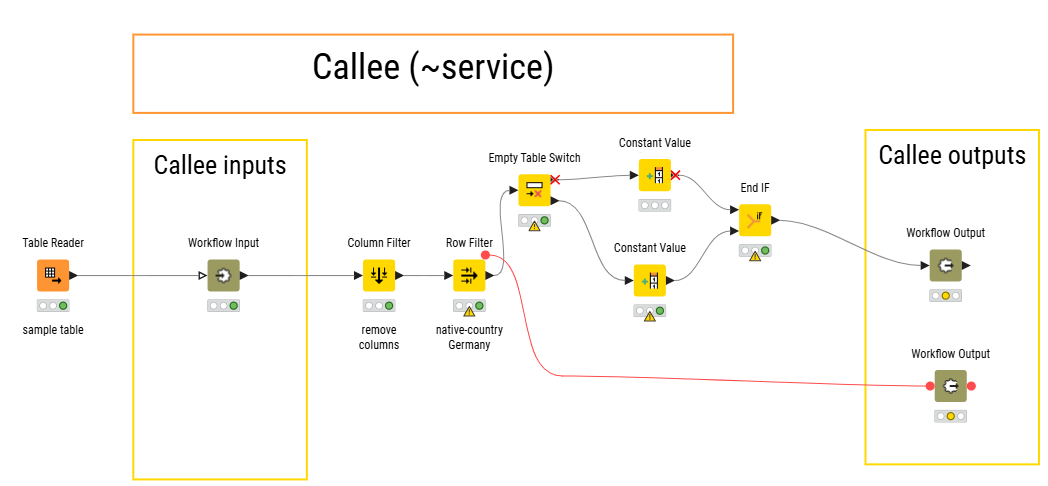
Callee workflow: filters rows where native country = “Germany” and outputs the result. This is deployed as a service.
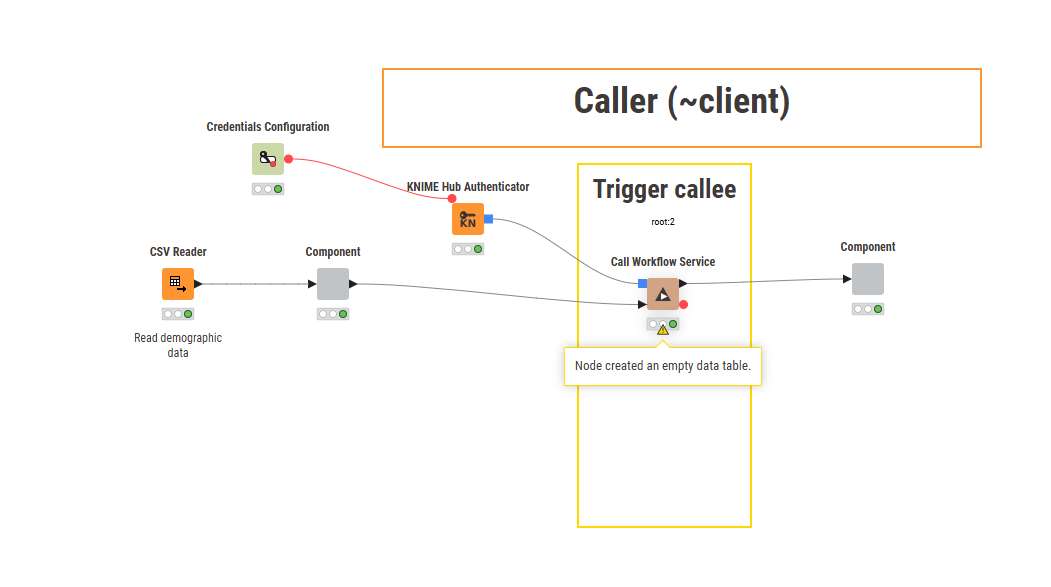
Caller workflow: filters on native country before calling the callee.
When I deploy the caller workflow as a data app and select anything other than “Germany,” it runs normally and returns a table view.
When I select “Germany,” the filtered table is empty, I get a warning about the empty table, and the view displays with no rows. The Call Workflow Service node does not fail for me, so the empty table alone doesn’t seem to cause a failure.
thanks for building a minimal example - I did the same last night and came to the same conclusion that in a minimal example it seems to work.
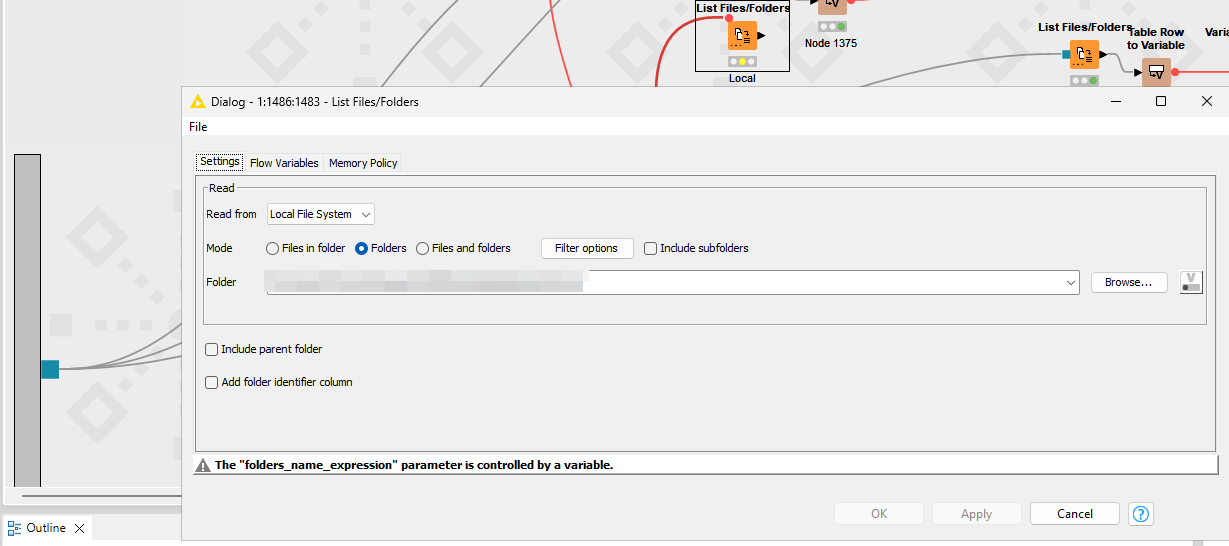
This morning I went through the deployed service (callee workflow) and found a “loose end” - i.e. a node that received an input, but the output port was not connected.
Once I removed it, it started working again.
I also tried to replicate this scenario in the morning, however in a minimal example it also went through.
When I ran the Callee workflow “out of cycle” - i.e. w/o calling it I noticed that this “hanging node” did not get executed - stayed on yellow - despite the fact that this one should have failed (reference to local path hardcoded…variable driving a setting where the variable name is not available when the WF is called).
So my theory is that, somehow, this node not executing triggered the failure response and given that it clearly did not indicate a failure, the only other warning was returned…