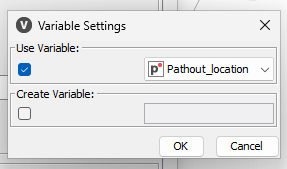
I ran into a problem while building a simple workflow in KNIME and would like some guidance.
Here’s what I did:
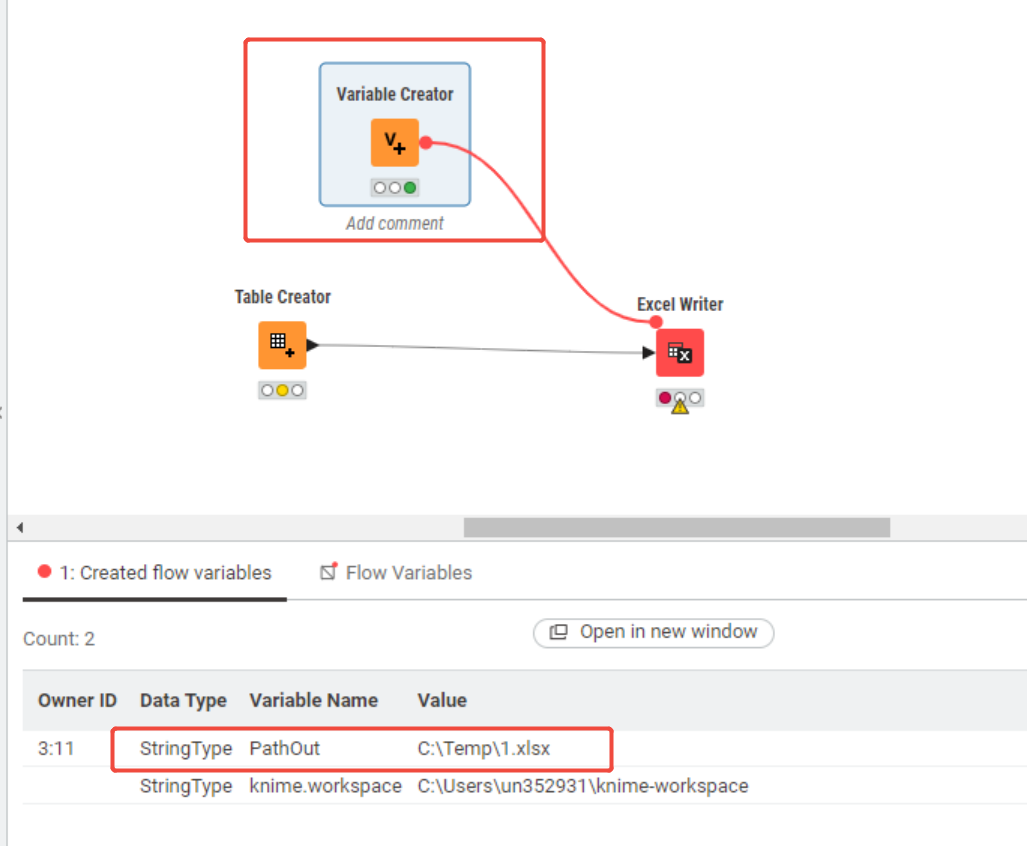
I used a Variable Creator node to create a variable called PathOut to store the output path.
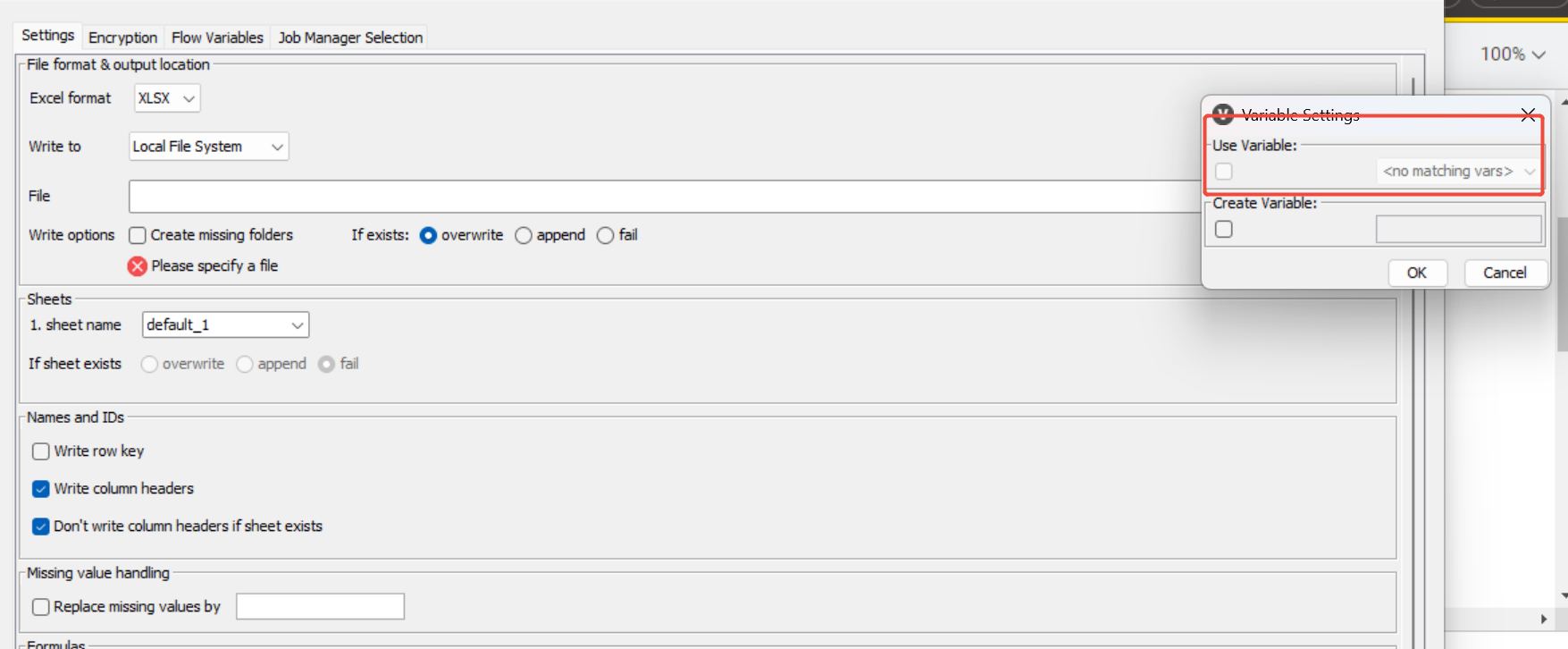
I wanted to pass this variable to an Excel Writer node so that it could be used when writing to an Excel file.
However, I noticed that the variable is not being correctly recognized in Excel — the written file does not contain the value of PathOut.
What I have tried:
Ensuring that the variable name in the Variable Creator matches the one used in the Excel Writer.
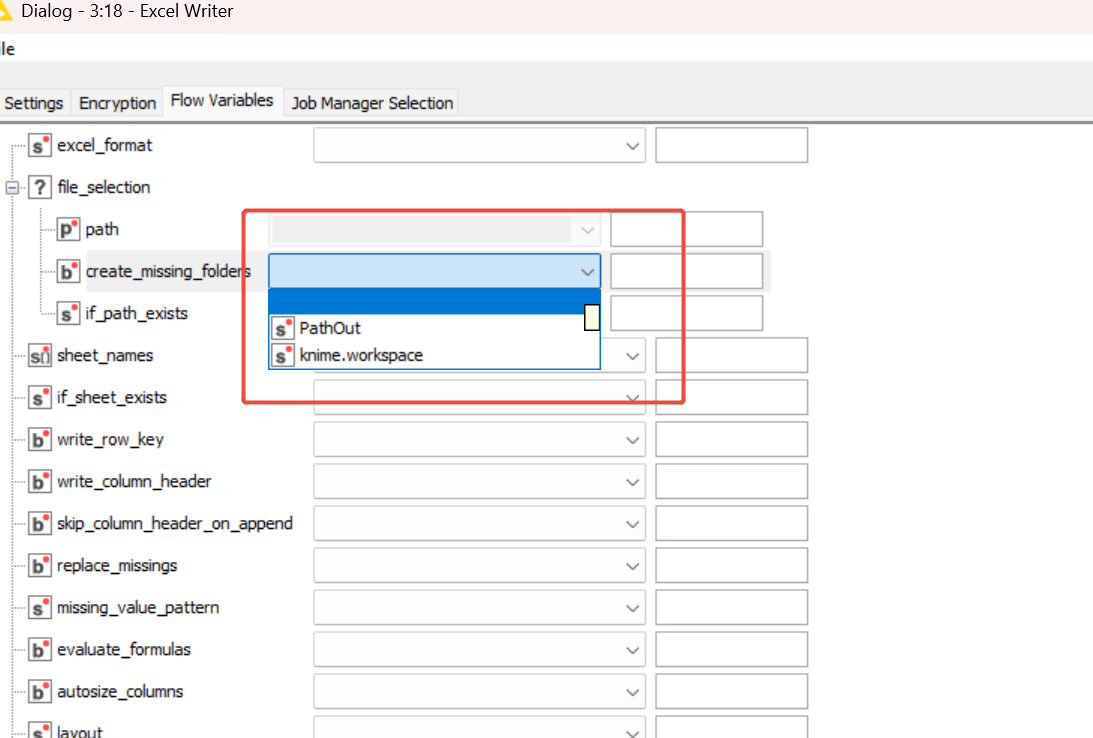
Checking the Flow Variables tab in the Excel Writer node — the variable appears there but I am unable to bind it to the Path field.
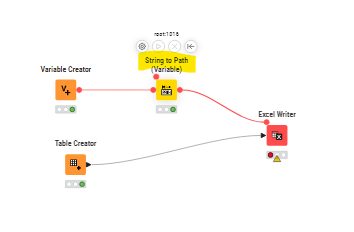
Despite this, the issue persists. Could anyone advise on how to properly use a variable created in Variable Creator so that it can be accessed by the Excel Writer node? Or am I misunderstanding the difference between Variables and Flow Variables?