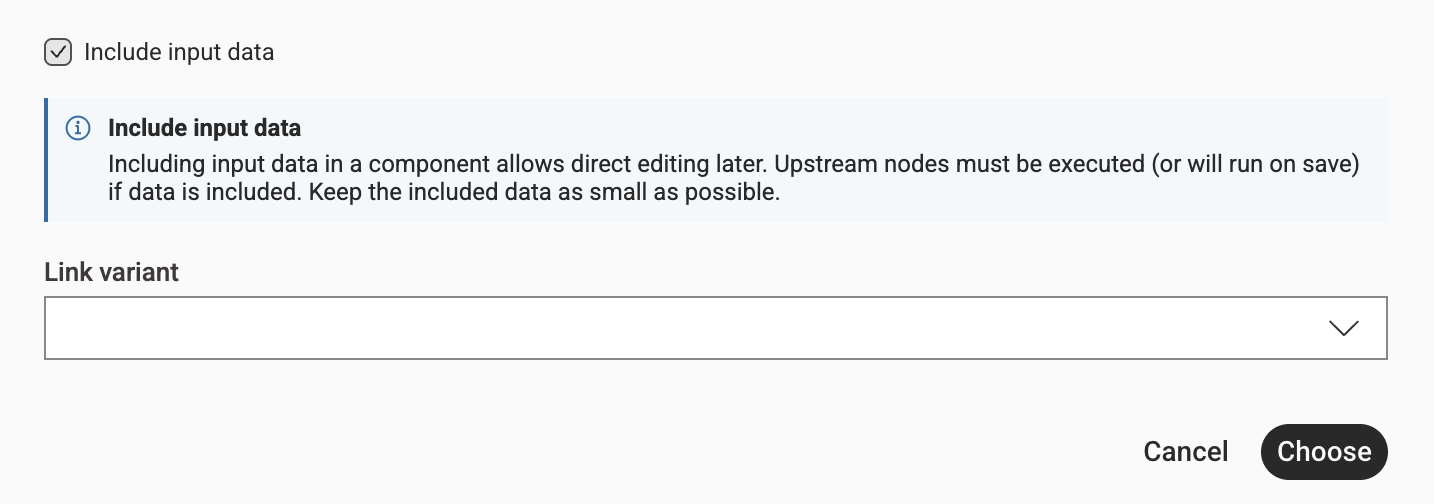
We created component and shared in the same location as workflow…
Now, when I open the component to make some changes and try to edit and execute… execute button is not showing… Anything I am missing.. not able to test this component, as execute button is missing..
Hi @exploredata547 , yes… to test a component you would place it on a test workflow that provides the necessary upstream data flows and this also then gives you access to the component’s config dialog.
There is also the possibility to include “input data” into this shared component. In the moment you share a component there is a checkbox in the advanced settings that lets you keep the currently attached input data. If you have checked this checkbox the “shared component“ will have input data and you can directly execute the nodes inside.