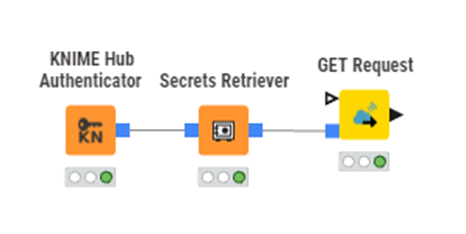
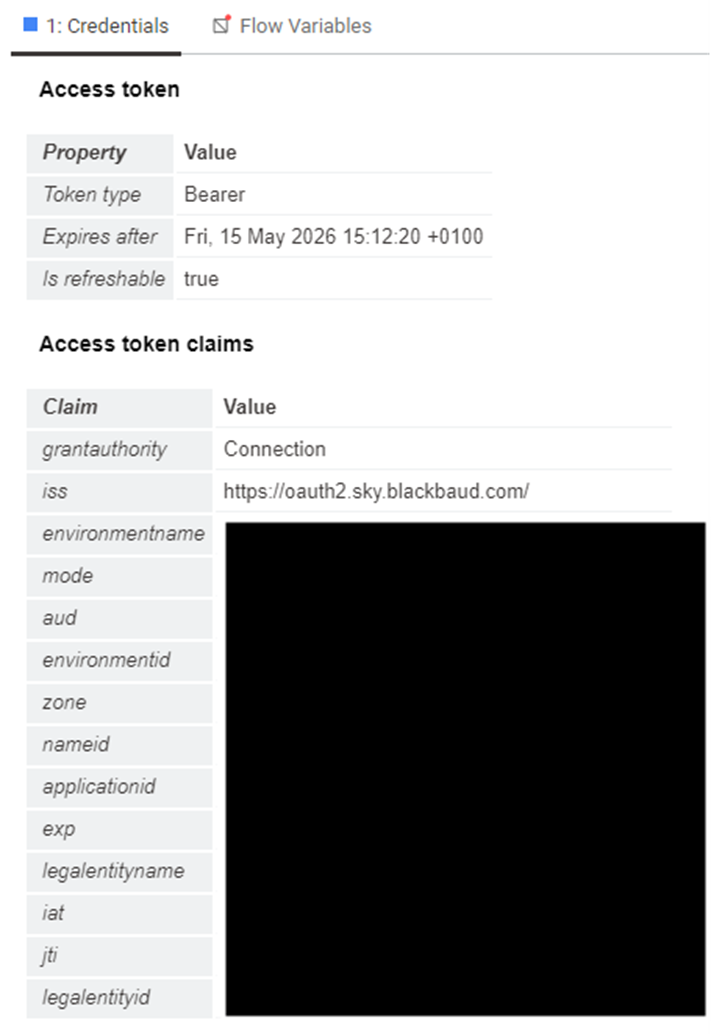
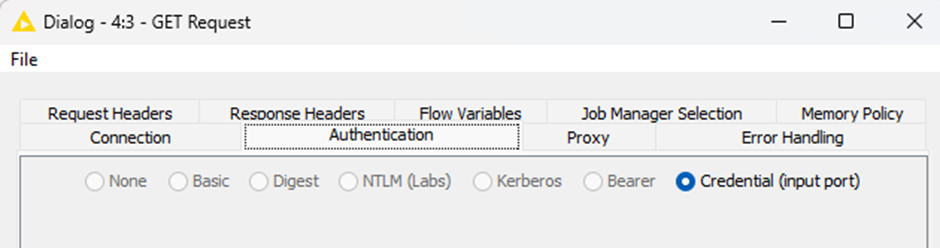
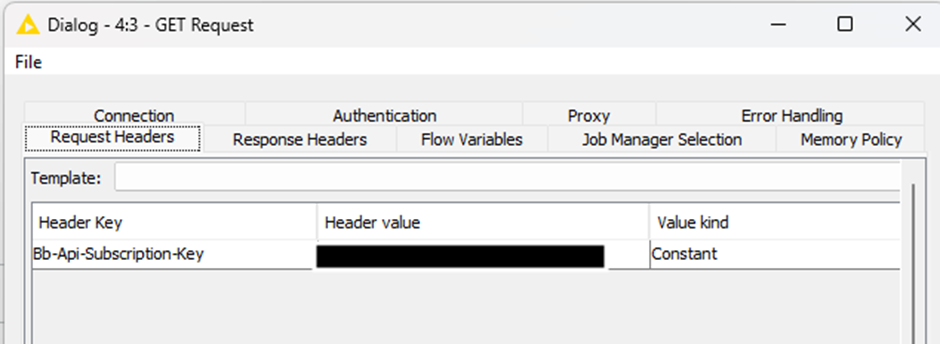
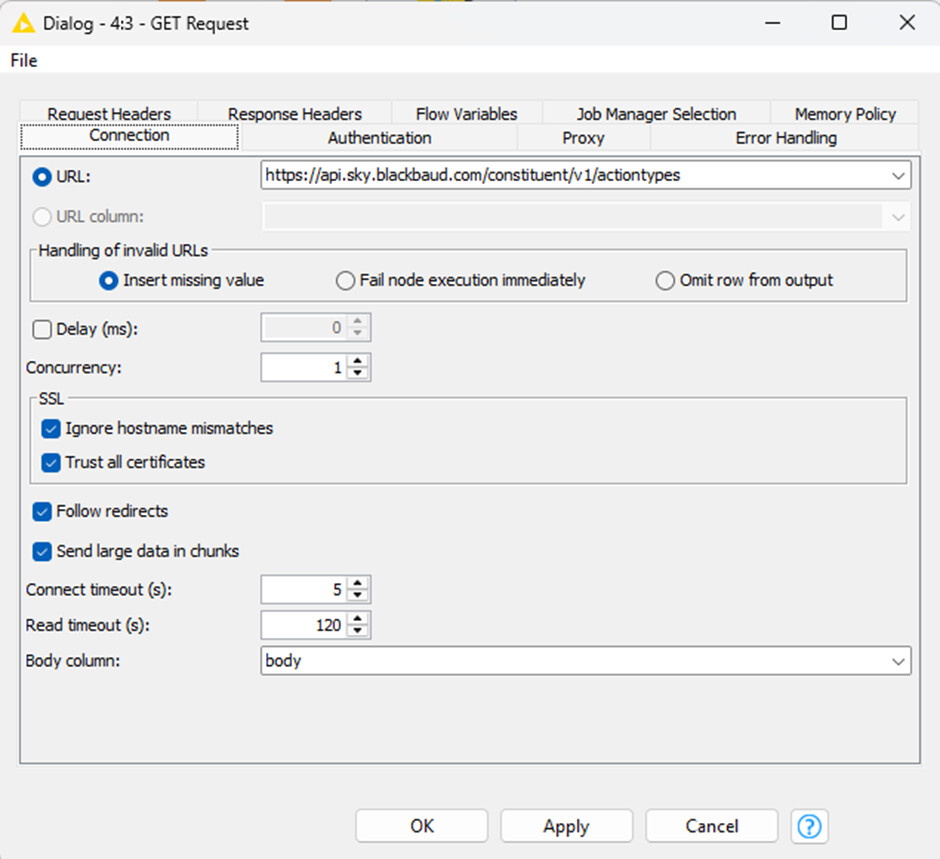
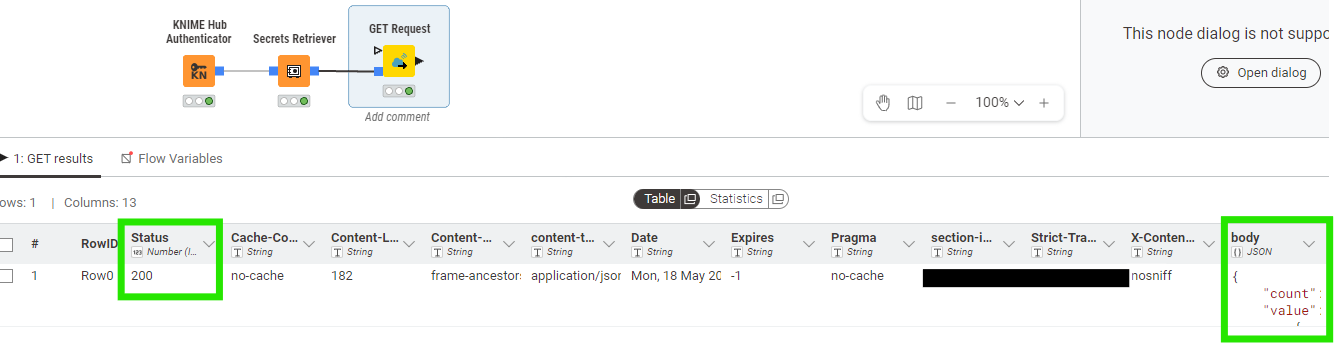
I can’t see a way to input the token into the header, but from reading around the topic, it seems that should be handled automatically by the tool.
But my GET request is returning a 403 Forbidden error. I’ve tried refreshing the tokens but I still get the error. Is there a way I can get more info on why it is failing? Or can anyone spot what is going wrong?
It’s difficult to know for sure, for the specific API, without actually trying it out myself. Have you tried it calling it without using the credentials input port, just to narrow it down?
i.e. remove the credentials input port and enter the auth token directly as Bearer (and manually specify Token value) on the Authentication tab.
Also on the Error Handling tab, tick the “Output additional column with error cause” at the bottom under Error Reporting .
Thank you for the reply. I couldn’t figure out a way to get the token manually, but after another day of troubleshooting, a colleague has solved the issue. It turned out to be specific to the Blackbaud API and fixing things at the back end.
Although I had followed the steps to create an app, and connected it to our database, there was another place we had to go in Blackbaud to ‘Manage Apps’ and then authorise it.
This solved the issue, and now it authenticates successfully with the flow I pictured above. Woohoo!