Also tried downloading all AI extensions I could find. ¿is there a specific extension that needs to be downloaded?
Thanks in advance,
Manuel
Hey Daniel,
Counting folders in the workflow’s directory, it looks like approx 1700 nodes. Overall it all very unresponsive in the new UI. Slow to zoom in when loading, selecting any item takes about 15 seconds to show the data preview or open the window to edit the node settings.
I opened a separate workflow that was much smaller, <100 nodes, and had no problems navigating or editing nodes.
Hey @leftyhyzer16,
thanks for the information. We will investigate and see what options we have. We already have some ideas floating around to improve the performance. I will post an update once we get closer to the implementation and would be happy if we can ask you to test it once we have a solution in place.
Greetings,
Daniel
1 Like
@ScottF I have a problem with the new KNIME 5.1 and the upload to the hub. In the new layout the workflow title seems to be gone.
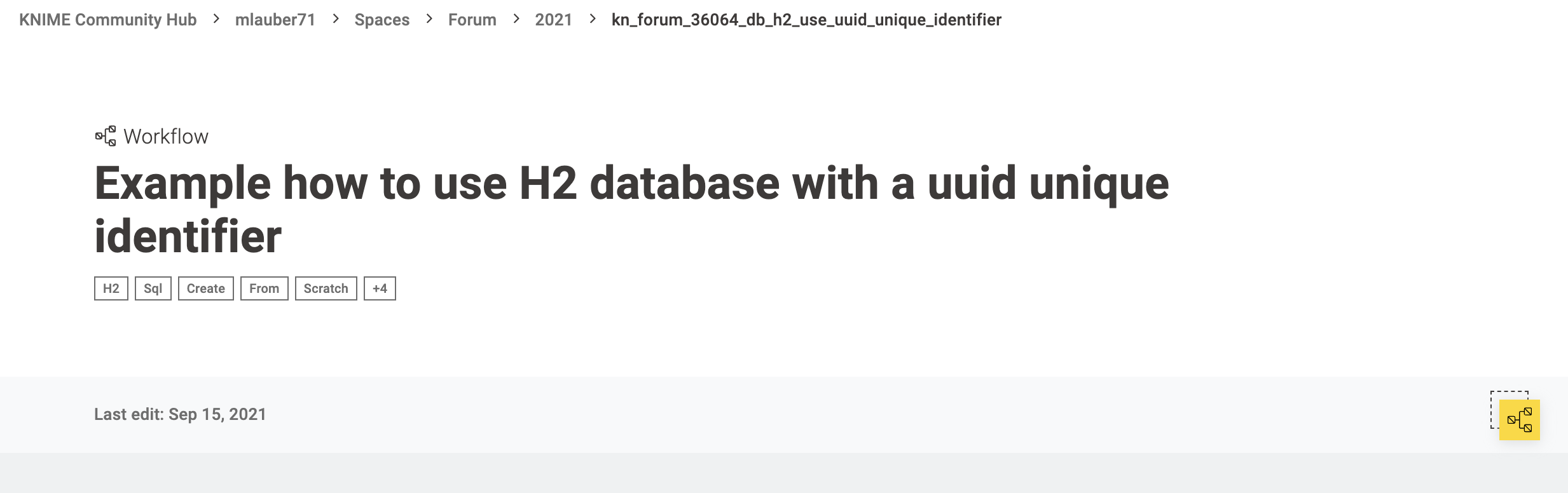
I edited an older workflow (Example how to use H2 database with a uuid unique identifier – KNIME Community Hub) and instead of a title there were two lines of the same text but no option to edit the title:
before
after:
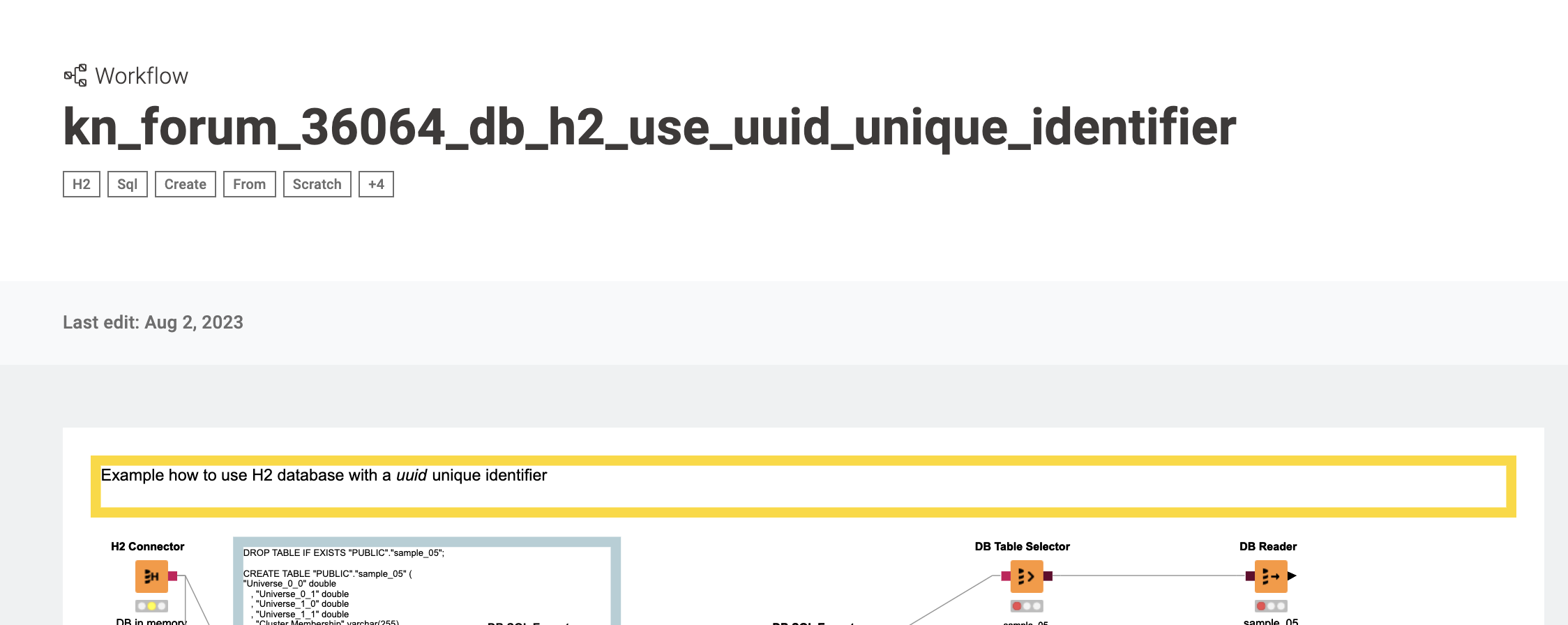
It seems the name of the file and the title of the workflow are now the same thing - which kind of destroys my whole system of technical names and telling descriptions … sad … will have to come up with a new system, possibly in a new Space on the Hub.
Ok and also I cannot seem to find the option to upload the workflow to the forum (edit: OK I found it but really do not like the placement)
OK is there any chance to switch back to the traditional layout? I really seem to miss the options that used to be there …
edit: I found it 
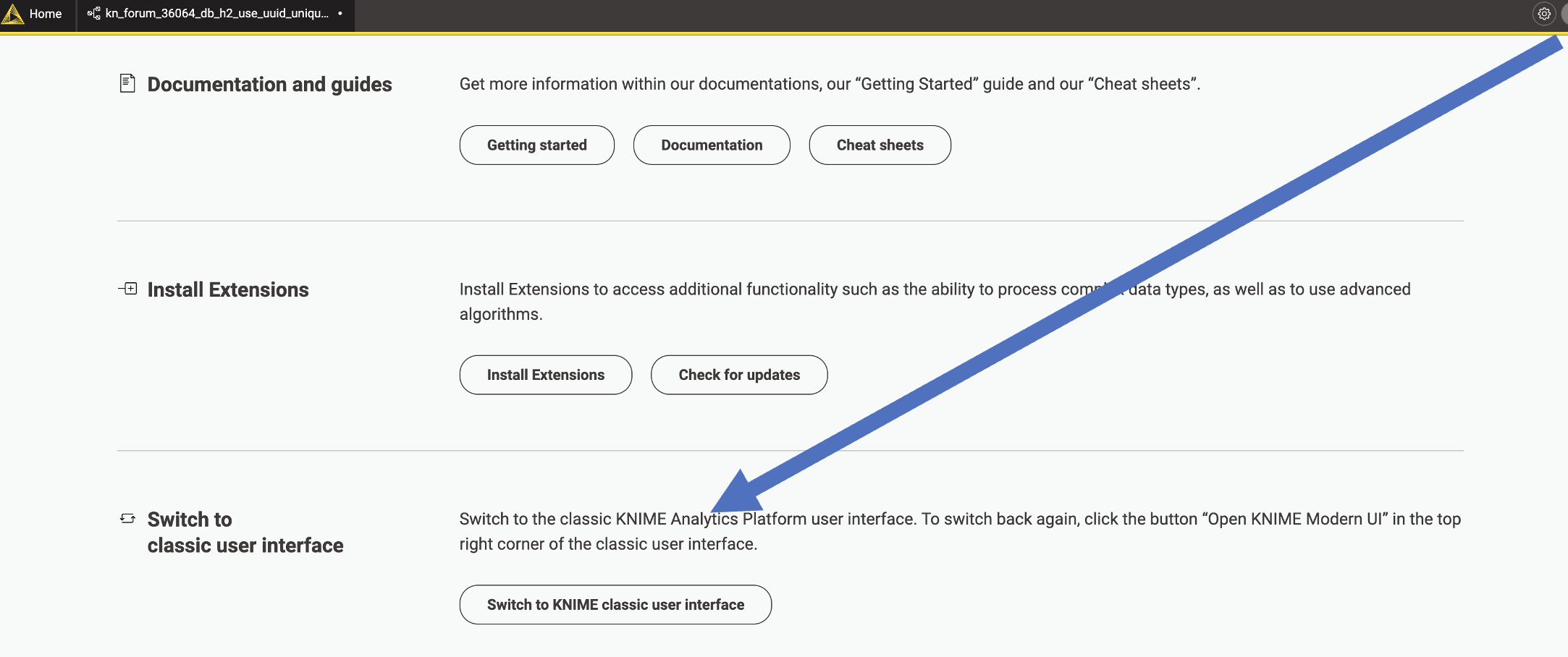
This did not allow me to start using the AI. Do you know if there is something else I need to do to use the AI?
Did you ever find out how to access or make the AI operational?
Do you have the extension “KNIME AI Assistant (Labs)” installed? It is under KNIME Labs Extensions.
1 Like
KNIME AI Assitant (Labs) extension must be installed. After installing it I was able to use K-AI.
After initially trying out KNIME 5.0 Early Release and not being impressed with the new UI, I went to try out 5.1 hoping all the feedback has been incorporated.
Sadly I still find the whole thing about the new UI awful.
Seems like “state-of-the-art” functionality from versions going as far back of KNIME v2, like the following are gone:
- Being able to have a separate window for the output of a node without having to resort to putting a Table Viewer node on everything.
- Being able to drag columns left or right in a Table Viewer to quickly customise the display.
- Being able to CTRL+C on a Chemical Structure in a Table Viewer and then pasting it into another application. Now you need to change the renderer everytime to do this.
- Having the vertical scrollbar within the window frame, rather than having to scroll to the end of a very wide table to find the scrollbar.
- Being able to HiLite rows, display HiLited, display UnHiLited with ease within the table viewer. Great for quick interactive data analysis.
- Being able to wrap Column Headers on to multiple rows.
- Being able to find the node I want from nicely organised categories instead of random list of nodes like someone has just thrown them down onto the table. How on earth do I learn about new nodes now, they are scattered everywhere!
Also it seems the Marvin nodes are not available to me any more. These were key requirements for me.
Looks like KNIME 4.7 is going to be a very well worked and worn version for me for the years to come.
Simon.
3 Likes
Hey Simon,
I am sorry to hear that you still don’t like the new Modern UI, but I get that you are missing some functionality. We are monitoring the forum feedback very closely and try to improve the most important things. Most of the things you have mentioned are on our list and we will improve them as soon as possible. Let me go into a bit more detail:
- This is something that we heard a lot and we are currently looking into possible solutions
- We already have a ticket for this in our system (internal reference UIEXT-1193). However there are currently a lot of things we are investigate for the Table View, which means that this might still take some time.
- We are currently working on the cell selection and with that also improving the copy&pasting of cells and even areas within the table (both Port View and Table View). This will also make the copy&paste of the original data and not the selected renderer easier, which solves your problem. Just to give you a little sneak peak this is what it currently looks like:
- We are aware of this problem and will improve this in the future (internal reference UIEXT-524])
- You should already be able to HiLite rows in the new Table View. We will soon re-introduce the possibility to show only HiLited rows.
- Good point and that is something that I will add to our feature list
- I can’t really comment on the node repository, but I will forward your feedback. Have you already tried the new ‘Quick nodes adding’? This feature is really a game changer for me when I build workflows. You can simply drag out a connector and let go or press STRG + ‘.’ (Command + ‘.’ on mac). This will bring up a list of suggested nodes and lets you search for specific nodes.
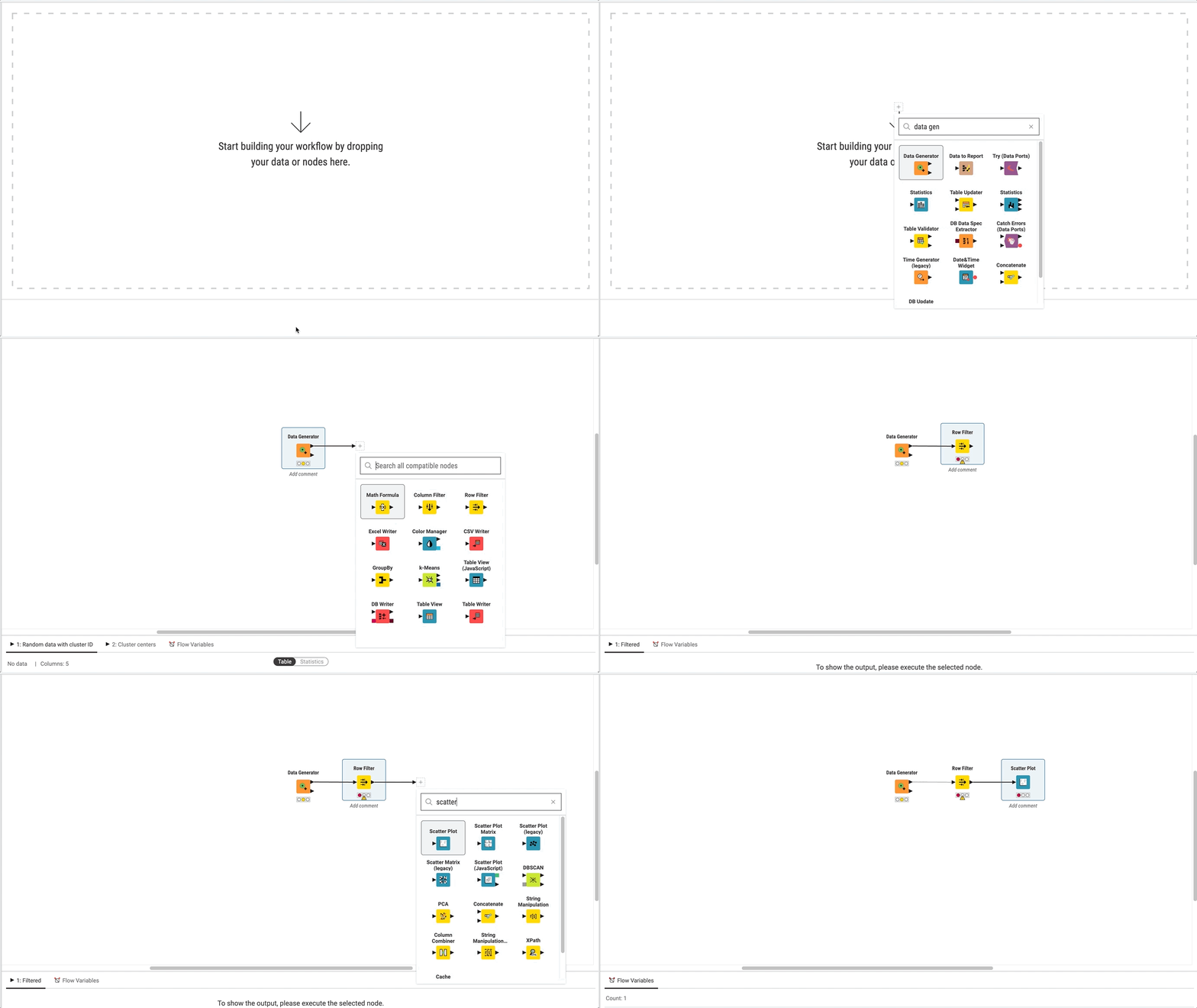

Regarding the Marvin nodes, we are in contact with the developers of the extension and we hope that we have them back soon.
I hope this gives you a glims of what we are currently working on and shows you that we are taking the feedback we are receiving very serious. Furthermore, I hope we can convince you soon that the modern UI is a huge step forward.
Greetings,
Daniel
5 Likes

This topic was automatically closed 90 days after the last reply. New replies are no longer allowed.