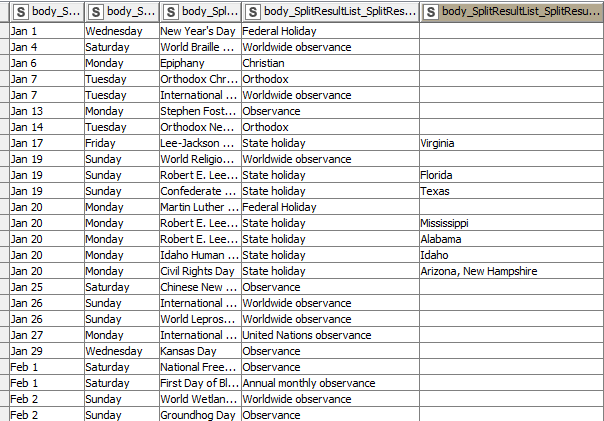
I found a strange behavior on the String Manipulation (Multi-column) Node.
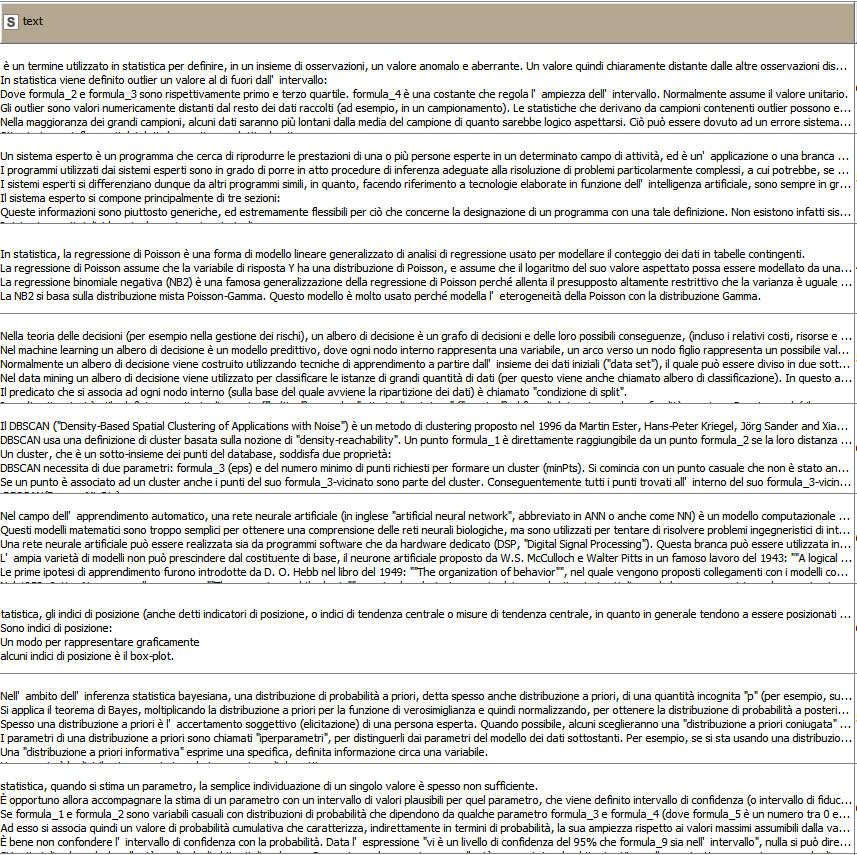
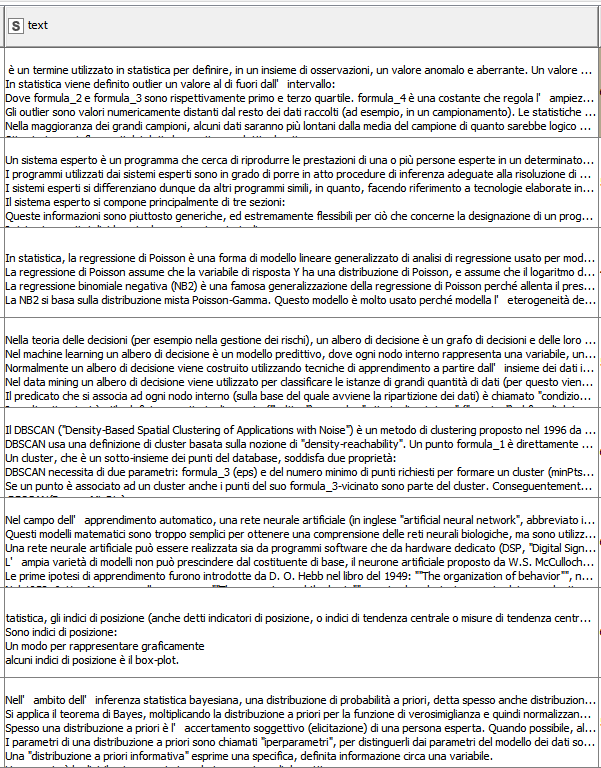
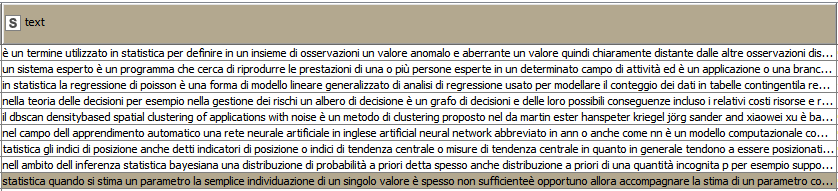
In short, the node sometimes ignores the instructions. Here the instructions I used:
lowerCase(
strip(
removeDuplicates(
	//only words
	regexReplace($$CURRENTCOLUMN$$, "[^a-zA-ZÀ-ž ]+","" )
)))
KNIME Version: 4.3.0
I have encountered a similar issue.
For me it occurs when I reset an upstream node relative to the last String (multi-column) node, then I execute the last multi-col node - which results in no modified columns. However, when I open the configuration for that multi-col node and save it again (without making edits), I reset the node then re-execute the node to produce the expected modified table.
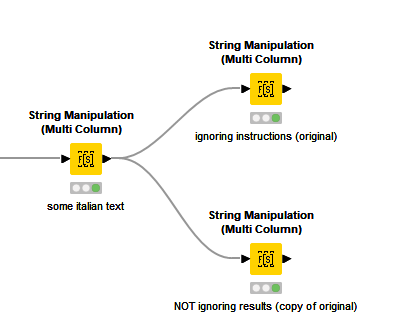
tried to reproduce but couldn’t. So node 1561 should have same output as node 1560? Is that right? And which node do you reset prior to executing 1561 to get see this buggy behavior?
For me, if I reset the entire workflow, then run 1561 most cells of 1561 and 1560 are sometimes blank or just the same as their inputs (no modifications performed by those nodes). Then I open 1560 to configure (without changing anything, I close configuration) then reset 1560 and re-run 1561. 1560 then produces the desired results, but 1561 needs to be re-configured, reset, then re-executed to get it to work properly. The end result of 1561 is for a clean table without any html tags or markings.
The inconsistency of the behavior makes it difficult to clearly and precisely explain the conditions for re-production. I have attached a screenshot of the expected/desired output of 1561.
Additional note for anyone else who may need a work-around: the Column Expressions node provided a good (and more efficient) alternative for this particular case, but may become cumbersome if you have too many columns in need of processing.