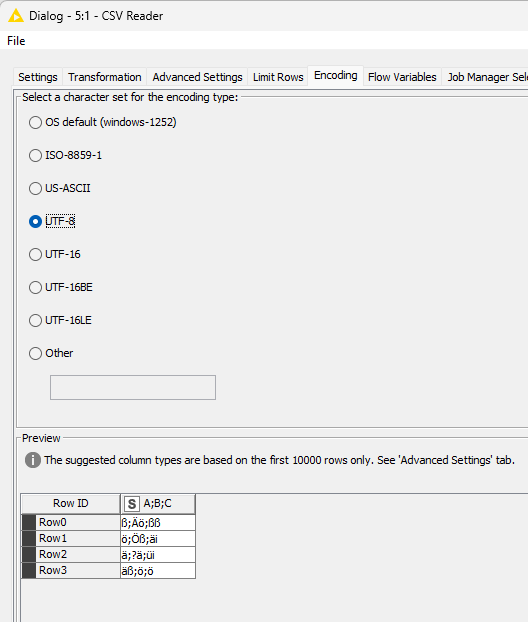
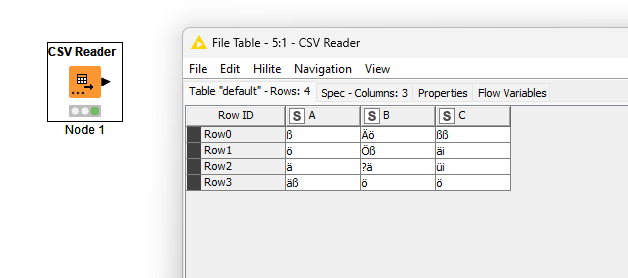
I would need help with the CSV Reader Knod. I’m importing a CSV file which has entries in german language and contains letters like Ä,Ö,ö,ä,ß….
With the help of AI I have set up a Python Script knode which should prevent these letters from being brought into the table in an ever changing way. Unfortunately it does not work all the time.
The standard KNIME CSV Reader shows the same behavior.
Hello @GHoertner .
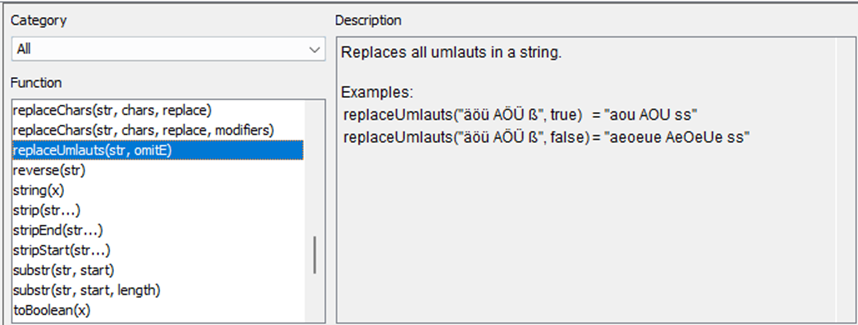
Umlauts are standard characters within UTF-8. You can test to remove umlauts with ‘String Manipulation’ node: replaceUmlauts(str, omitE)
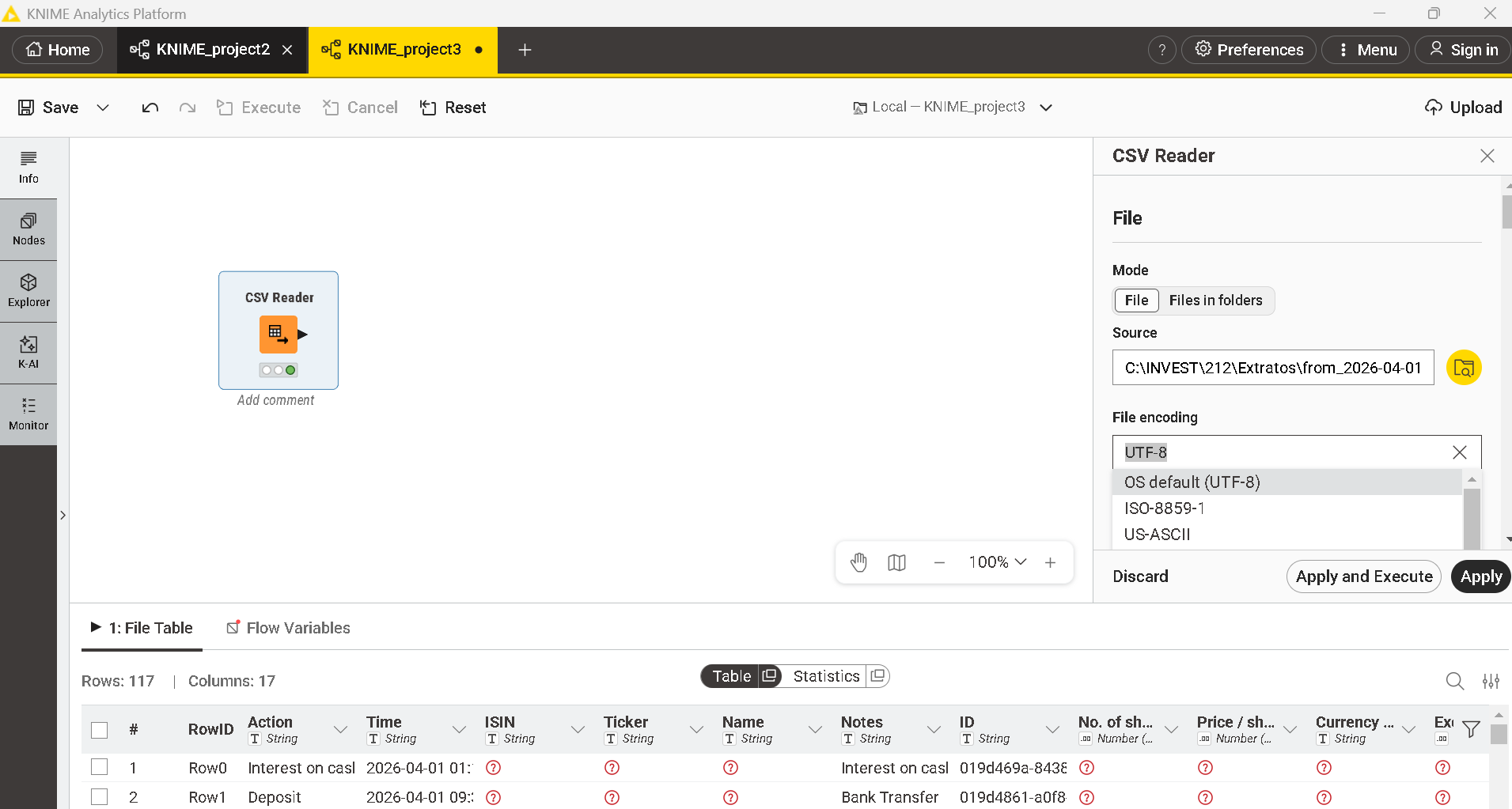
I know that I can choose between several different kinds of encoding of a csv file. If I know the kind of encoding it works propely, but as csv files tend to change the encoding for what ever reason if saved after being used outside of KNIME I need a stable way to read these files. I can tell the users who are working with the same files as I do in KNIME to not ise the files and to not save them, so therfore I need a robust way to read the file an deal with he special characteristics.
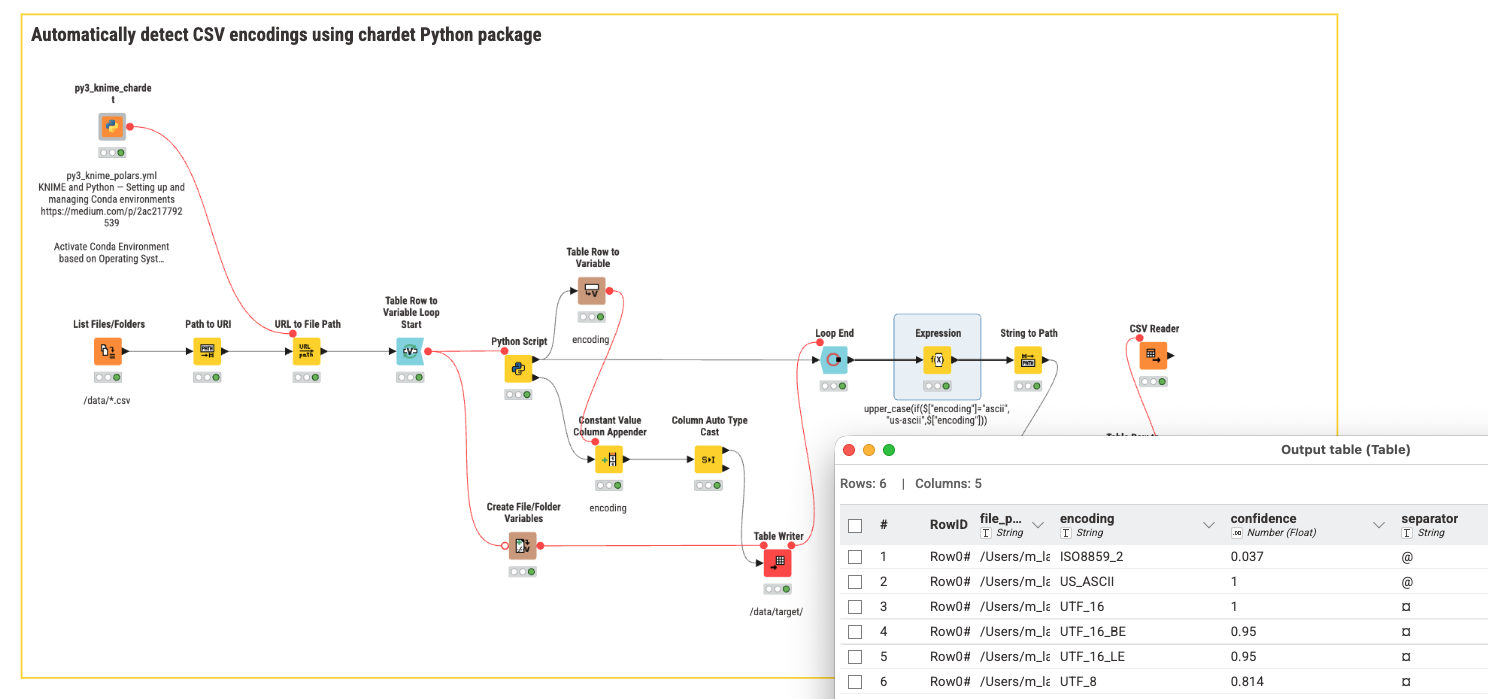
@GHoertner you can use the Python package chardet to determine the CSV encoding and build that into a KNIME workflow to automatically detect the encoding and also the separators.
You could also think about validating the file against a sample file and ensure the types and columns are correct.