I recently updated to KNIME 5.10.0 and installed the latest extensions. However, I’m getting the following error when using the “Start Undetected WebDriver [BETA]” node:
ERROR Start Undetected WebDriver [BETA] 3:3709:0:3736
Execute failed: Browser is longer running - looks like it has crashed.
My environment:
KNIME version: 5.10.0
OS: Windows 10 (64-bit)
Chrome version: 145.0.7632.160 (64-bit)
All Selenium/Palladian nodes are up to date
The issue occurs immediately when the node tries to launch Chrome. I’ve tried clearing the WebDriver cache and restarting KNIME, but the problem persists.
Could this be a compatibility issue between the current ChromeDriver bundled with the node and Chrome 145? Any guidance or workaround would be greatly appreciated.
The log suggests that the installation did not work properly (most likely the download got interrupted):
!MESSAGE Problems downloading artifact: osgi.bundle,ws.palladian.nodes.selenium.binaries.win64,5.13.2.202603021045.
!STACK 0
java.io.EOFException: Unexpected end of ZLIB input stream
	at java.base/java.util.zip.InflaterInputStream.fill(Unknown Source)
	at java.base/java.util.zip.InflaterInputStream.read(Unknown Source)
	at java.base/java.util.zip.ZipInputStream.read(Unknown Source)
	at java.base/java.util.jar.JarInputStream.read(Unknown Source)
	at java.base/java.util.zip.ZipInputStream.closeEntry(Unknown Source)
	at java.base/java.util.zip.ZipInputStream.getNextEntry(Unknown Source)
	at java.base/java.util.jar.JarInputStream.getNextEntry(Unknown Source)
	at java.base/java.util.jar.JarInputStream.getNextJarEntry(Unknown Source)
	at org.eclipse.osgi.internal.signedcontent.SignedContentFromBundleFile.getSignedEntries(SignedContentFromBundleFile.java:226)
	at org.eclipse.osgi.internal.signedcontent.SignedContentFromBundleFile.<init>(SignedContentFromBundleFile.java:194)
	at org.eclipse.osgi.internal.signedcontent.SignedBundleHook.getSignedContent(SignedBundleHook.java:177)
	at org.eclipse.equinox.internal.p2.artifact.repository.SignatureVerifier.verifyContent(SignatureVerifier.java:88)
	at org.eclipse.equinox.internal.p2.artifact.repository.SignatureVerifier.verify(SignatureVerifier.java:68)
	at org.eclipse.equinox.internal.p2.artifact.repository.SignatureVerifier.close(SignatureVerifier.java:120)
	at org.eclipse.equinox.internal.provisional.p2.artifact.repository.processing.ProcessingStep.close(ProcessingStep.java:98)
	at org.eclipse.equinox.internal.p2.artifact.processors.checksum.MessageDigestProcessingStep.close(MessageDigestProcessingStep.java:58)
	at org.eclipse.equinox.internal.p2.artifact.repository.simple.SimpleArtifactRepository.reportStatus(SimpleArtifactRepository.java:1432)
	at org.eclipse.equinox.internal.p2.artifact.repository.simple.SimpleArtifactRepository.downloadArtifact(SimpleArtifactRepository.java:677)
	at org.eclipse.equinox.internal.p2.artifact.repository.simple.SimpleArtifactRepository.getArtifact(SimpleArtifactRepository.java:890)
	at org.eclipse.equinox.internal.p2.artifact.repository.MirrorRequest.getArtifact(MirrorRequest.java:366)
	at org.eclipse.equinox.internal.p2.artifact.repository.MirrorRequest.transferSingle(MirrorRequest.java:335)
	at org.eclipse.equinox.internal.p2.artifact.repository.MirrorRequest.transfer(MirrorRequest.java:253)
	at org.eclipse.equinox.internal.p2.artifact.repository.MirrorRequest.perform(MirrorRequest.java:166)
	at org.eclipse.equinox.internal.p2.artifact.repository.simple.SimpleArtifactRepository.getArtifact(SimpleArtifactRepository.java:870)
	at org.eclipse.equinox.internal.p2.artifact.repository.simple.DownloadJob.run(DownloadJob.java:69)
	at org.eclipse.core.internal.jobs.Worker.run(Worker.java:63)
So I’d suggest to first retry installation the nodes and ensure that all parts are properly installed (actually, the errors which you describe all suggest that the binaries are missing - but these are the symptoms, and the cause is rather the failed installation).
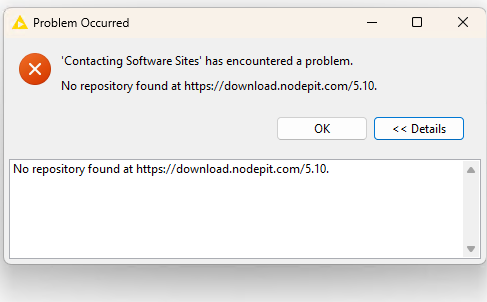
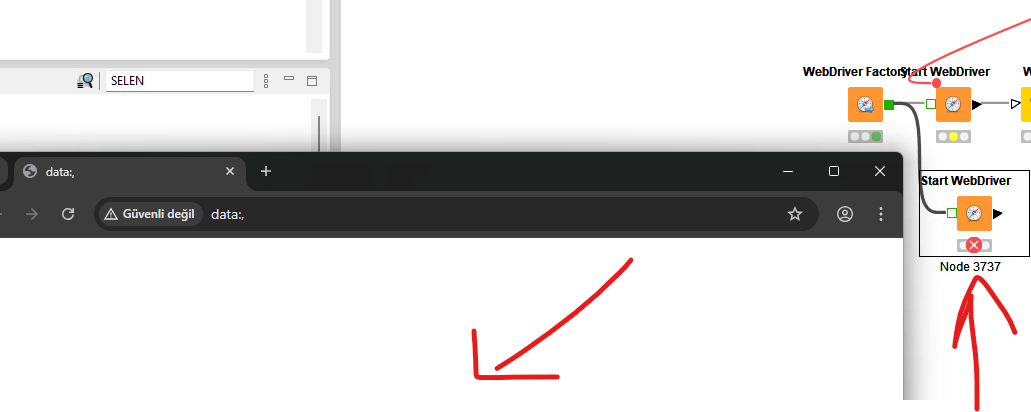
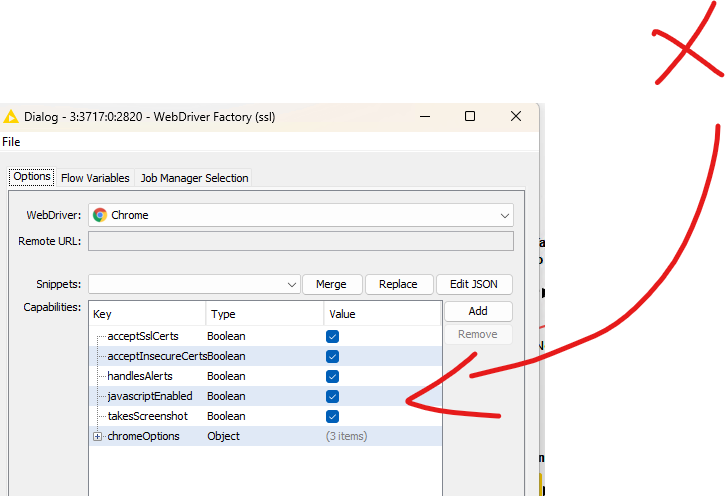
I couldn’t solve the problem. I’m trying to uninstall, reinstall, and then reinstall Knime, but I’m encountering different problems. You can see the solution here: