Im new using the call workflow nodes and Im trying to figure out how to handle them.
Here is the thing, I need two actions:
1- send some variables from the caller to the callee
2- get two tables from the callee to the caller, so then I can triger other workflow.
below I leave some screens of my current set up and how I linked them to the call workflows, but each of them provide me only one the functions I need:
A- Call workflow Service properlly identify the two workflow outputs from my child, but when I execute it none of the variables passes thru, so the workflow fails on execution.
B- Call worfklow (table based) passes all the variables with no problems to my child, executes perfect the child workflow, but it does not recognize the two workflow outputs, in fact it ends as shown in the picture with the little red X as if it is empty (but nope, both tables have full data in them)
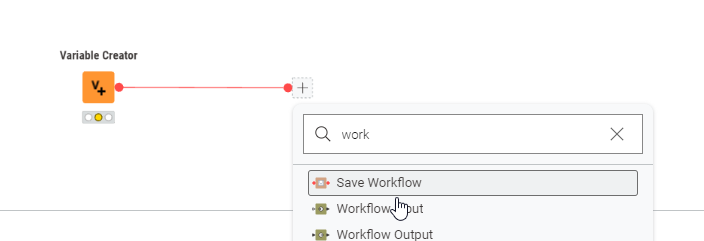
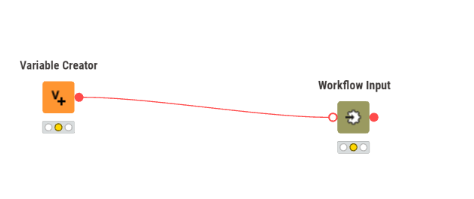
In the callee you need to use workflow input node:
You should be able to delete the table port and then add a variable port
In the workflow output nodes you should be able to configure the name - if you make it descriptive it is easier to identify in call workflow service node which port delivers which table.
I recommend not to use the up / down arrows in call workflow service to change the order - for some reason whenever you go back into configuration it resets to default and if you accidentally click apply the order changes
thanks @MartinDDDD this kinda its the trick, however there is no simply way to change those ports in the node itself, nevertheless the second answer below from @mlauber71 has a video showing the little trick of conecting a wait port and then add the workflow input, and it loads with the variable ports, with this I was fully able to execute the workflow the way I wanted.