Hi Mike,
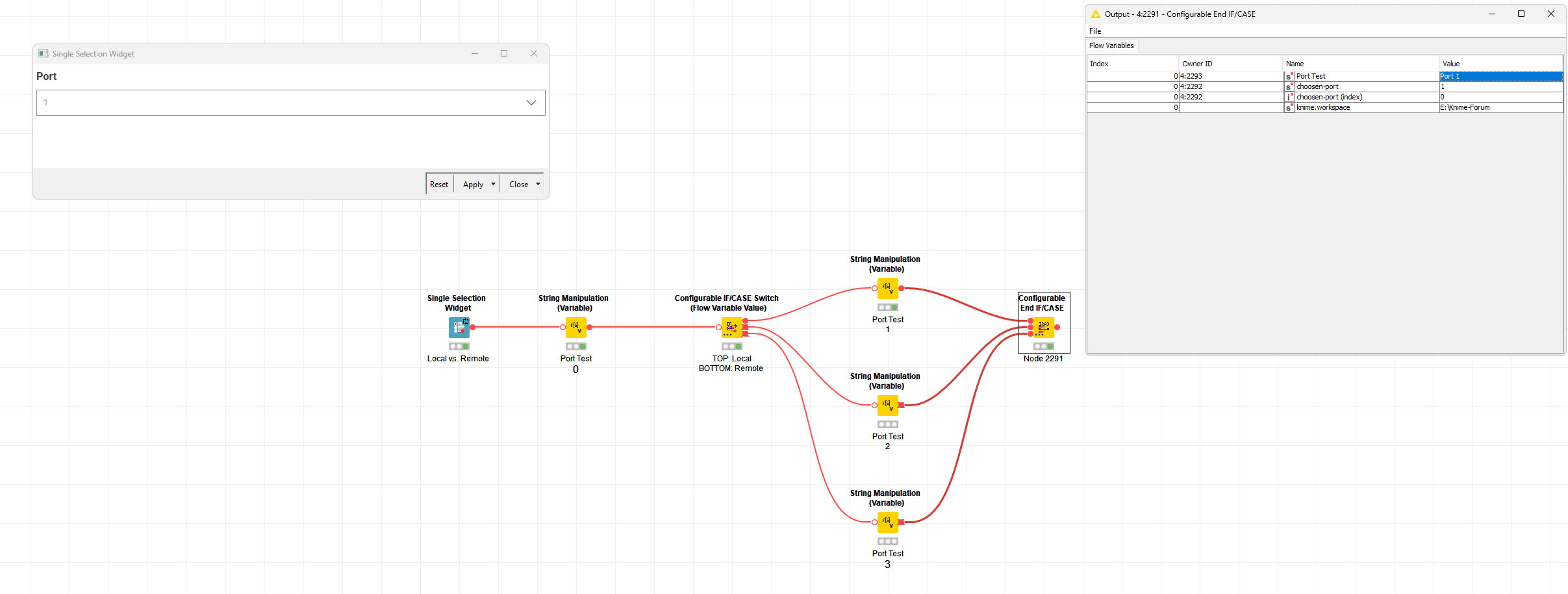
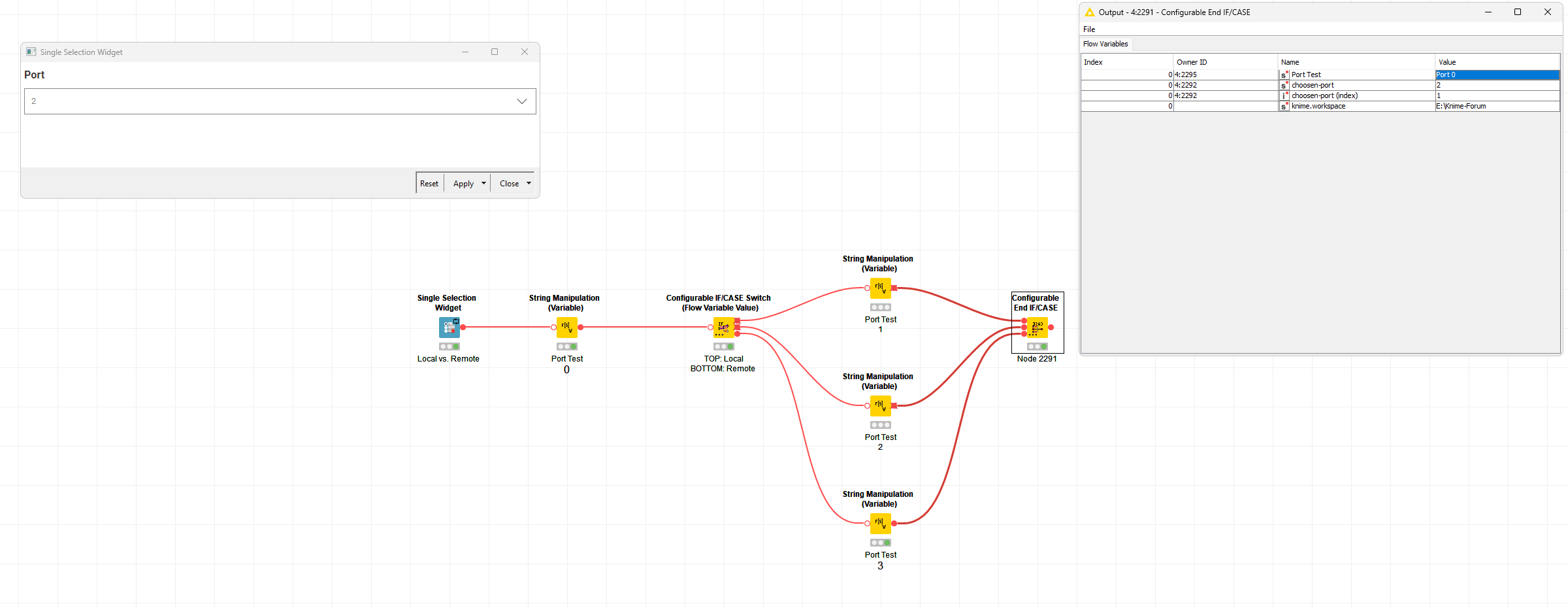
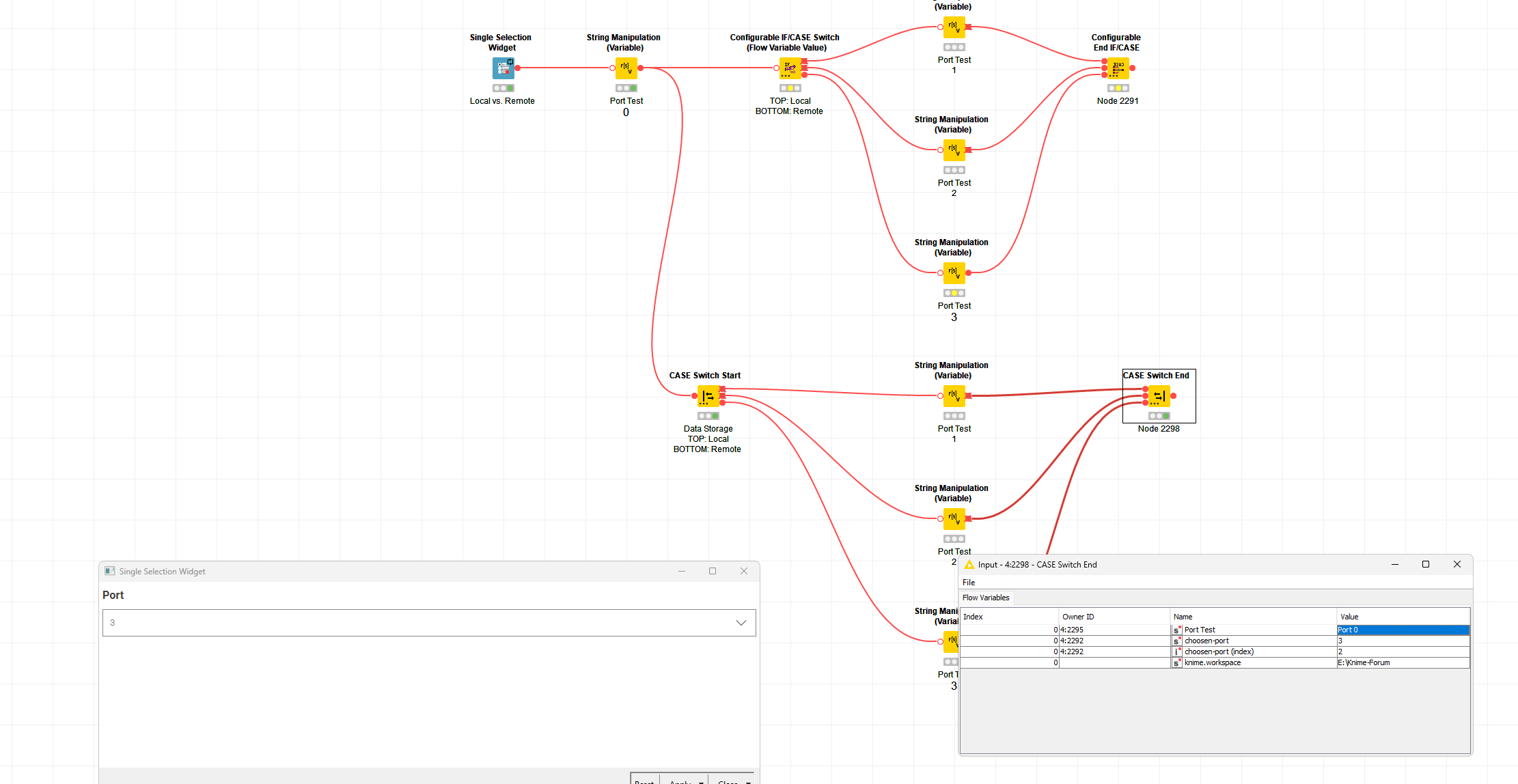
It would, and indeed that option was exactly what I was thinking of. Unfortunately, I’ve now realised why this is impossible regardless of any under-the-hood changes I might make to the node… (Read on only if you want a whistle stop dive into some deep KNIME architecture…!)
OK, so for every port type except flow variables when you look at it in the output port of a node you are looking at an individual instance - e.g. your data table is different at the output to what came into the node (well, almost always - sometimes, e.g. flow control nodes, some loop ends etc., it is just passed through unchanged, but it is still a unique instance associated with that node). That port contains it’s data table (or its PMML model, or its similarity function or whatever).
So far, so good - that’s I guess about what you would expect? Now, here’s the fun… Flow variable ports are all referring to the exact same singleton instance - they don’t contain any data of their own at all… And indeed, in the node when you read or modify flow variables, you don’t do it in any way that’s connected with the input or output port. Instead, the flow variables are kept on a stack (that’s why and how in for example nested loops you might see two flow variables both with the same currentIteration name). The control of what is on that stack is deep deep in the KNIME core and largely inaccessible (beyond being able to add stuff to it or read a value from it) - and it’s in there that the behaviour we see is defined. So, unfortunately, no matter what we do in the End IF/Case node, there’s no way of knowing which variable values might have come from which active input port 
(As an aside - it used to be impossible to ever remove something from the stack - recently KNIME have added the option to remove flow variables I think - but my recollection is under the hood that there’s a bit of trickery going on there to hide rather than actually remove it)
If you’re wondering why on earth this ever happened, then I think the answer is that flow variables were retrofitted at a time back in KNIME 1.x when the only port type was the standard Data Table port, and that was the way it was done. Adding custom port types came later, and by that point, the Flow Variable behaviour was baked in hard. I think that’s also why for a long time you could only have String, int and double variable types - it might with hindsight have been more obvious to base it on a DataCell / DataType which would have allowed a lot more flexibility.
I’m going to tag @wiswedel here to check the accuracy of the above in case I missed an obvious trick
If you’re still reading… you were warned!
Steve