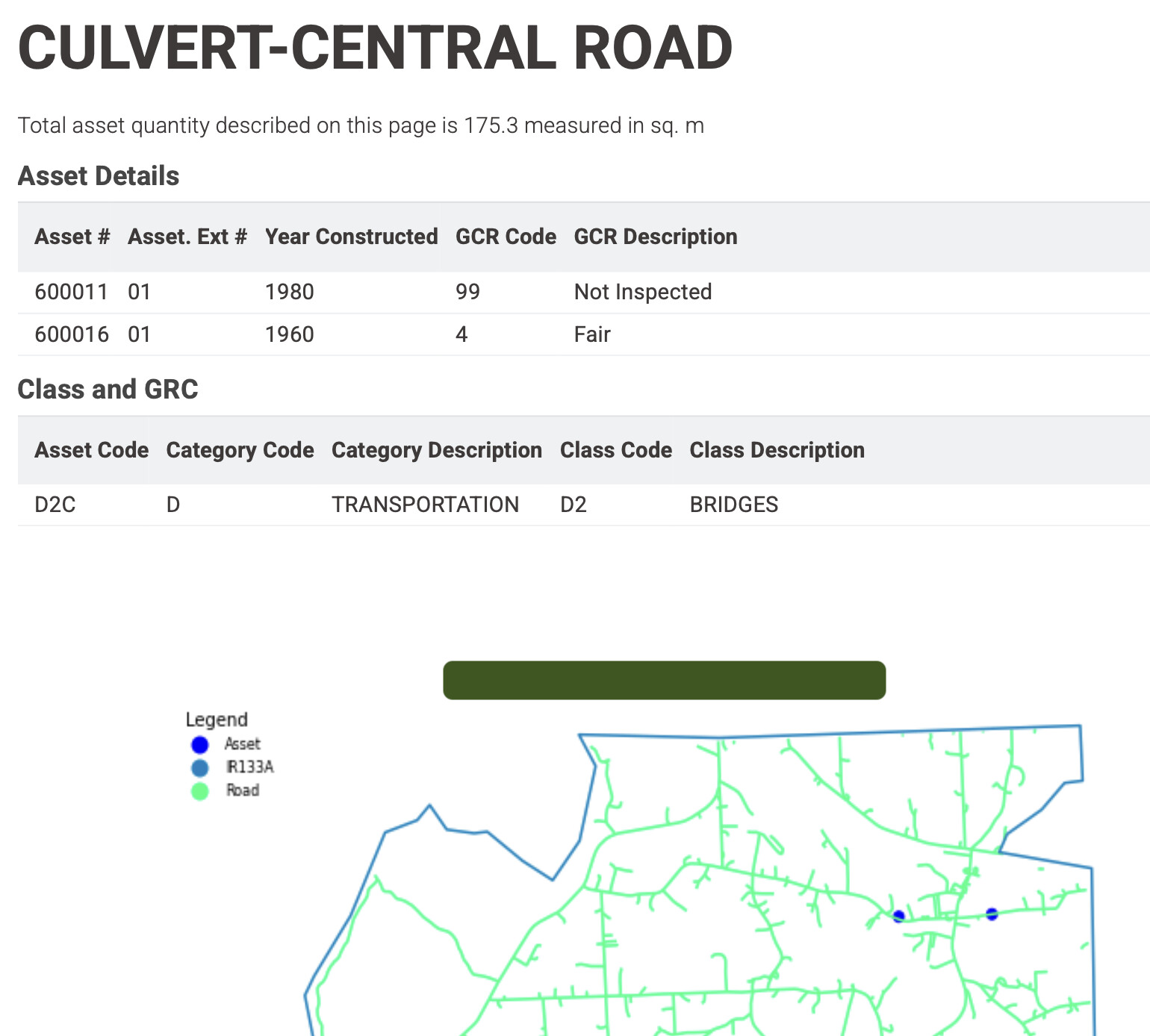
As a complete NOOB to KNIME (V5.8.1 on MacOS-M4) I try to make a PDF document that includes locations marked on a map with some details regarding the listed locations. The location data and additional information is stored in a spreadsheet.
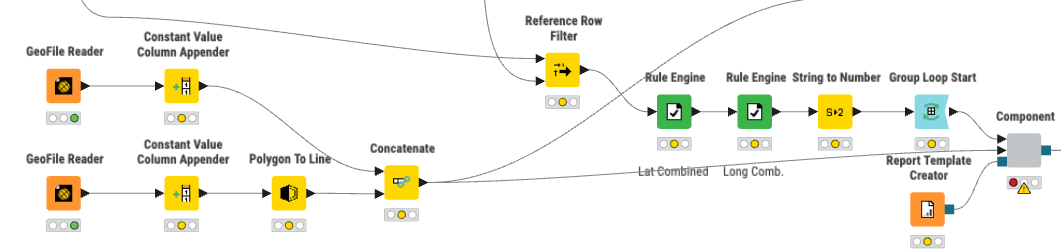
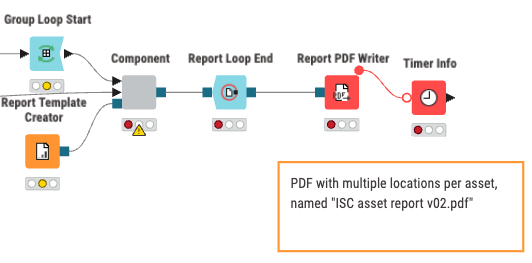
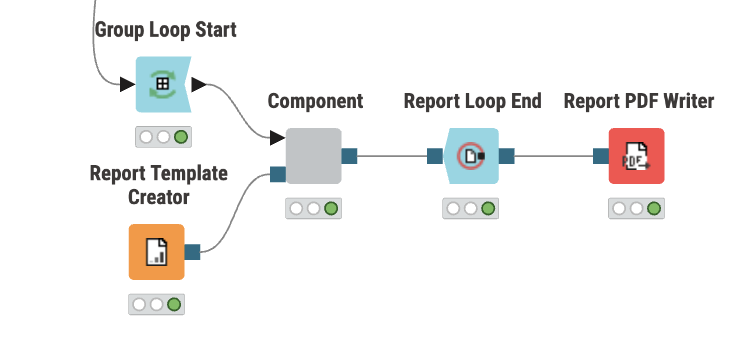
I use a “Group Loop Start” and a “Report Loop End”
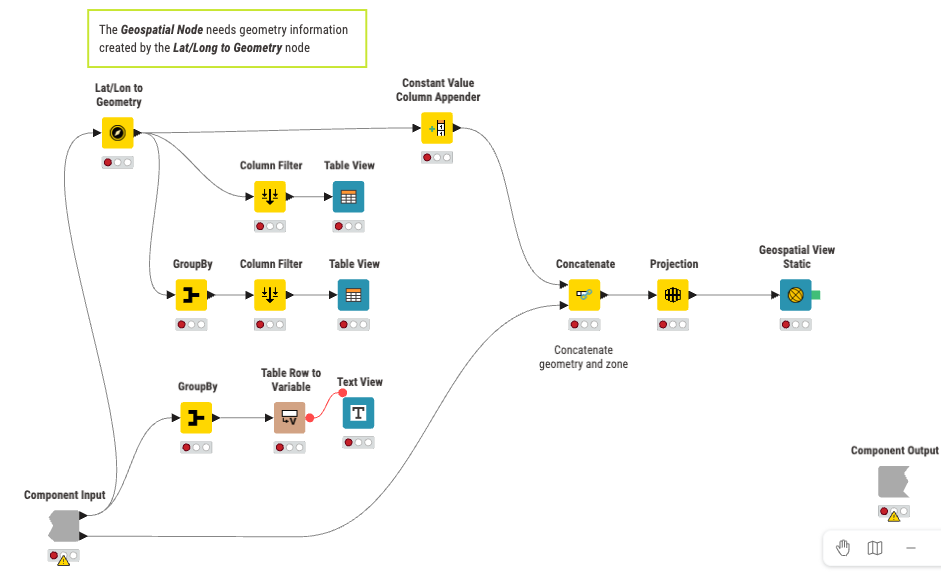
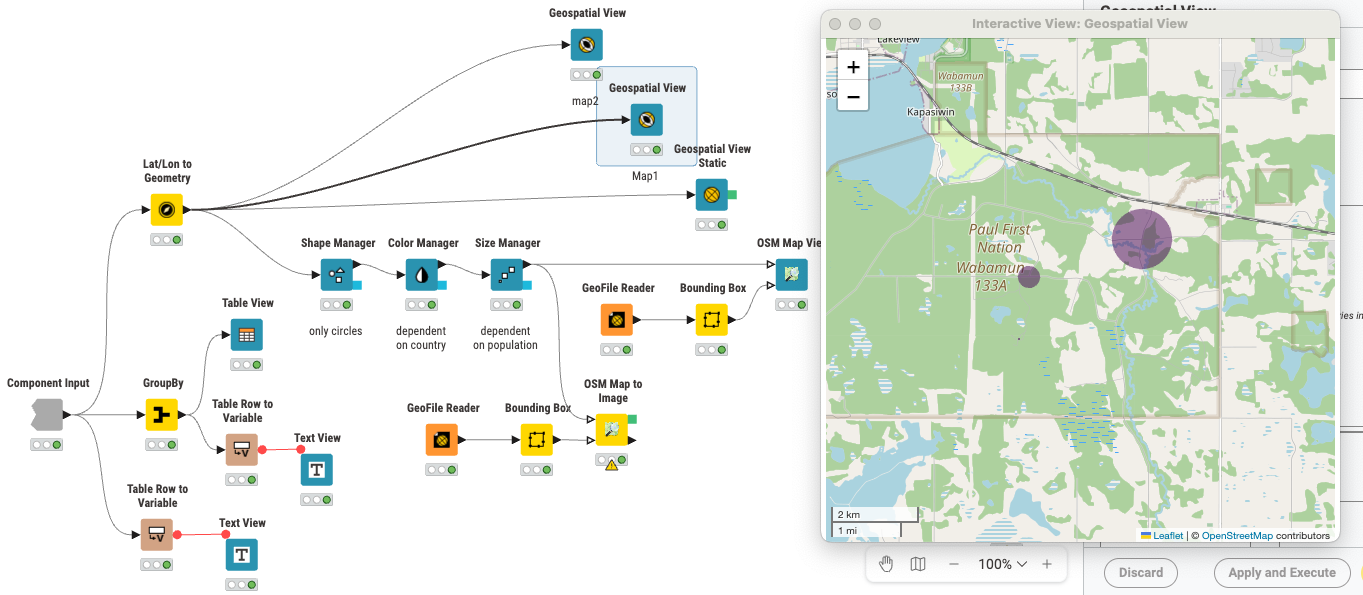
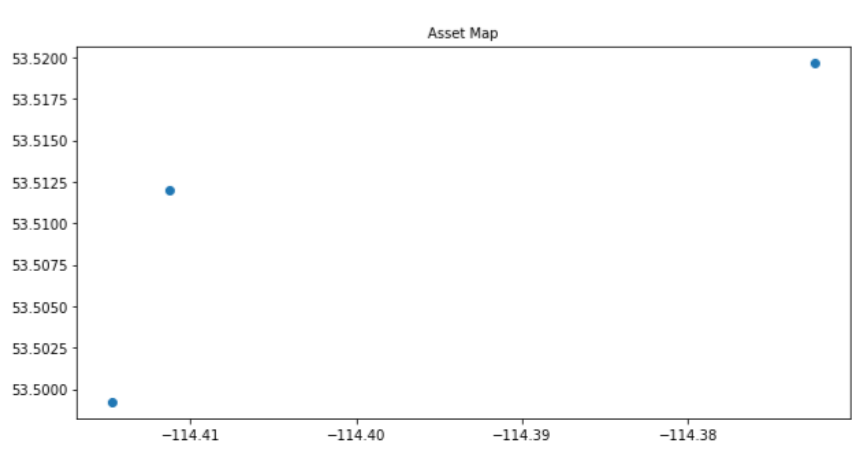
First I tried using “Geospatial View”, which generated a map focused on the locations which I could see on screen.
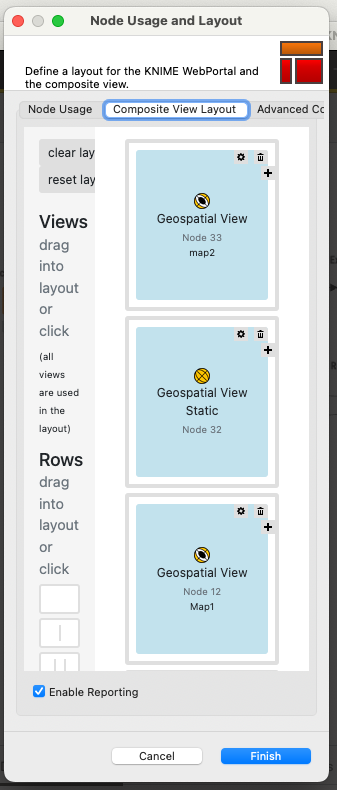
When I open the layout editor it seems I can use this view in the composite view layout for my PDF reports.
When I look at the saved PDF file I can add all the required information with the exception of the map. The PDF file states that the view is not supported.

Searching the internet and using AI I understand that “Geospatial View” is dynamic view and that I need to convert it to a static view by adding a blue export connector to the Node which I was unable to do.
Q1: How can export the map from the “Geospatial View node” into a PDF file?
The next attempt was to use “Geospatial View Static” as a node which allows adding the locations in the PDF but does not allow a reference background map to be added. This makes the node less useful for our particular purpose.
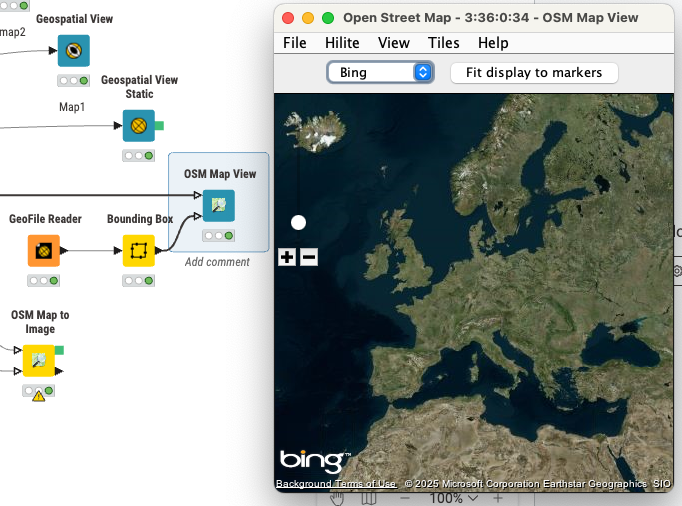
Looking for another approach I tried using OpenStreet Map, “OSM Map View” which oddly enough provides BING satellite images. Unlike “Geospatial View” the outcome map is not centered on the selected geolocations in the spreadsheet.
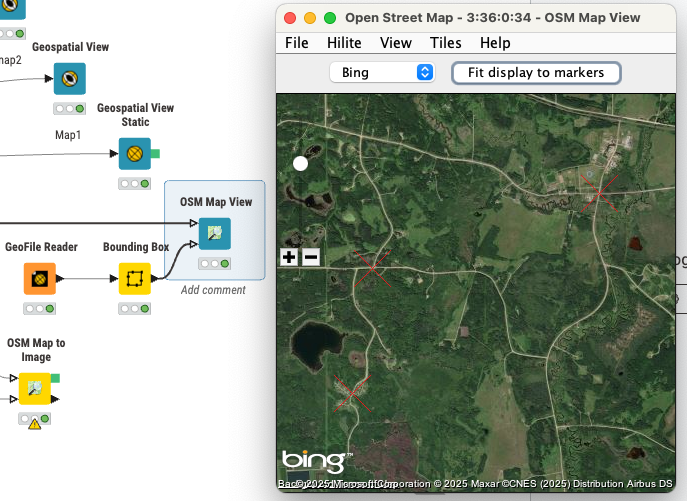
Once “Fit display to marker” is clicked " the map focuses on the POI.
As I did not find out how to export this in a report either I explored “OSM Map to Image”. Here I can adjust the basic area of interest so the focus in no longer on Europe as above.

Here I can add a view node which shows up in the open layout editor.

However the output map is only some pixels in size unlike the map in the interactive “OSM Map View” so I’m clearly doing something wrong.
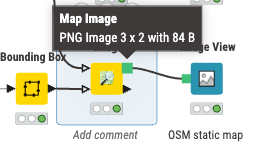
Q2: What am I doing wrong to get such a small image as output?
I followed some of the KNIME map tutorials which focuses on interactive maps and asked Gemini, Chat GPT and KNIME’s AI for solutions but keep turning in rounds without a working solution.
What I would like is just automate the plotting locations on a base map (satellite or simplified like OSM) and export them to a PDF file. My struggle is the final step to get the static map with the marked locations in the PDF file. Please advise me on what I’m doing wrong or what I am overlooking in using Knime!
Thank you for your help in advance,
Kris