Hi @ijoel92,
Welcome to the forum! There are two things that I think you might find useful.
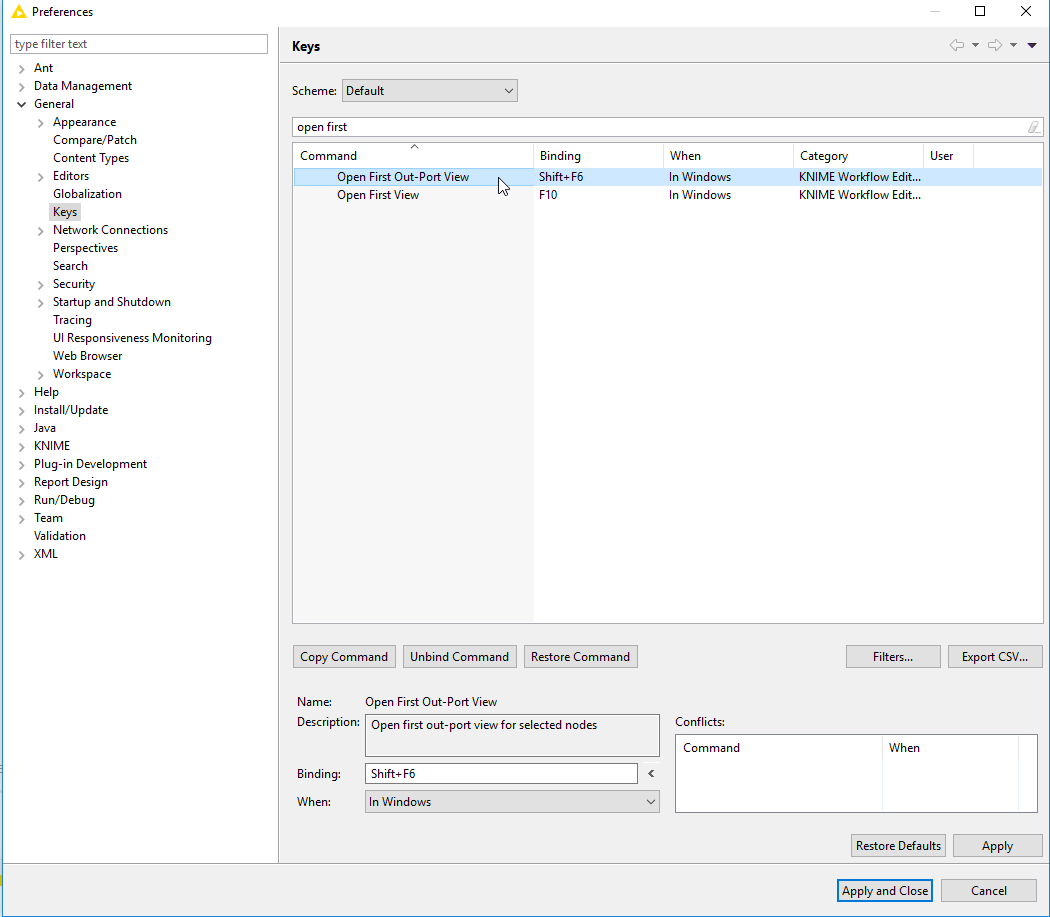
First) if you have a node selected and press Shift+F6 you’ll open the contents of the first output port. The key binding can be changed to whatever suits you under File > Preferences > Keys.
Second) The Node Monitor can be set to show a preview of the output of a whichever node you have selected. This will just change dynamically as you click around your workflow.
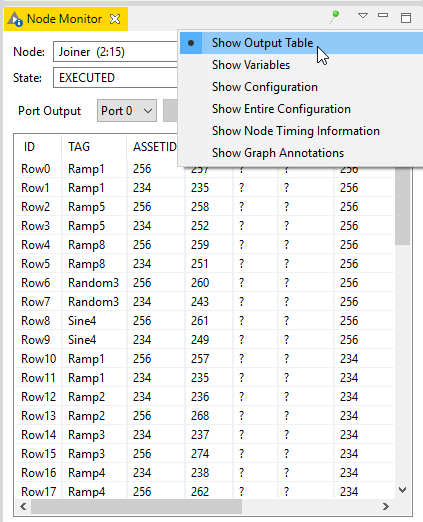
You can add the Node Monitor to your interface (it’s just a static window that sticks around all the time like the Node Repository) by selecting it under View > Other > Node Monitor at the top of the KNIME interface.
Hope this helps!
Corey.